Chapter 4: Programs
Info Tab
Psion EP10 Hand-Held Computer User Manual
66
• When you’ve completed the information for the contact entry, tap on OK. The new contact is displayed
in the Contacts list.
4.6.3 Info Tab
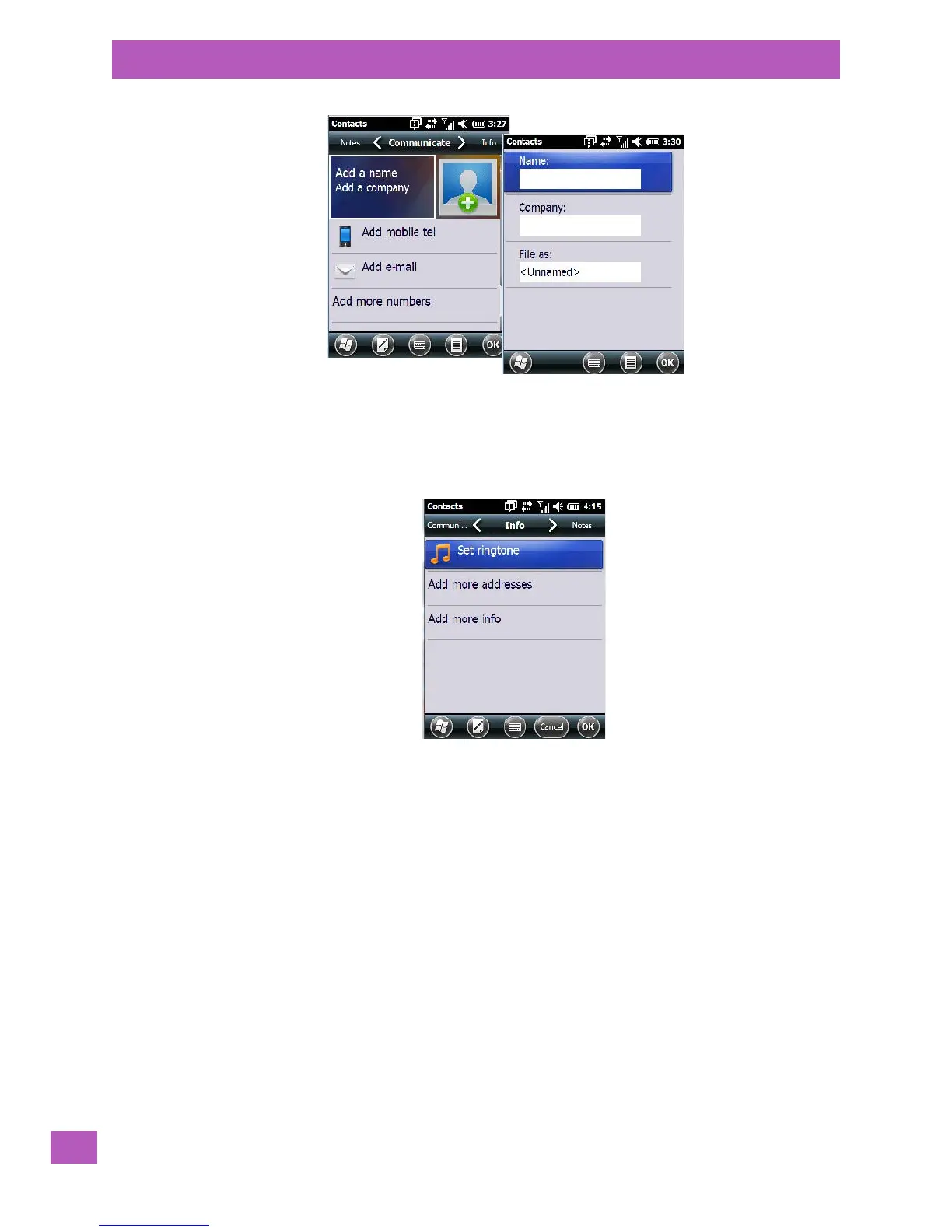
This tab allows you define a ring tone for a particular contact. You can also add additional addresses related
to your contact (work and home), and information about your contact such as a job title, office location and
fax number.



 To Next Page