Appendix C: Imagers Applet
Bar Code Symbologies
C-17
Psion EP10 Hand-Held Computer User Manual
Adding, Editing and Removing Triggers
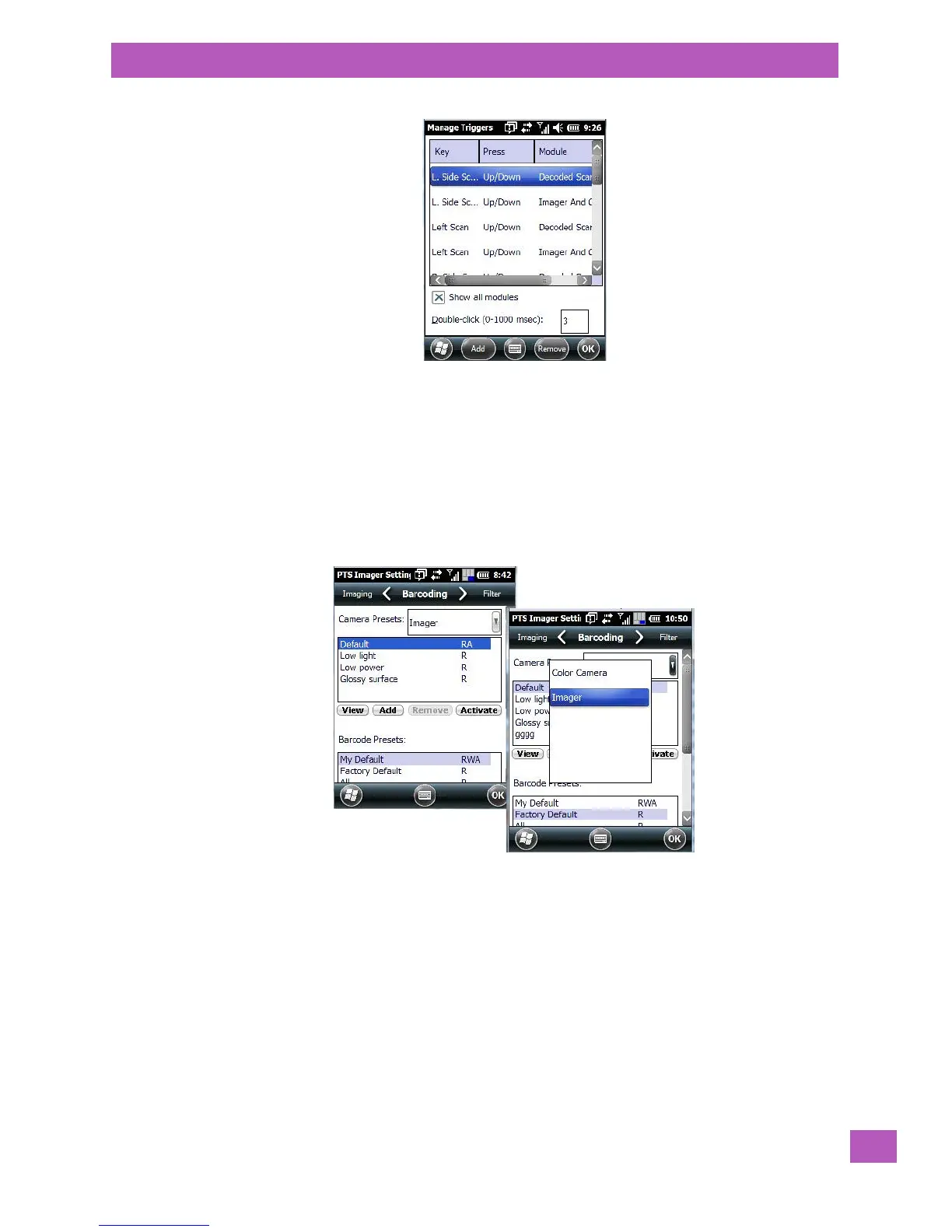
For instruction about adding, editing and removing triggers, refer to “Manage Triggers” on page 156.
C.5 Bar Code Symbologies
There are two sets of bar code symbologies, one for Imager and one for Colour Camera. To display the bar
codes available:
•In the PTS Imager Settings screen, scroll to the Barcoding tab.
•In the Camera Presets: drop-down menu at the top of the PTS Imager Settings screen, choose Imager
or Color Camera depending on which set of bar codes you want to work with.
• Scroll down to the Barcode Presets.



 To Next Page