Chapter 5: Settings
Backlight – Screen and Keypad
Psion EP10 Hand-Held Computer User Manual
144
This tab allows you to tailor the EP10 backlight behaviour of the screen and keypad to best preserve
battery life.
By default, the EP10 is set to adjust the backlight automatically. An x should be present in the checkbox to
the left of Adjust backlight automatically. Note that automatic adjustment is based on the settings in the
Advanced tab.
Manually Adjusting Screen and Keypad Brightness
The top sliding button adjusts the screen brightness while the bottom sliding button adjusts the keypad
brightness. To adjust the backlight manually:
• Slide the buttons to the left to decrease brightness and to the right to increase brightness.
5.11.2.2 Advanced Tab
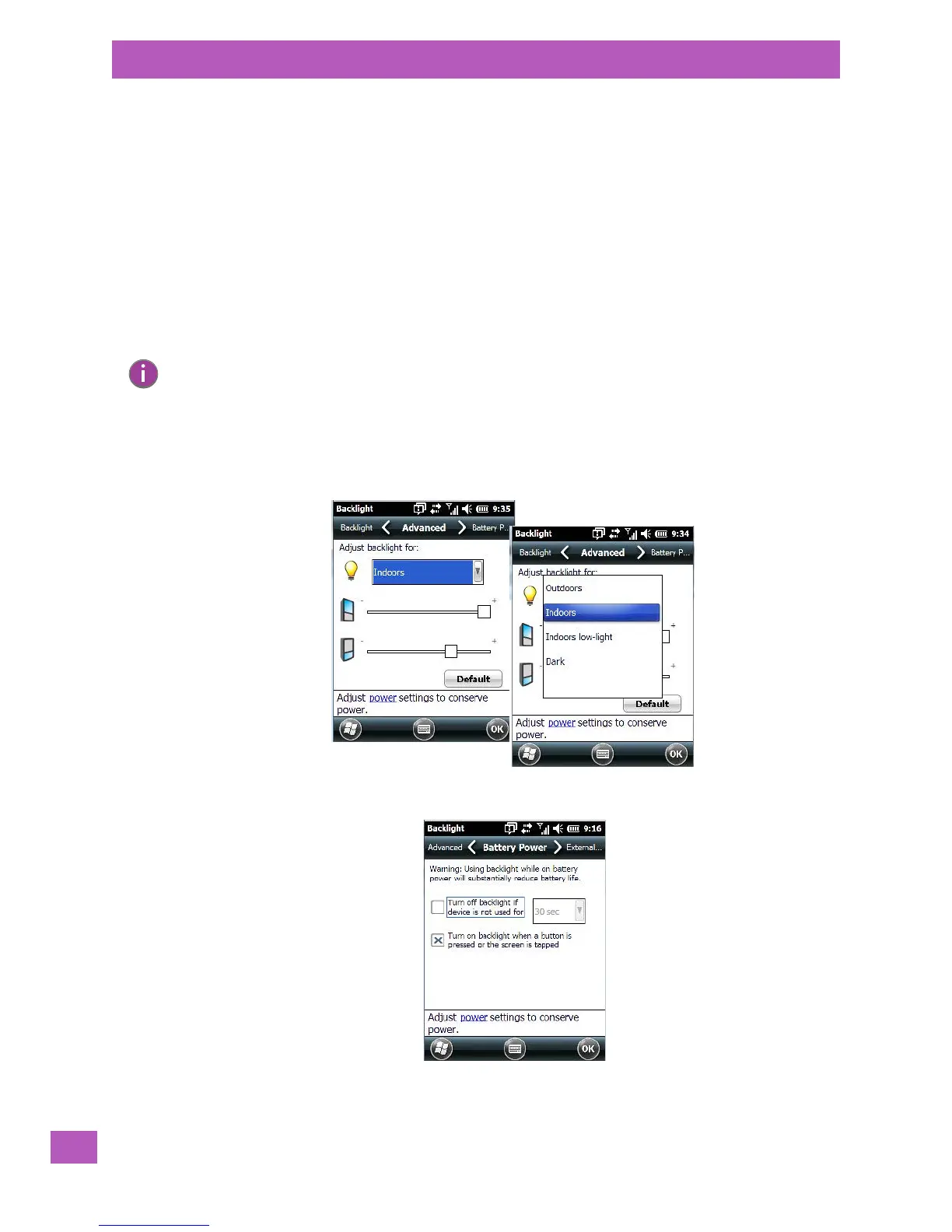
The drop-down menu at the top of the Advanced tab allows you to set up backlight behaviour for different
lighting conditions so that when you choose one of the lighting categories, your EP10 will adjust to the se-
lected ambient light conditions automatically.
5.11.2.3 Battery Power Tab
This tab allows you to tailor the EP10 backlight behaviour to best preserve battery life.
Note: The EP10 uses the settings in this tab to determine how the backlight will behave when ‘Adjust
backlight automatically’ is enabled in the ‘Backlight’ tab. The options in the ‘Advanced’ tab are not
available when ‘Adjust backlight automatically’ is disabled.



 To Next Page