Appendix C: Imagers Applet
Configuring the Bar Code Decoding Symbologies
C-11
Psion EP10 Hand-Held Computer User Manual
• Tap on Yes to remove the preset or No to cancel the operation.
C.4.7 Configuring the Bar Code Decoding Symbologies
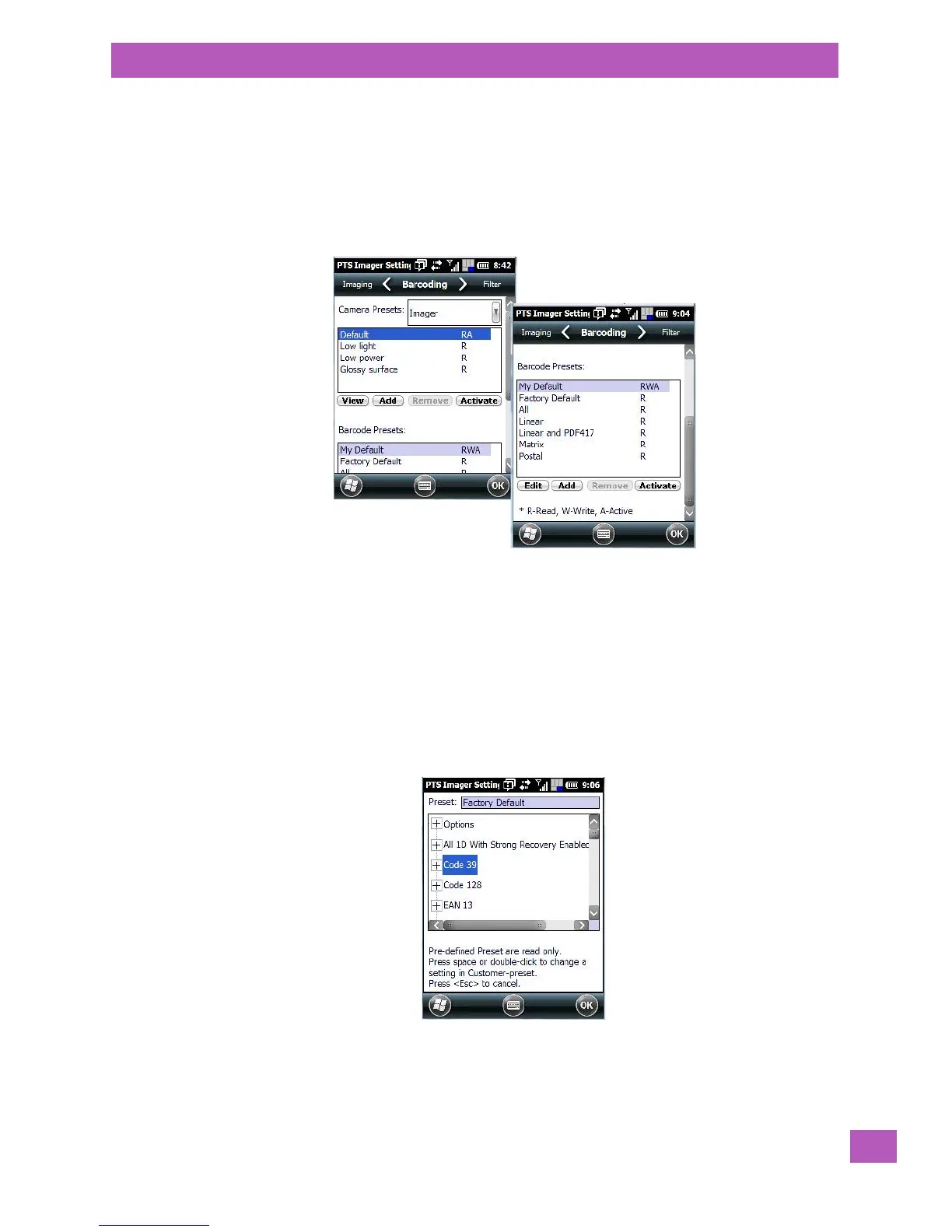
To configure the bar code decoding camera presets:
• Tap on Start>Settings>System tab.
• Tap on the Barcoding tab.
• Scroll down to view your bar code options.
C.4.8 Setting the Active Preset
An active preset has an A to the right; in Figure C.3 on page -8, the active preset is My Defaults. To set an
active preset:
• Highlight the preset, and tap on the Activate button.
C.4.9 Viewing a Preset
To view the parameter settings in a preset:
• Highlight a preset, and tap on the View button.
The associated preset window is displayed.
• Tap on the + sign to expand one of the lists so that you can view the parameter settings.



 To Next Page