Chapter 5: Settings
Wi-Fi Config – Setting Up the 802.11a/b/g/n Radio
Psion EP10 Hand-Held Computer User Manual
124
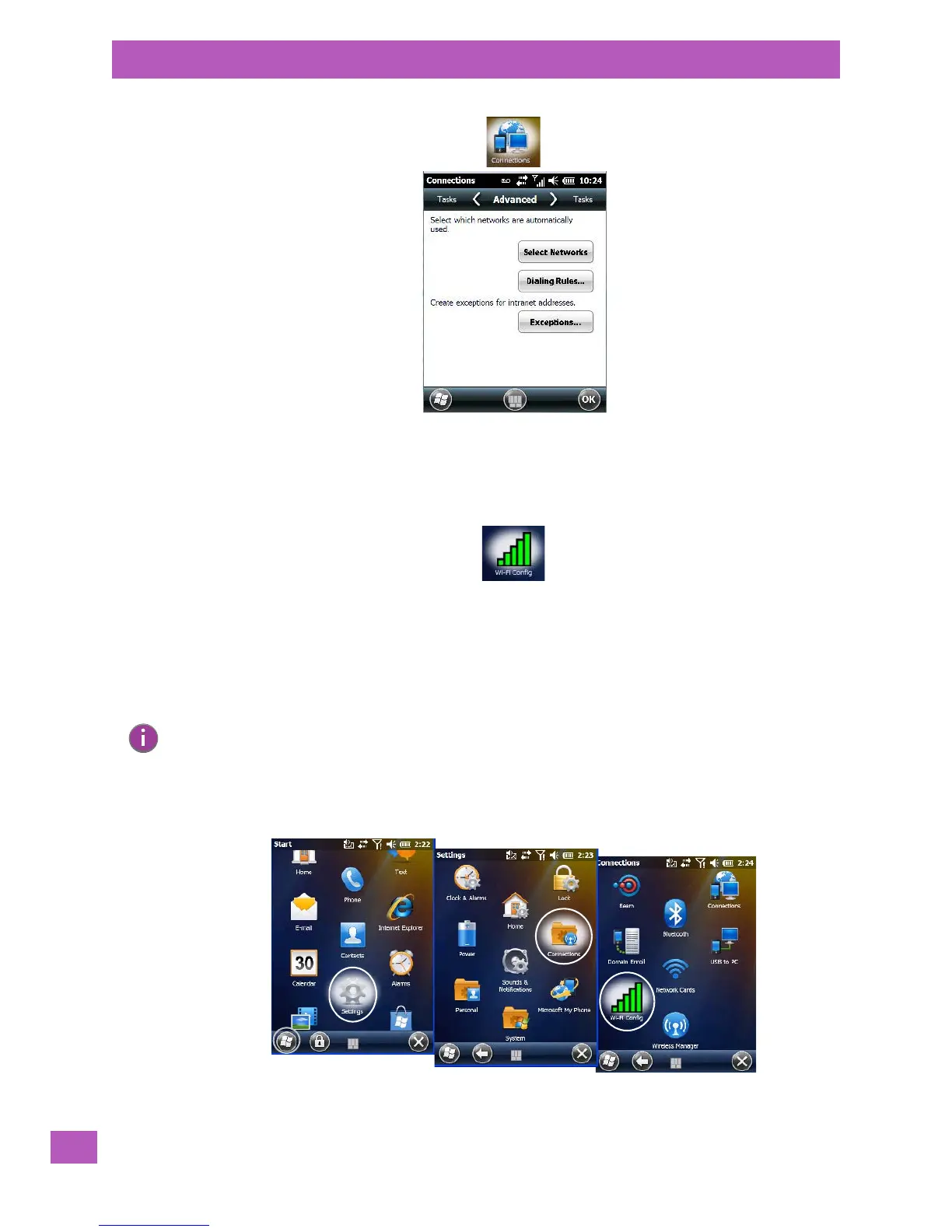
•Tap on Select Networks.
• In the appropriate list, choose My ISP or My Work Network.
5.8.9 Wi-Fi Config – Setting Up the 802.11a/b/g/n Radio
The Wi-Fi Config application is used to configure the radio for one or more wireless network profiles. This
section describes the steps required to set up the Murata 802.11a/b/g/n radio.
To see specifications for this radio, refer to Appendix E: “Omnii Specifications”.
A network profile contains settings for SSID (Service Set Identifier) and security options.
To launch the Wi-Fi Config application:
•Tap on the Start button followed by the following icons: Settings>Connections>Wi-Fi Config.
The Wi-Fi screen is displayed:
Note: In most situations, the configuration of your 802.11 radio will require parameter settings and
access keys from a network administrator.



 To Next Page