Chapter 5: Settings
PsionVU
Psion EP10 Hand-Held Computer User Manual
168
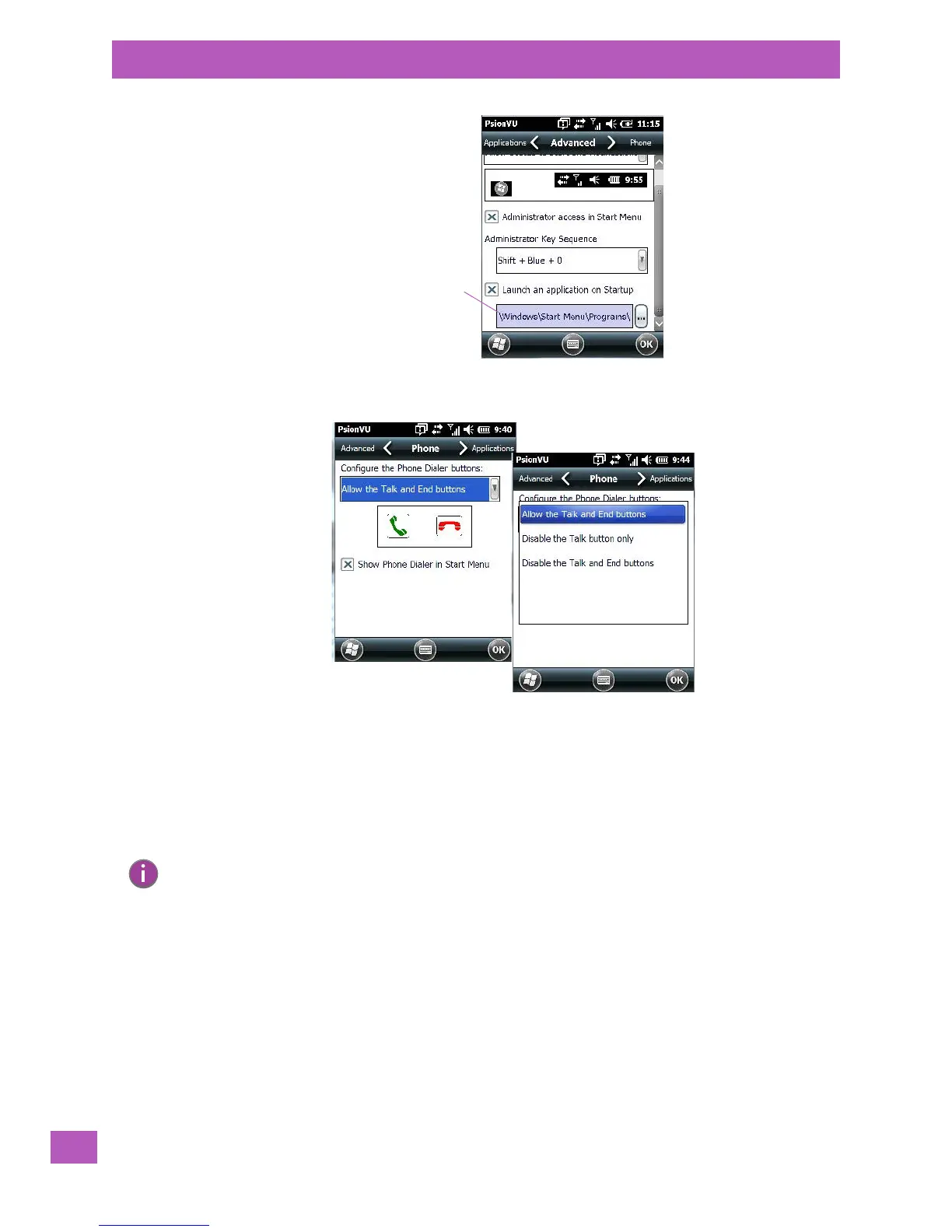
Phone Tab
The Phone tab allows you to define access to the phone buttons on the EP10 keyboard by choosing an item
from the Configure the Phone Dialer buttons drop-down menu.
5.11.18.4 Restrictions
The Restrictions screen allows the administrator to restrict access to applications.
Note: Remember that changes do not take effect until the EP10 is set to User Mode and the unit is
reset. Refer to “Activating a Change – User Mode” on page 172.



 To Next Page