Chapter 5: Settings
PsionVU
169
Psion EP10 Hand-Held Computer User Manual
Application Tab
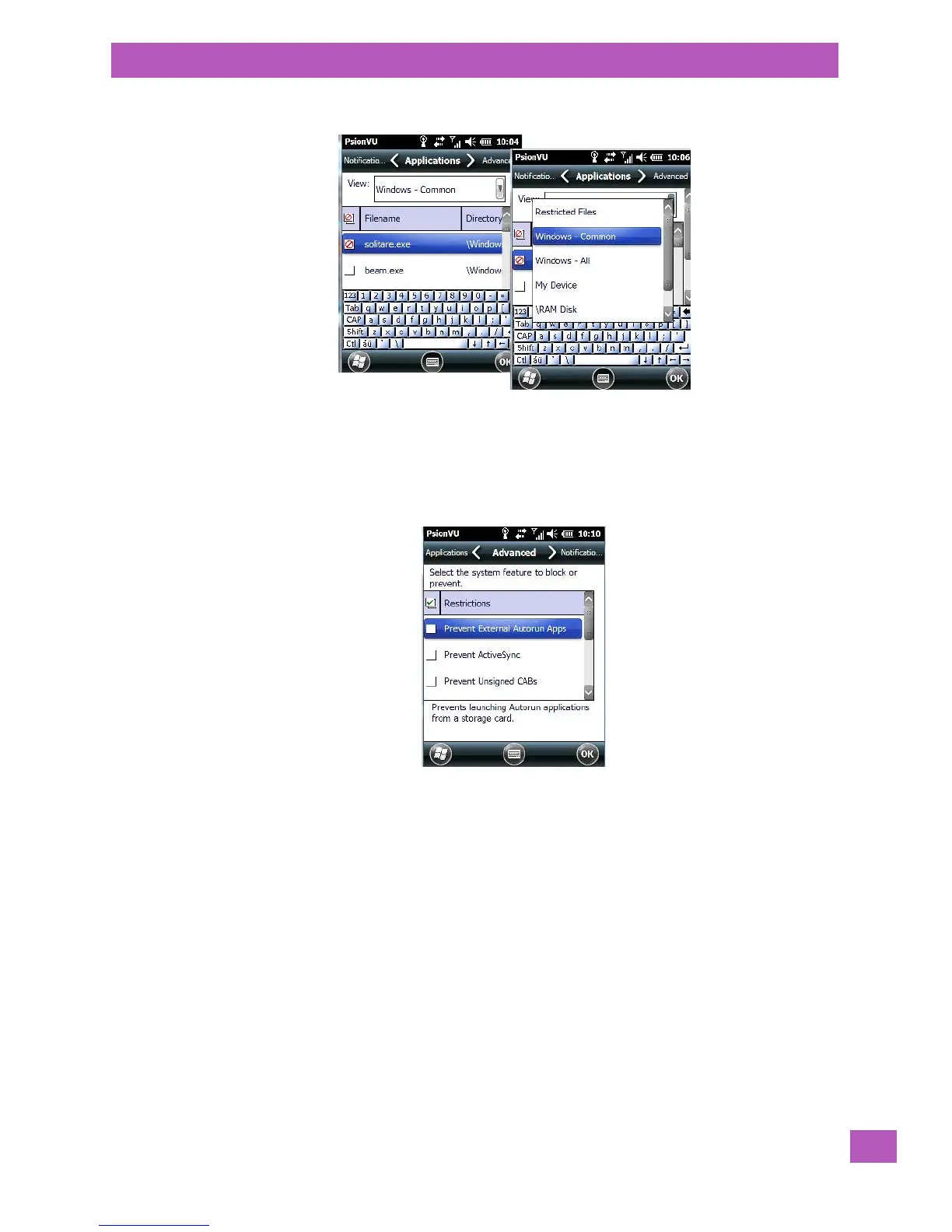
Tapping in the View menu displays a drop-down menu where you can define restrictions for each storage
area of the EP10. Restricted items are marked in the checkbox to the left – in the sample screen above, soli-
taire.exe is restricted.
Advanced Tab
The Advanced tab lists system features you can prevent or block from user access. Tapping in the checkbox
to the left of a feature adds a check mark indicating it is blocked.



 To Next Page