Chapter 3: Getting to Know the EP10
Programs – Using Applications
43
Psion EP10 Hand-Held Computer User Manual
3.15 Programs – Using Applications
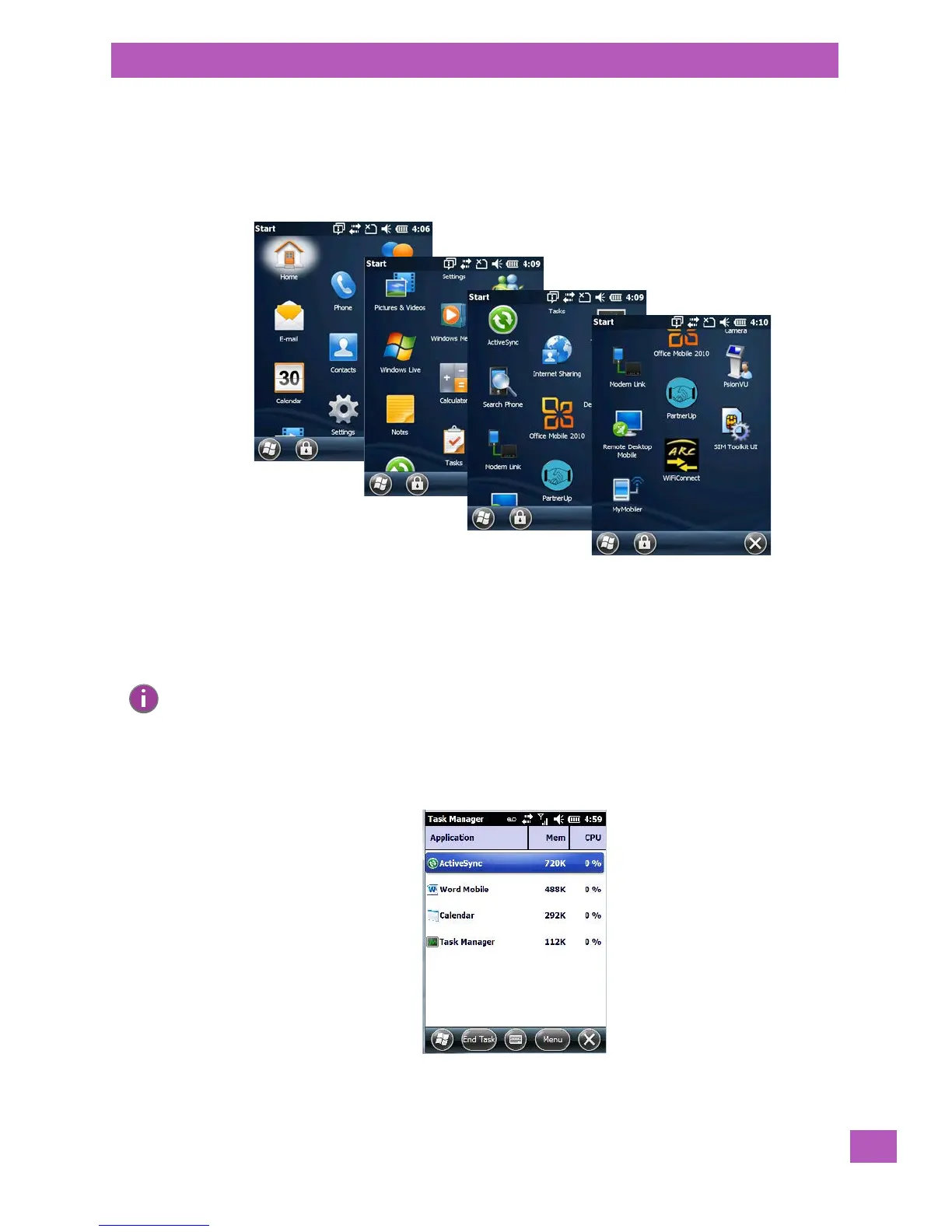
• Tap the Start button in the softkey bar to display the programs installed on your EP10.
Figure 3.5 Program Icons
Opening an Application
• Tap on a Program icon to launch the associated program.
Minimizing an Application
• Tap on the X button in the lower-right corner of an application screen to minimize the application.
Opening, Closing and Switching Applications
• Tap on Start>Settings>System icon. Use your stylus to scroll to the Tas k M an ag er icon.
• Tap on Tas k M a na ge r to display the associated screen.
Note: Although it looks like a Close button, this button does not close the application – it only mini-
mizes it.



 To Next Page