Chapter 4: Programs
Renaming a Note
75
Psion EP10 Hand-Held Computer User Manual
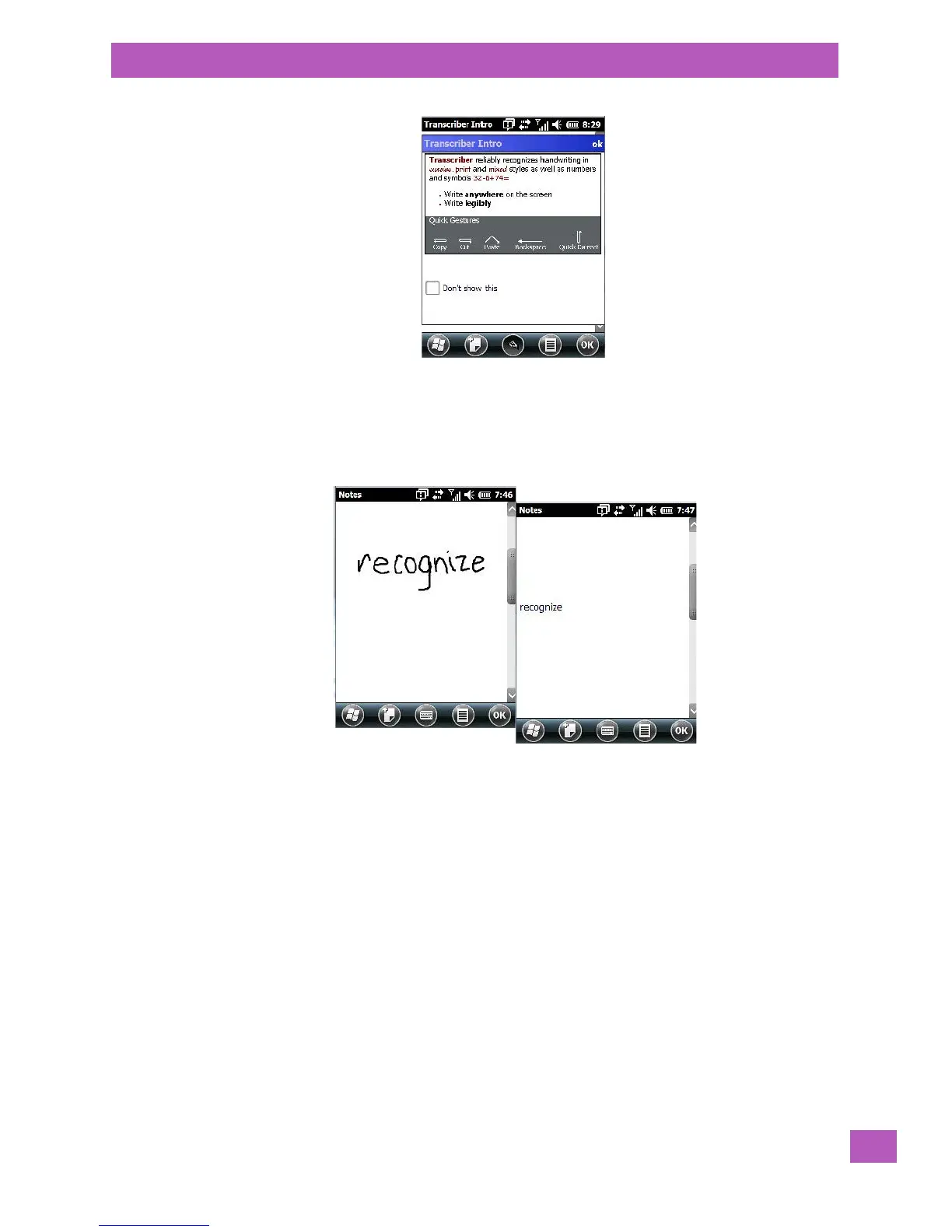
When you choose Transcriber, the soft keyboard icon changes to an icon of a hand poised to write a note.
•At the top of the Transcriber Intro screen, tap on OK.
• In the blank Note screen, use your stylus to write a note as clearly as possible.
The text in the note is converted from handwritten to printed text.
• Tap on OK to save your note.
• In the blank Note screen, use your stylus to write a note as clearly as possible.
4.14.3 Renaming a Note
When you click on OK to save a note, a list of your notes are displayed in the next screen.



 To Next Page