Chapter 3: Getting to Know the EP10
The Today Screen Default Options
Psion EP10 Hand-Held Computer User Manual
34
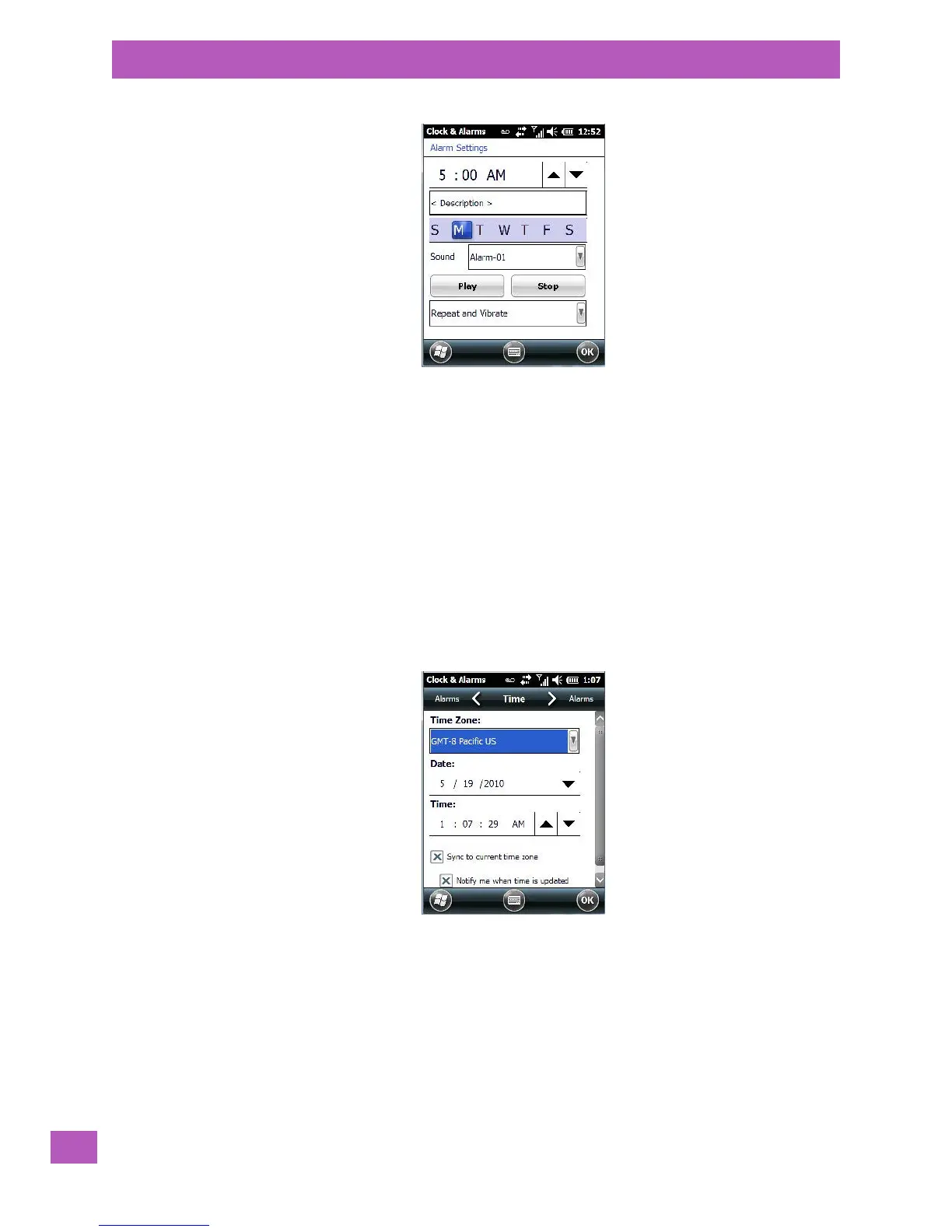
• To set the time, highlight the hours and then the minutes in the clock and use the arrow keys to
increase or decrease the numbers, or type the hours and minutes directly from the keyboard or soft
keyboard.
• Type a description in the Description field.
•Tap on the day on which you want the alarm to go off – Sunday through Saturday.
• Next, choose the Sound - you can tap on the Play button to experiment with the sounds. You can also
choose No Sound.
• In the drop-down menu below the Play button, you can choose how the alarm will behave, whether or
not it will repeat and so on.
•Tap on OK to save your changes.
Setting the Time and Date
To set the time on the EP10:
•Tap on the Ti me tab at the top of the screen.
• Choose the appropriate Time Zone, set the Date, and the current Time.
3.10.2.6 Text Messages
Highlighting Tex t in the To day screen lets you know if you have any new text messages. Tapping the stylus
on this option displays the Text Messages screen.



 To Next Page