Chapter 3: Getting to Know the EP10
The Today Screen Default Options
35
Psion EP10 Hand-Held Computer User Manual
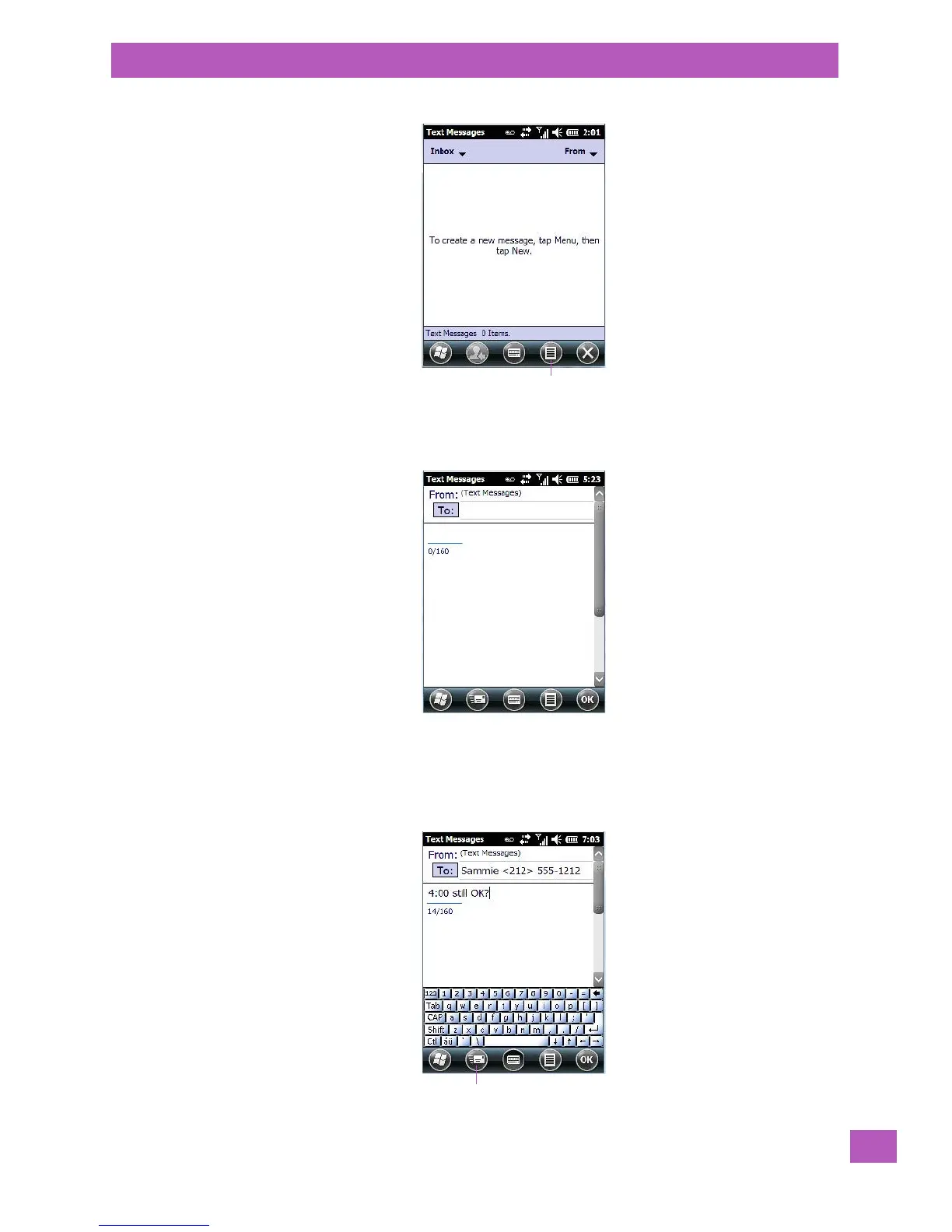
To compose and send a text message on your EP10:
• Tap on the Menu softkey, and choose New from the menu.
•In the To field, type the name of the person to whom you want to send a text message, or to insert a
number from your contacts list, tap on Menu>Add Recipient, and choose a name.
• Tap your stylus in the message area, and type your message.
• Tap on the Send icon to deliver your message.



 To Next Page