Chapter 5: Settings
PsionVU
Psion EP10 Hand-Held Computer User Manual
172
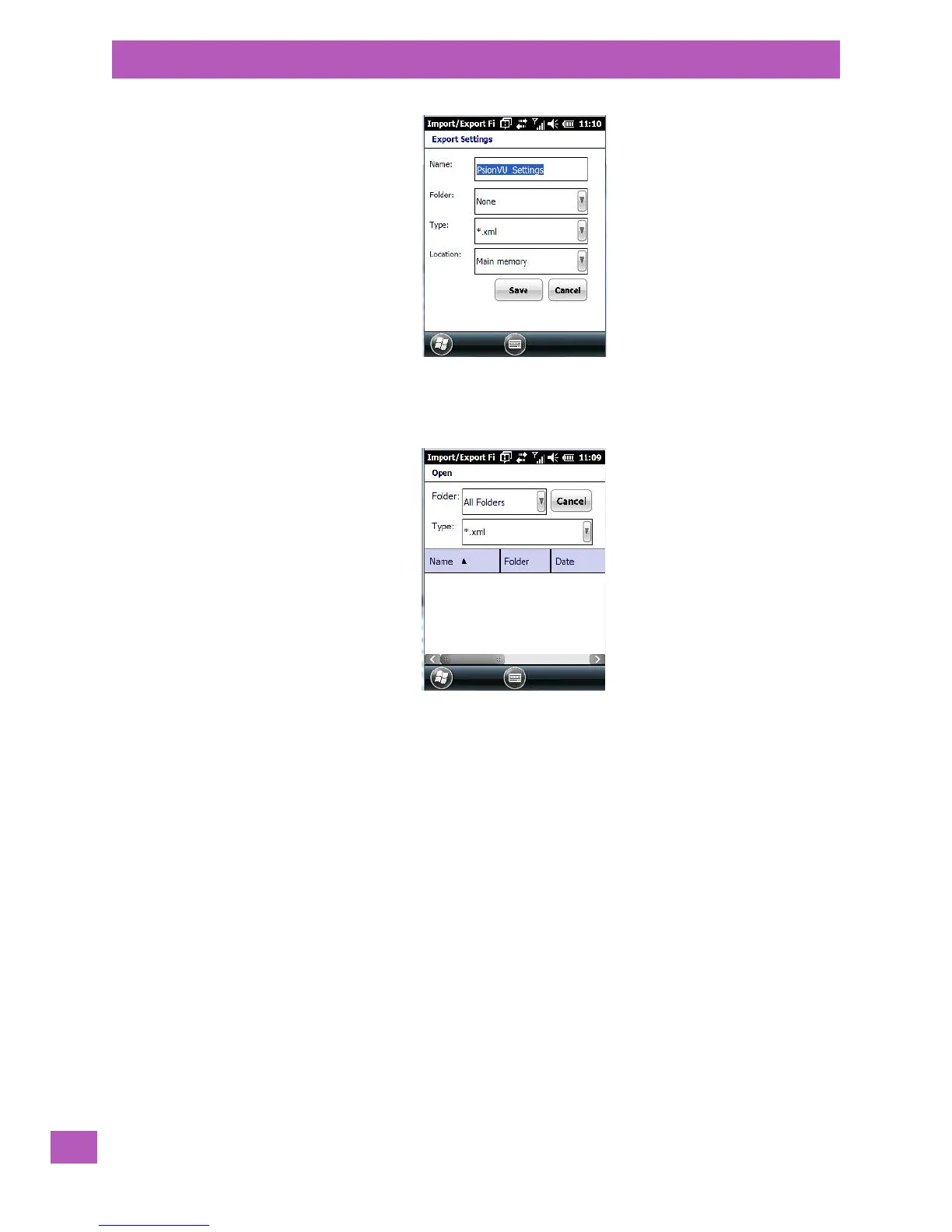
The .xml file contains all of the PsionVU configured settings, including the Administrator Password. When
the file is imported to a device, the new password is applied immediately.
• Whether choosing to import or export files, the same file location options will be listed. Following the
action, a message stating the success of the operation and the location of the file will be displayed.
• With the exception of the password, changes made to settings will take effect only after a warm reset.
If further changes to the configuration are made, they will overwrite the changes caused by the import
operation. After importing a file, a dialog will appear to enable you to reset now or later.
5.11.18.7 Activating a Change – User Mode
To activate the changes, you’ll need change from Administrator to User Mode:
• In the tab you are working with, tap on OK. In the next screen – the PsionVU menu screen – tap on OK.
A new screen, the PsionVU Access screen, is displayed.



 To Next Page