Chapter 6: Peripheral Devices & Accessories
The Unpowered Vehicle Cradle – Model No. RV1000
Psion EP10 Hand-Held Computer User Manual
208
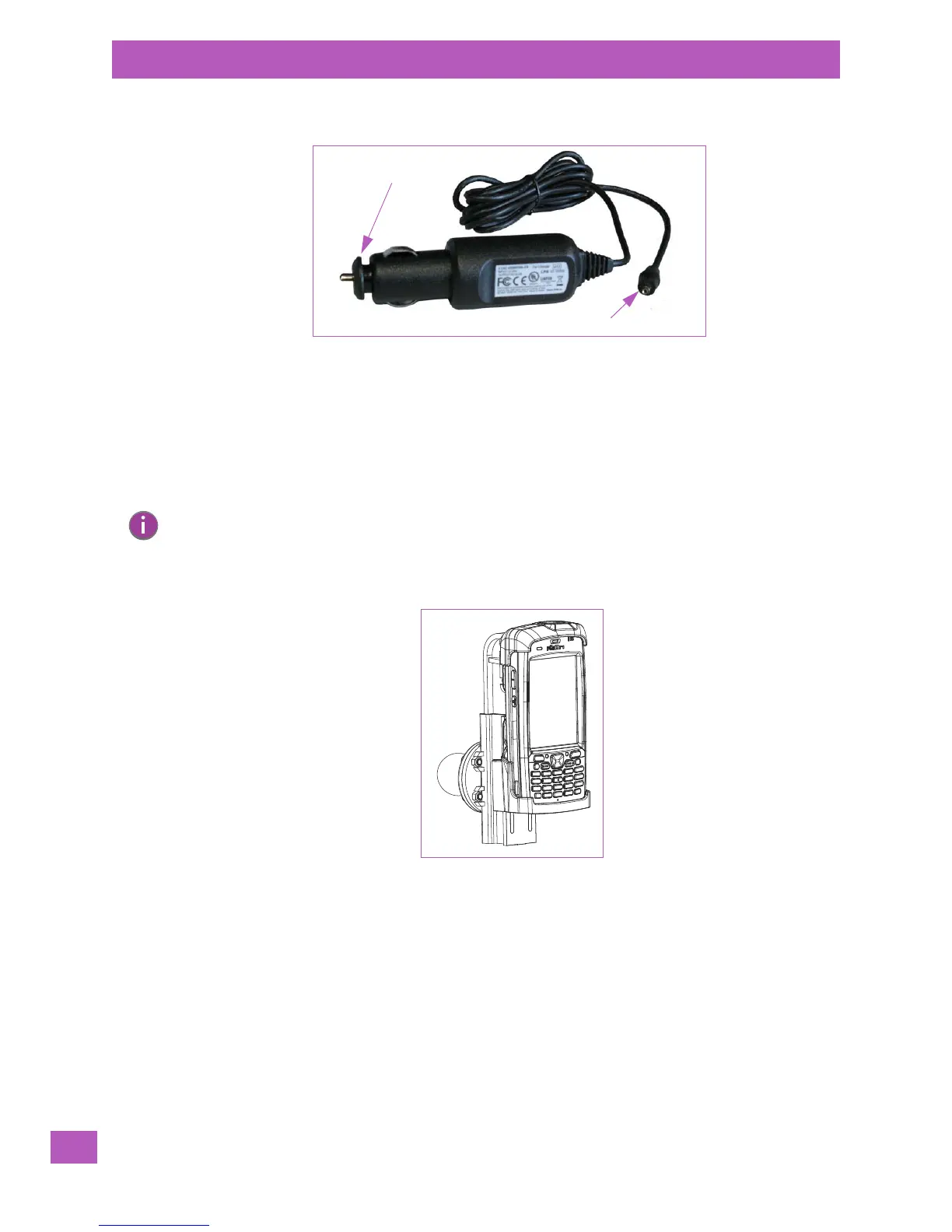
Figure 6.7 Vehicle Power Outlet Adaptor
• Insert the DC power plug into the DC IN port at the base of a snap module – Model No. RV4001
or RV4002.
• Insert the vehicle power outlet adaptor plug into the power outlet in your vehicle.
6.10 The Unpowered Vehicle Cradle – Model No. RV1000
The RV1000 Unpowered Vehicle Cradle is a passive device, designed to securely grip the EP10 in
the vehicle.
Figure 6.8 RV1000 Unpowered Vehicle Cradle
6.10.1 Important Instructions
The RV1000 with an EP10 installed has a storage temperature of -40°C to +70°C (-40°F to 158°F). Operat-
ing humidity and temperature is 5 - 95% non-condensing and -30°C to 60°C (-22°F to 140°F).
6.10.2 Vehicle Cradle Operation
6.10.2.1 Operator Controls
The Unpowered Vehicle Cradle has no operator controls or power switch.
6.10.2.2 Indicators
The RV1000 has no front indicators. The EP10 LED serves as the power indicator.
DC power plug
adaptor plug
Vehicle power outlet
Note: Shock and vibration specifications for the EP10 are verified using Psion-approved RAM
mounts and mounting hardware. Use of non-certified Psion mounting hardware is not recom-
mended, and may void warranty coverage.



 To Next Page