Chapter 4: Programs
Sending an E-mail
63
Psion EP10 Hand-Held Computer User Manual
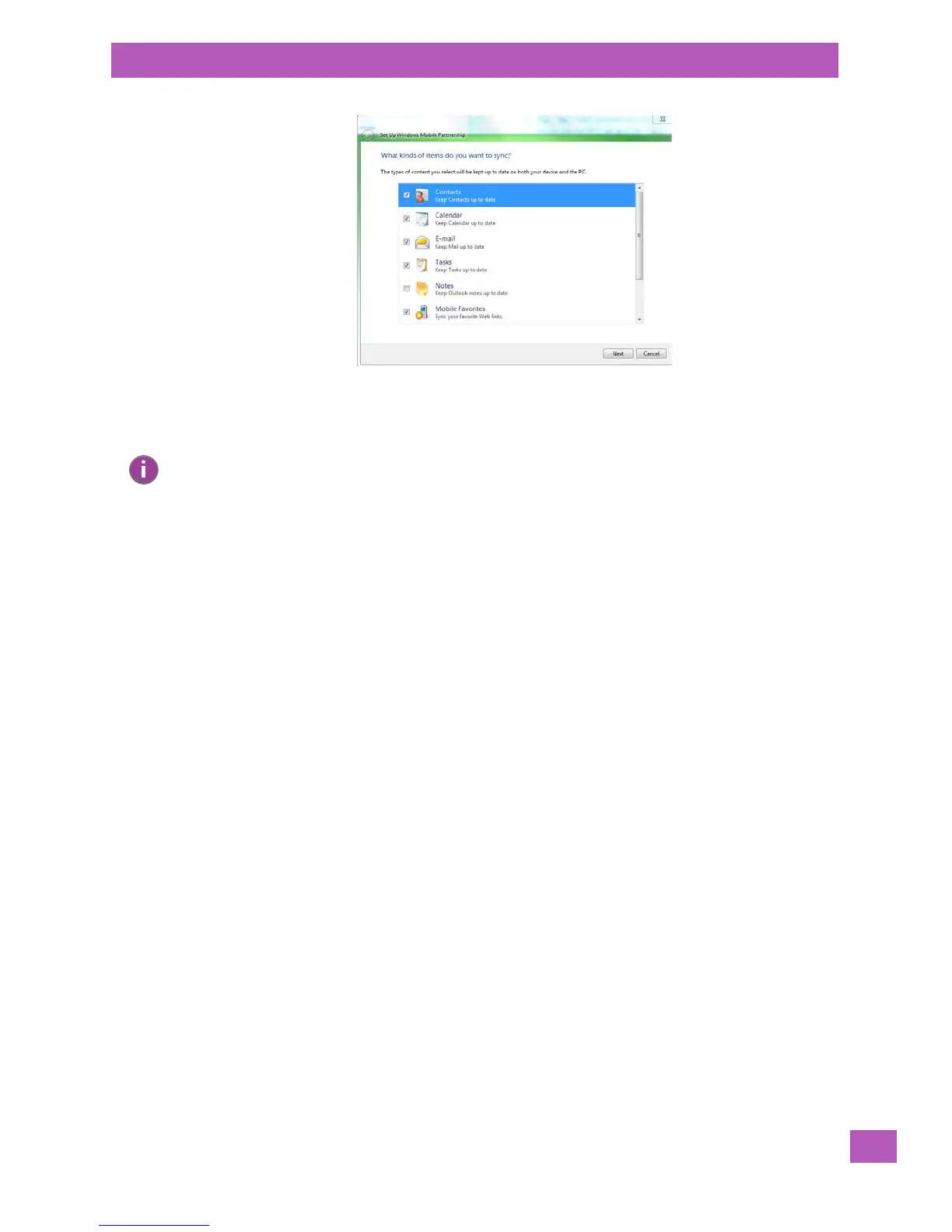
• Make certain that a check mark is displayed in the checkbox next to E-mail. Tap on Next.
• Tap on Skip and then tap on Setup.
When E-mail is checked for synchronization, Outlook e-mail messages are synchronized as part of the
general synchronization process. The next time you synchronize with Windows Mobile Center, the e-mail in
Outlook on your PC will be transferred to the Messaging program on your EP10.
4.5.4 Sending an E-mail
E-mail messages are stored in the Outbox folder and are sent to recipients the next time you sync or
connect to your e-mail server to send and receive mail.
• Tap on Start>E-mail.
• Choose the e-mail account you want to use.
• Tap on Menu>New.
•In the To, Cc, or Bcc fields, enter an e-mail address.
Keep in mind that you can also use your Contacts to choose an e-mail recipient provided an e-mail address
is associated with the contact.
• Tap Menu>Add Recipient, and then choose a contact from the list.
• If you're sending an email to multiple people, use a semicolon (;) between addresses.
4.6 Contacts
Contacts are available with your e-mail, text messages, voice messages and your phone.
• Tap on Start>Contacts to display your contacts.
Note: If an Exchange Server is detected, a screen is displayed where you can enter the Server
address, your user name and so on, and sync the EP10 with the Exchange Server directly
over a cellular or wireless network when you are not connected to your PC. This is an
optional step that you can skip.



 To Next Page