Chapter 5: Settings
Remove Programs
Psion EP10 Hand-Held Computer User Manual
174
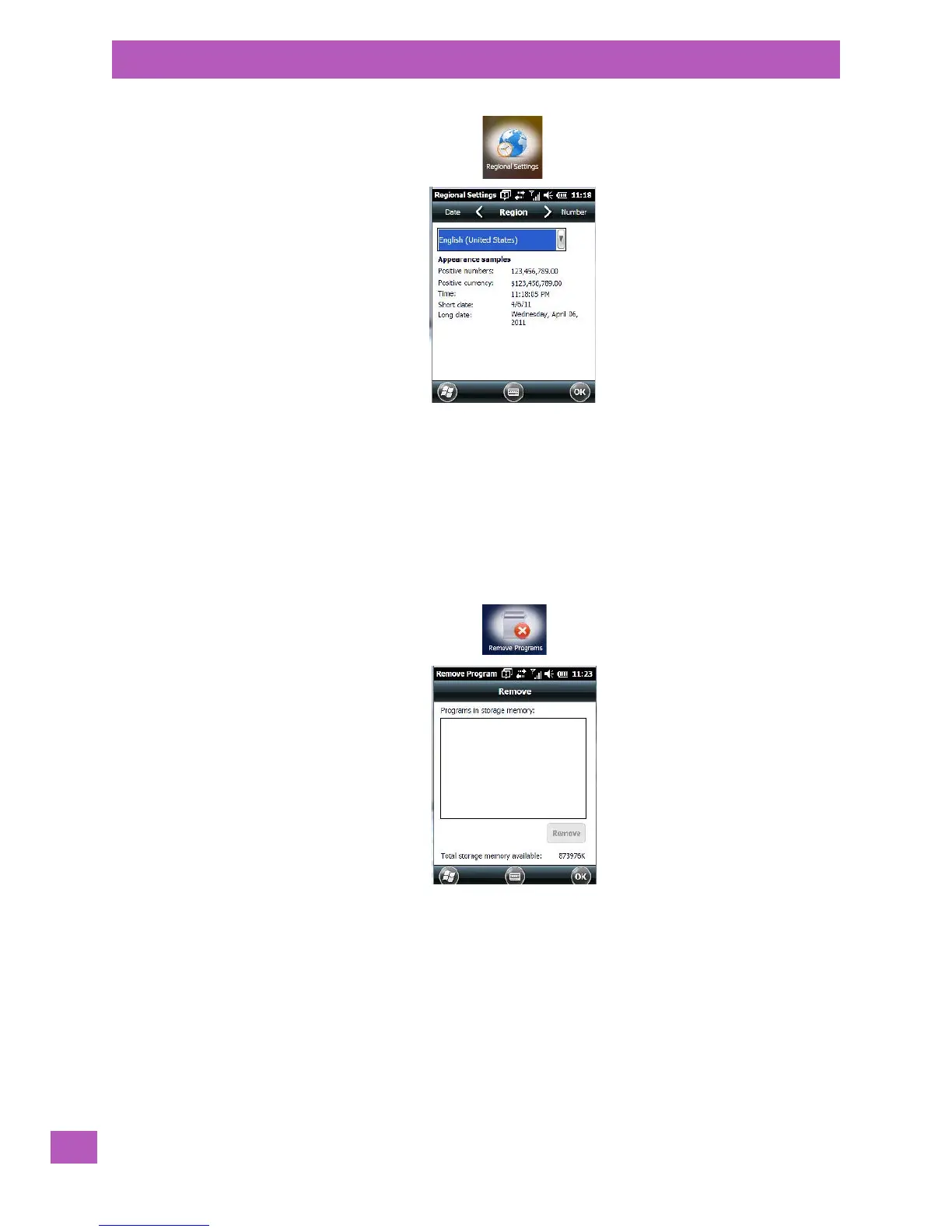
• Tap on the drop-down menu to choose your language and region.
Once you’ve selected a language and region, you may need to adjust the way numbers, currency, the time
and the date appear in your EP10.
• Tap on the tab associated with each of the items, and choose how each item should be displayed on
your EP10.
5.11.20 Remove Programs
•Tap on Start>Settings. Tap on the System icon followed by the Remove Program icon.
Tapping on the Remove Programs icon displays a screen listing the programs that can be removed from
your unit.
• To remove a program, highlight it and then tap on the Remove button.
5.11.21 Scanner Settings
The Scanners icon in the Settings menu provides access to dialog boxes in which you can tailor
imager options.



 To Next Page