Chapter 5: Settings
Imagers Settings
Psion EP10 Hand-Held Computer User Manual
156
5.11.12 Imagers Settings
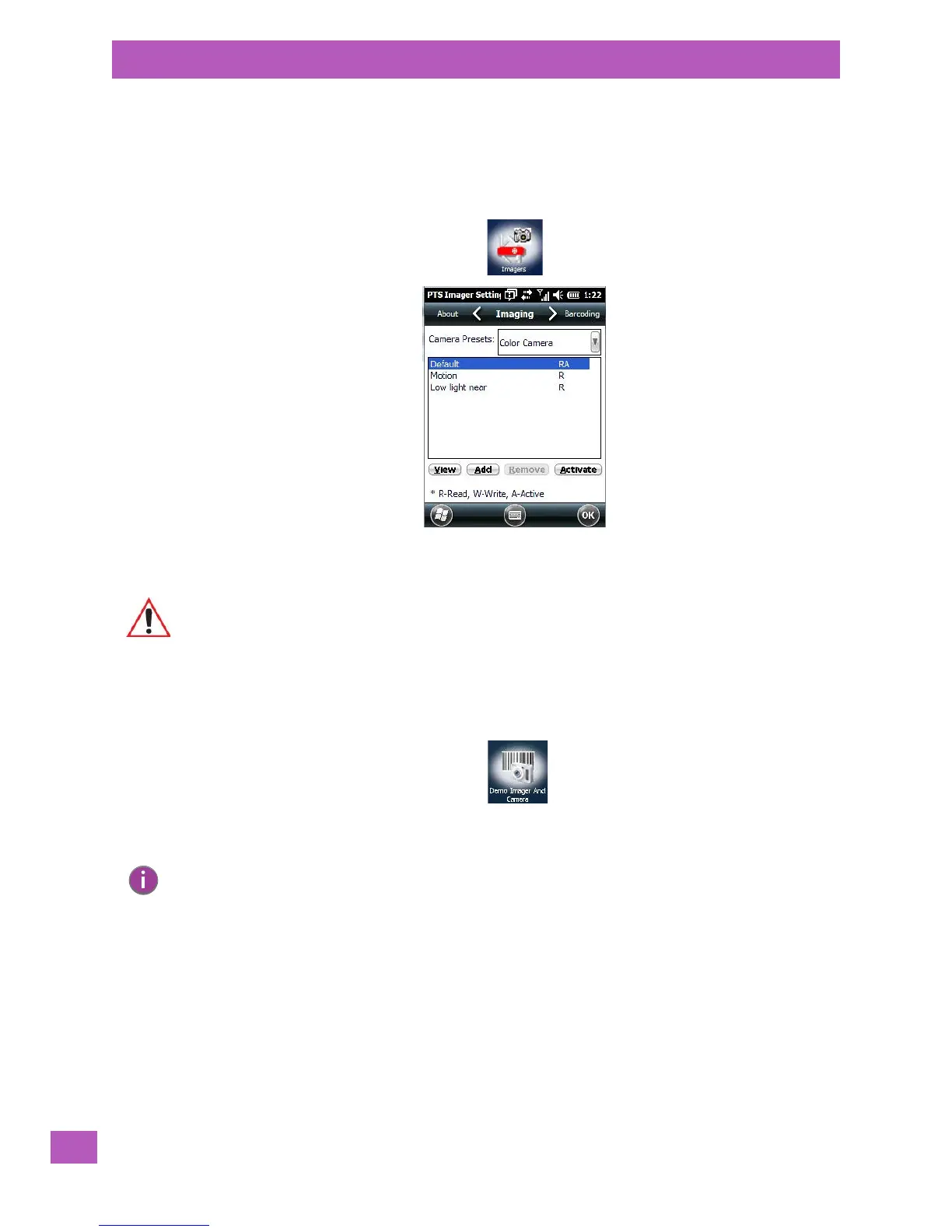
The Imagers applet is used to create, modify, delete and activate imager settings. The principle uses of the
applet are to decode bar codes and to capture images.
To launch this applet:
•Tap on Start>Settings>System, and then tap on the Imagers icon.
An Demo Imager & Camera applet is also provided to illustrate how the imager and camera work.
To launch the applet:
•Tap on the Start>Demo Imager And Camera icon.
5.11.13 Manage Triggers
Manage Triggers allows you to configure how bar code scanners and other devices are triggered. You can
configure the trigger ID for each trigger button for both single- and double-click, and the double-click time.
•Tap on Start>Settings>System>Manage Triggers icon.
Important: Refer to Appendix C: “Imagers Applet” for setup details.
Note: You can also launch the Imager Applet from within the demo screen. Tap on the Settings
drop-down menu and choose Advanced.



 To Next Page