Chapter 5: Settings
GPS (Global Positioning System) Settings
155
Psion EP10 Hand-Held Computer User Manual
The Use custom settings option is generally used to configure devices that will have access only to an in-
tranet rather than the Internet and should only be altered with the assistance of qualified Psion personnel.
They will be able to help you configure your Psion device(s) and web server to retrieve the ephemeris data.
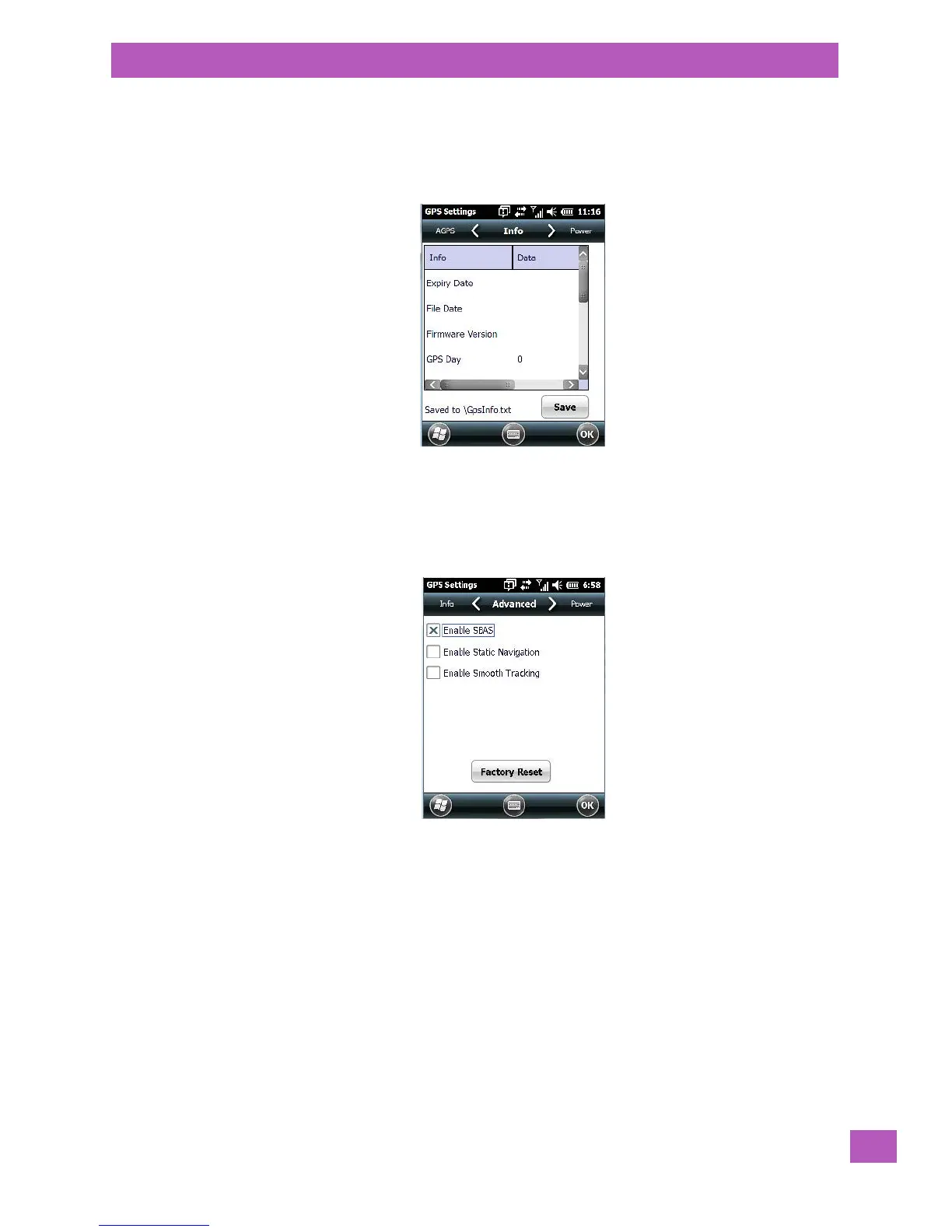
Info Tab
This tab provides general information about the GPS module such as the firmware version, the date on
which files were last updated, and so on. If GPS module support service is required, you may be asked to tap
on the Save button in this tab and forward the information to Psion support staff.
Advanced Tab
Satellite-based augmentation systems (SBAS) support wide-area or regional augmentation through the use
of additional satellite-broadcast messages. When SBAS is enabled, the accuracy of any fix is improved (pro-
viding it is supported in the operator’s region).
Static navigation helps eliminate false movements caused by poor fixes, usually in a vehicle like a truck
where the metal roof and sides may limit the receiver’s view of the sky. It also improves accuracy in down-
town areas with multi-path interference caused by the GPS signals being reflected off large buildings. Static
navigation locks onto a calculated position and keep it until it detects that the receiver’s position has
changed significantly (due to movement or simply getting a reasonably different calculated position).
Smooth Tracking uses an algorithm to calculate the next logical track in the projected path during brief sat-
ellite data outages, smoothing out the variances of the receiver’s position. This feature is useful in cities
and other areas with poor coverage.
Factor Reset resets the module and clears any stored information.



 To Next Page