Chapter 5: Settings
PsionVU
Psion EP10 Hand-Held Computer User Manual
170
Notifications
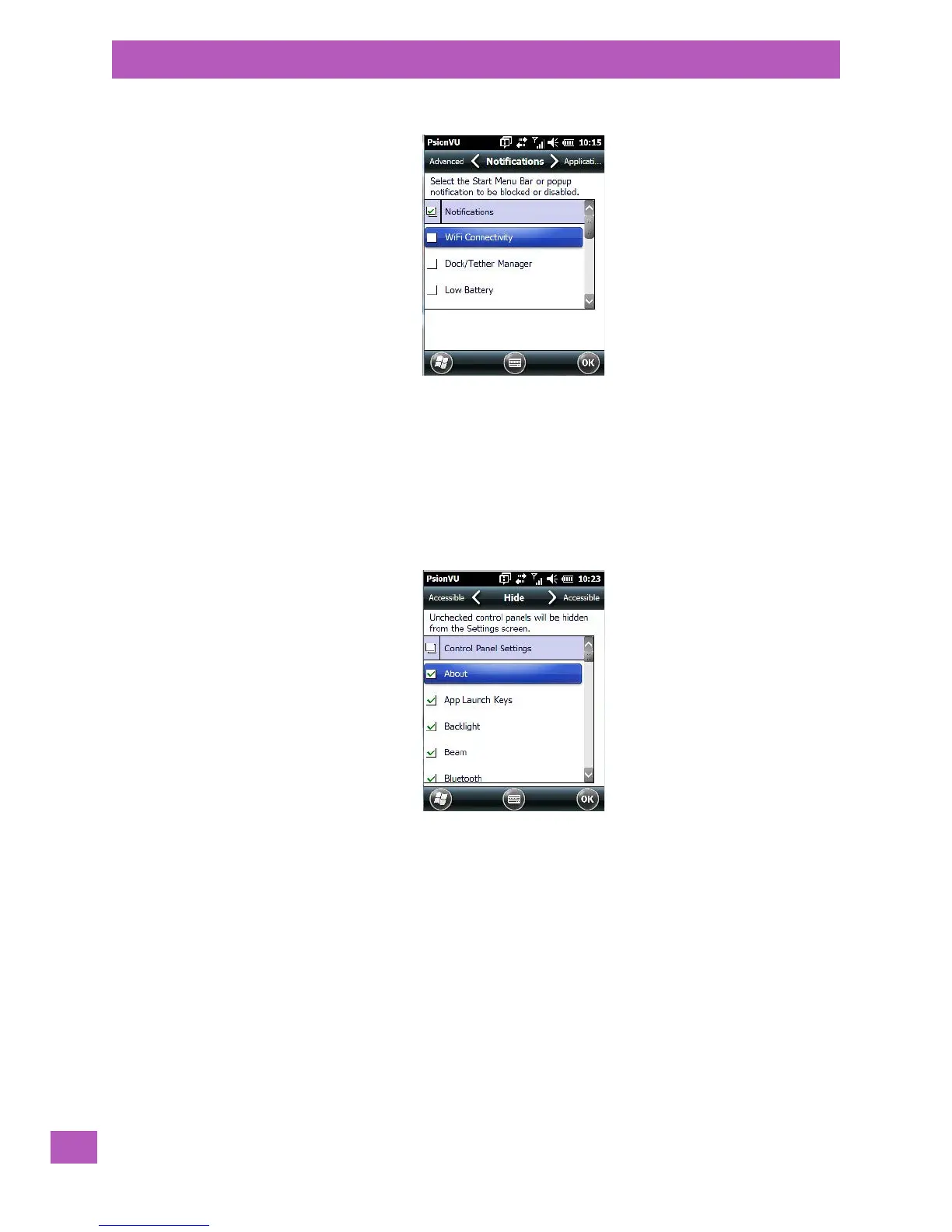
The Notifications tab allows you to choose which pop-up notifications are blocked.
5.11.18.5 Control Panel Settings
This options allows you to tailor items displayed in both the Settings screen and in the Tod ay screen.
Hide Tab
The Hide tab under the Control Panel allows you to determine which applications will be hidden in the Set-
tings screen that is displayed when you tap on the Start button.
Remember that only unchecked items in this list are hidden.
Accessible Tab
The Accessible tab allows you to choose which items will be accessible in the Today screen.



 To Next Page