Chapter 4: Programs
Synchronizing E-mail with Outlook (PC with Windows XP OS)
61
Psion EP10 Hand-Held Computer User Manual
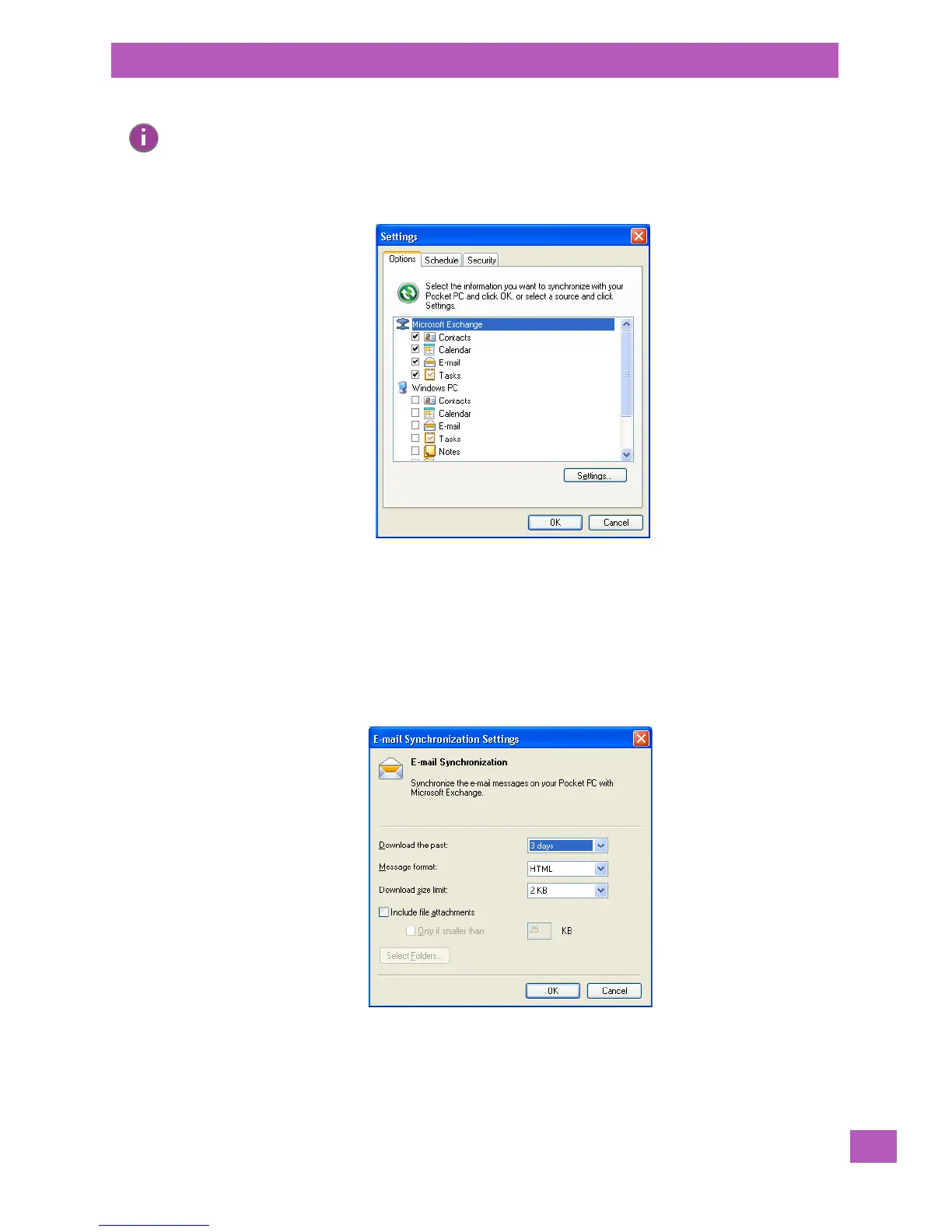
•In ActiveSync on your PC, tap on Tools>Options in the tool bar at the top of the screen.
• Make certain that a check mark is displayed in the checkbox next to E-mail. Tap on OK.
Once you check E-mail for synchronization, Outlook e-mail messages are synchronized as part of the
general synchronization process. The next time you synchronize with ActiveSync, the e-mail in Outlook on
your PC will be transferred to the Messaging program on your EP10.
4.5.2.1 Changing Synchronization Settings
•In ActiveSync on your PC, double-tap the E-mail item in the Sync Options tab.
Note: Synchronizing e-mail does not require that the EP10 have an independent connection to the
Internet.



 To Next Page