Chapter 4: Programs
Tas k Man a ger
Psion EP10 Hand-Held Computer User Manual
82
• If a pairing code has been assigned to your EP10, choose Enter the device’s pairing code, and type the
EP10 passcode on your PC and on your EP10.
• If a pairing code has not been assigned to your EP10, choose Create a pairing code for me, and type
the EP10 passcode on your PC and on your EP10.
A message will appear on your EP10 indicating that you have successfully paired your EP10 with your PC.
Your EP10 will appear in Control Panel>Devices and Printers.
4.19 Task Manager
The Task Manager screen lists all running tasks (applications) or processes. This applet provides a number
of options to manage these.
4.20 Search Phone
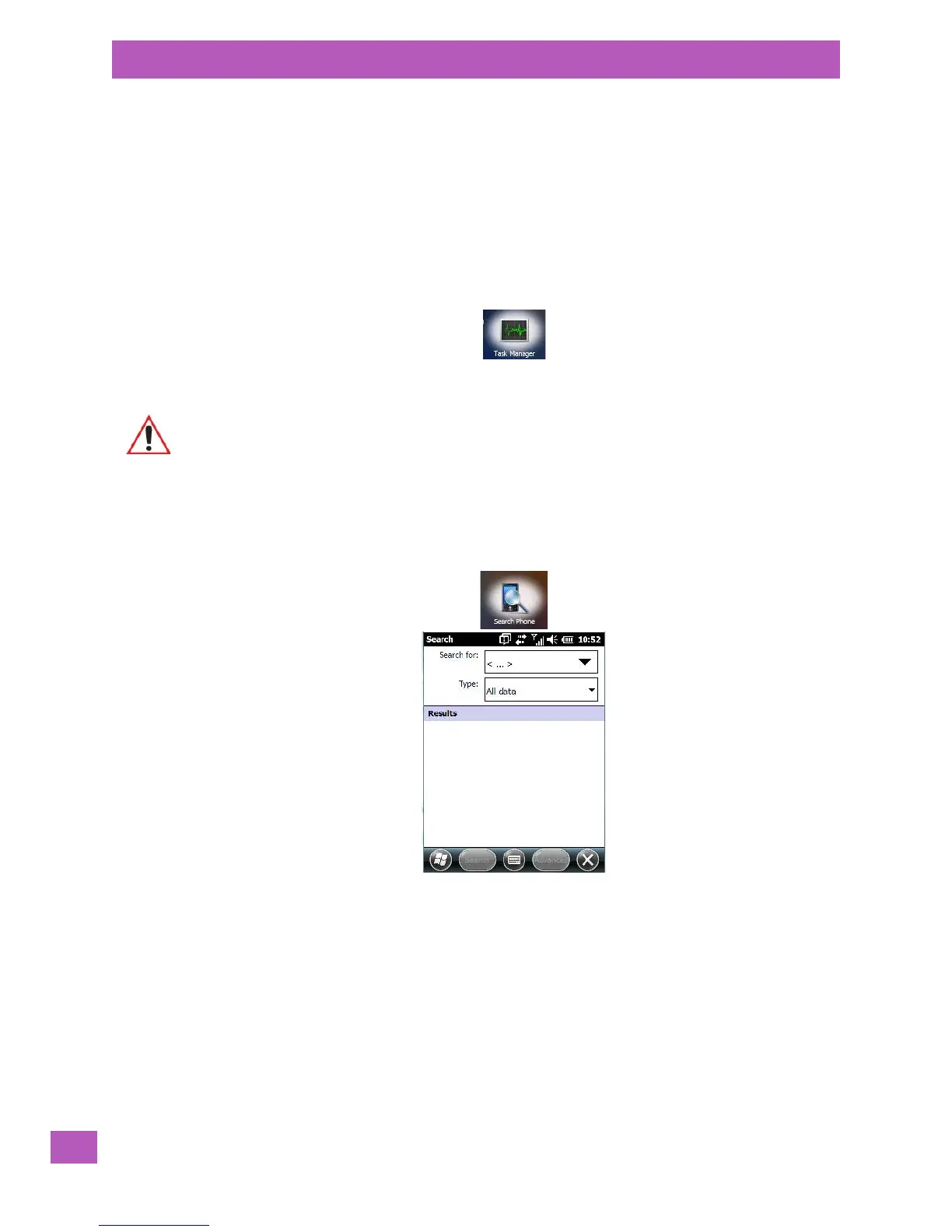
This feature allows you to conduct a search through the data stored on your phone.
•Tap on Start>Search Phone icon.
• Tap in the Search For field, and type the information or a fragment of the information for which you
are searching.
•In the Type: drop-down menu, choose the location in which you want to conduct the search.
Important: For details about using the Task Manager, refer to “Task Manager” on page 183.



 To Next Page