Chapter 5: Settings
Modem Connection Setup
Psion EP10 Hand-Held Computer User Manual
116
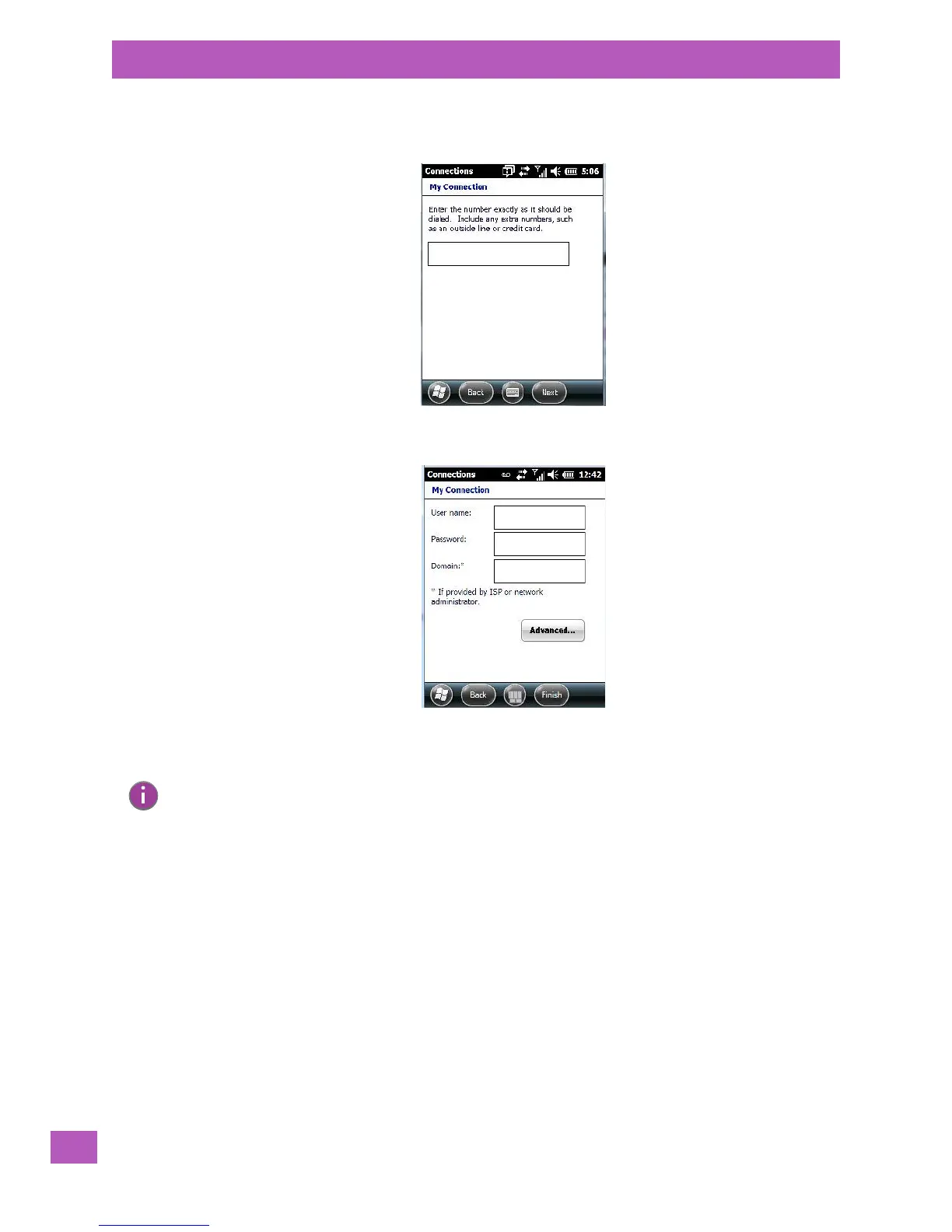
5. In the My Connections screen, enter the phone number exactly as you want it dialed. If, for exam-
ple, you need to dial 9 for an outside line, enter 9 at the beginning of the phone number.
6. Tap on the Next button.
7. Type the User Name, Password and Domain Name as provided by your ISP or
network administrator.
8. Tap on the Finish button.
5.8.5.1 Advanced Modem Settings
TCP/IP Settings Tab
If your server assigns IP addresses dynamically, you will not need to change these settings. If you need to
make changes, contact your ISP or network administrator for addresses.
Note: Generally, you will not need to change any of the Advanced settings. For information about
Advanced Modem Settings, review the next section.
Changes to Advanced settings are only required in the following instances:
- To change the baud rate settings, dialing string commands or credit card options.
- To change port settings.
- To enter TCP/IP settings because the server to which you are connecting does not dynamically
assign addresses.



 To Next Page