Chapter 5: Settings
Items Tab – Customizing the Today Screen
Psion EP10 Hand-Held Computer User Manual
100
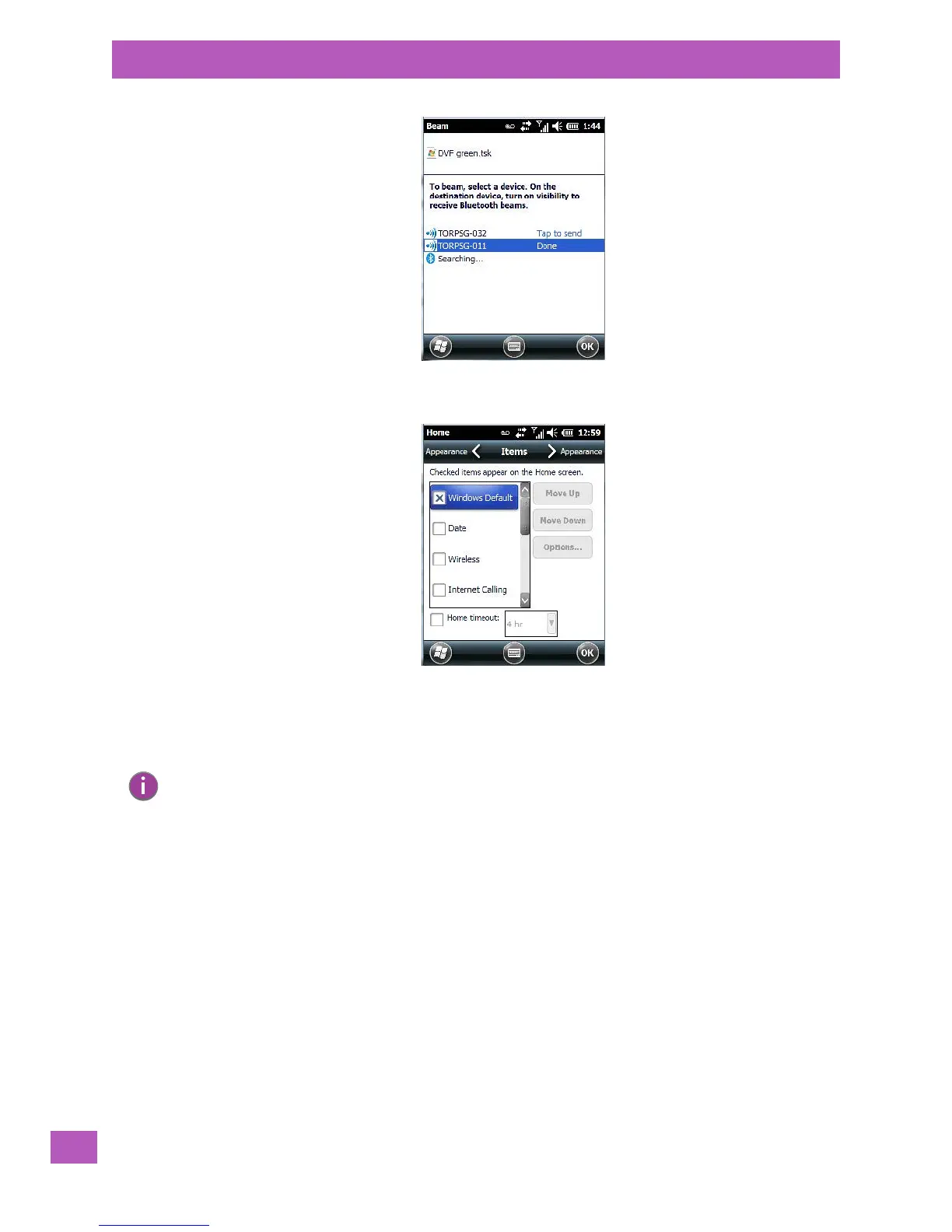
5.5.3 Items Tab – Customizing the Today Screen
The items you see in the Today screen are Windows Default items. The Items tab allows you to customize
the screen to suit your purposes.
5.6 Power
The Power applet provides information about the battery installed in your EP10, and it allows you to define
the behaviour of your EP10 to minimize power consumption.
Note: Refer to “Customizing the Today Screen” on page 73 for details about this screen.



 To Next Page