Chapter 6: Peripheral Devices & Accessories
Indicators
201
Psion EP10 Hand-Held Computer User Manual
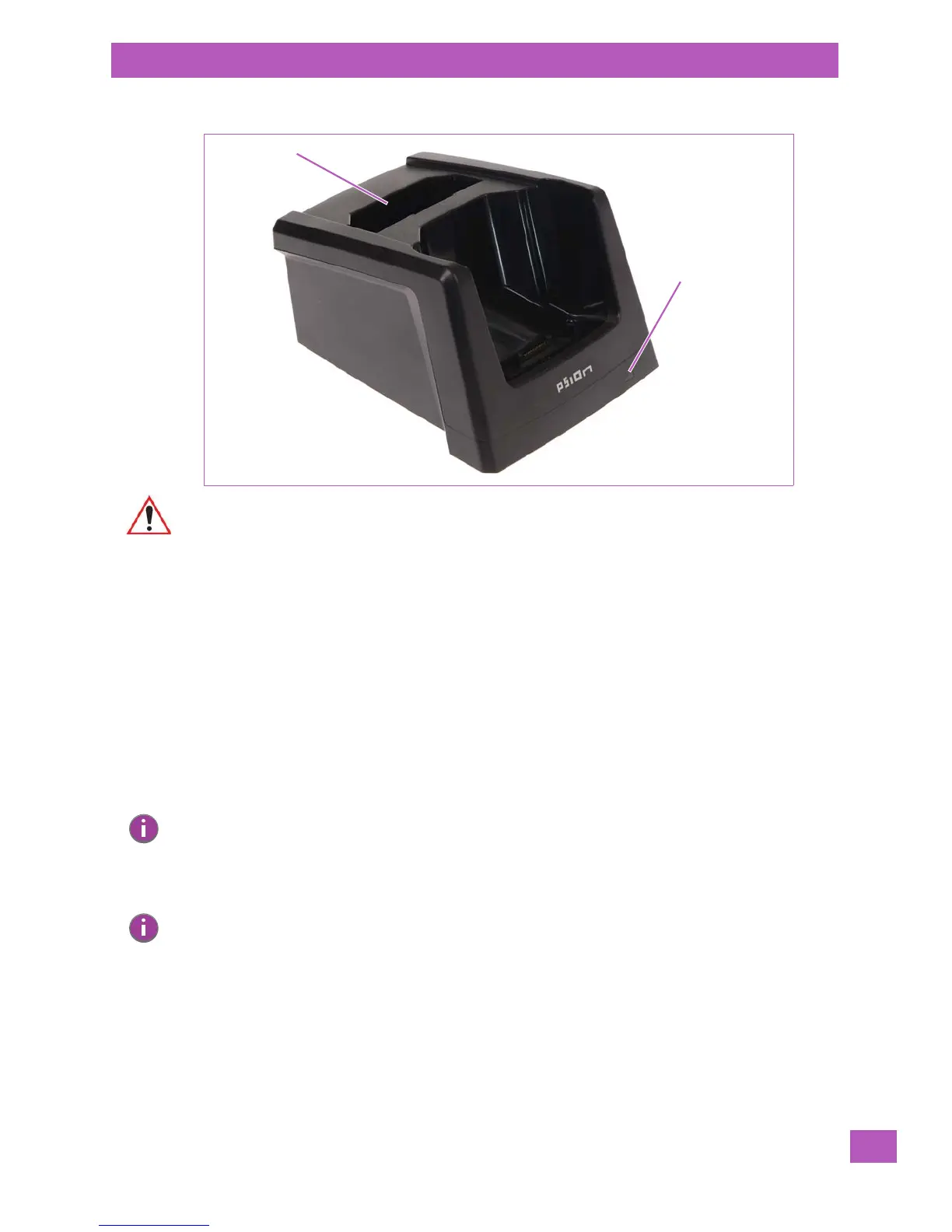
Figure 6.4 RV4000 Desktop Docking Station – Front View
6.5.1 Indicators
The RV4000 desktop docking station is equipped with a single LED on the front panel that indicates the
charge status of the spare battery.
6.5.2 Operation
6.5.2.1 Charging the EP10 Battery
The RV4000 supplies DC power to enable the EP10 internal fast charger. Normally, it takes between 3 to 4
hours to charge the battery installed in the EP10.
When the EP10 hand-held is installed in the dock, the battery charge LED on the EP10 (the left-most LED)
lights up to indicate the unit has external power and may charge the internal battery. The EP10 charge LED
follows the same convention as the RV4000 docking station LED. Refer to “Charging a Spare Battery” in
the next section for details about LED behaviour.
6.5.2.2 Charging a Spare Battery
• Insert the spare battery in the charge well at the back of the RV4000, aligning the contacts on the
battery with the contacts in the spare battery charge well.
A full charge takes between 3 and 4 hours for the battery.
When the battery capacity reaches 95%, the LED turns solid green and remains in this state once the
battery is completely charged.
Rear-Mounted Spare Battery
Spare Battery Charge LED
Charge Well
Important: This docking station can only be used to charge Psion approved Lithium-Ion batteries.
Note: Battery charging continues whether the EP10 is switched on or off.
Note: Do not store a spare battery in a charger for more than 72 hours. Doing so may damage the
battery or reduce its charge capacity.



 To Next Page