Chapter 5: Settings
PsionVU
167
Psion EP10 Hand-Held Computer User Manual
Launching an Application on Startup
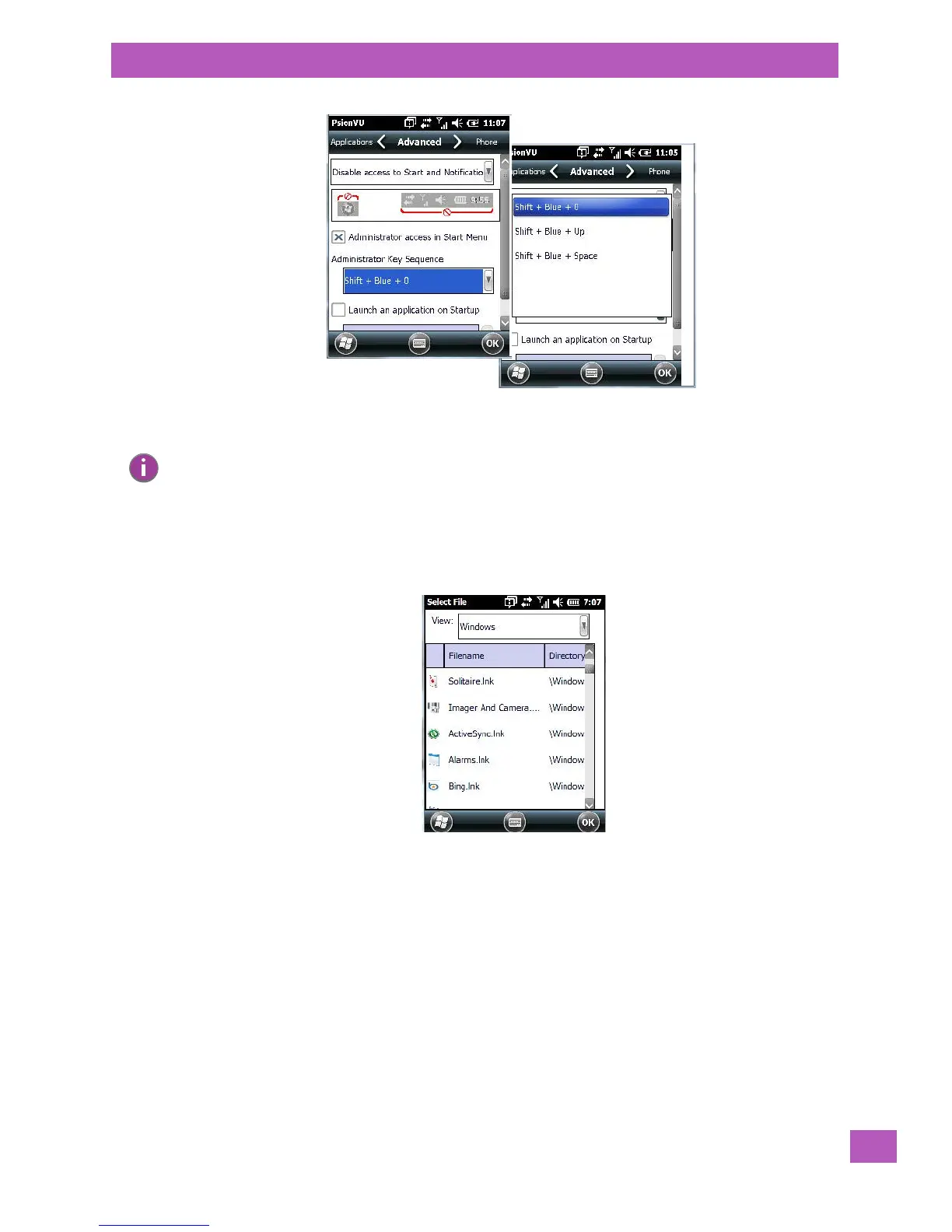
If you enable Launch an application on Startup, a screen is displayed where you can choose the application
that will be launched automatically when the EP10 is powered up.
• Tap on the application you want the EP10 to launch on startup.
Your choice is displayed in the Advanced tab.
Note: If you disable “Administrator access in Start Menu” or if you “Disable Start”, the only way to
access PsionVU or the Start screen applications is to type an “Access Key Sequence”. In these
cases, it is important that you make note of the key sequence you’ve chosen.



 To Next Page