Chapter 5: Settings
PsionVU
Psion EP10 Hand-Held Computer User Manual
166
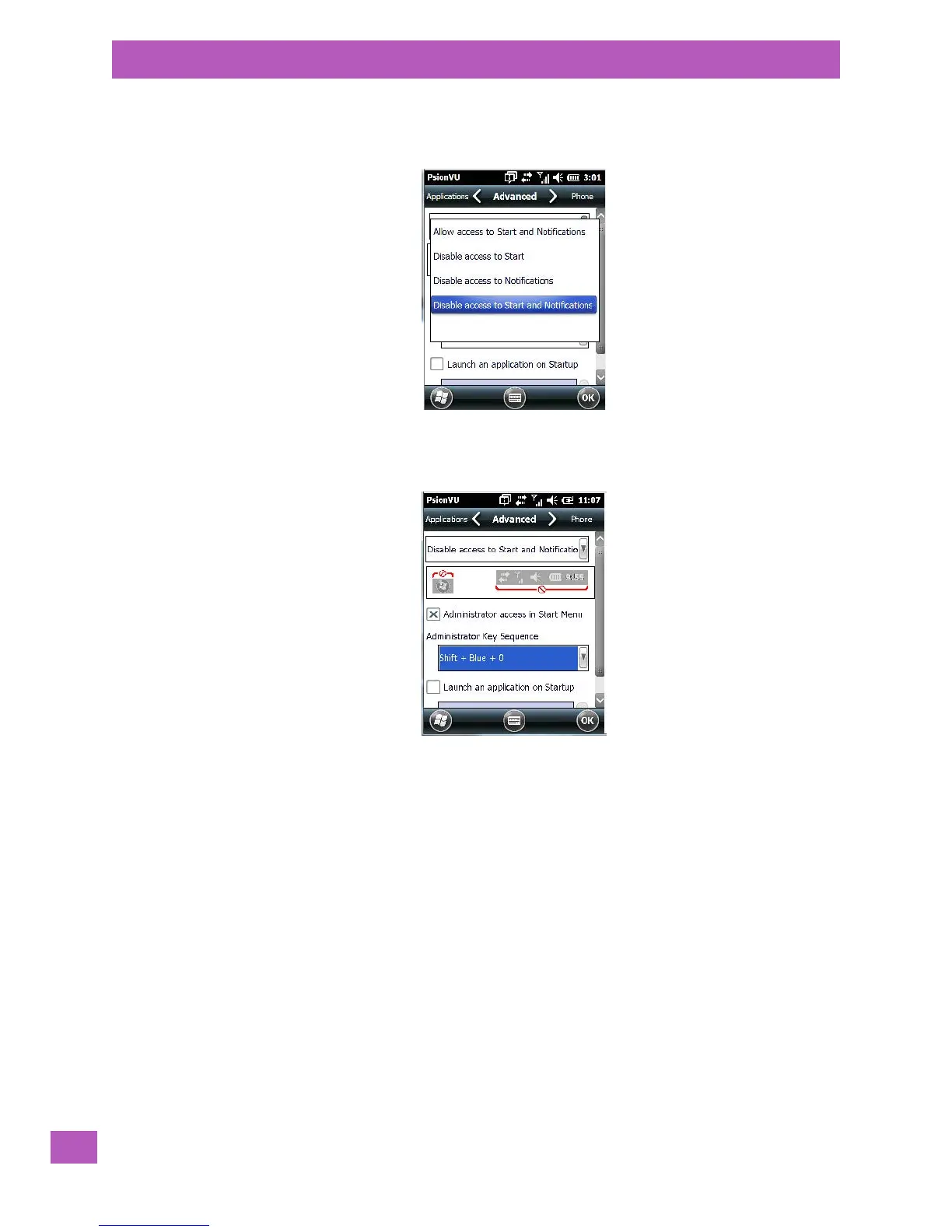
Start Button and Notification Restrictions
The drop-down menu at the top of the Advanced tab allows you to limit access to the navigation bar at the
top of the screen and the Start button at the bottom of the screen.
When you choose an option, for example, Disable access to Start and Notifications, the sample bar below
the drop-down menu marks the disallowed items in red.
PsionVU Restrictions
To remove PsionVU from the Start screen:
• Tap in the checkbox next to Administrator access in Start Menu to deselect it. The x should not be
present in the checkbox.
The Administrator Key Sequence drop-down menu provides a two key sequences you can use to gain access
to PsionVU when it is not accessible from the Start screen.



 To Next Page