Chapter 5: Settings
Total Recall
189
Psion EP10 Hand-Held Computer User Manual
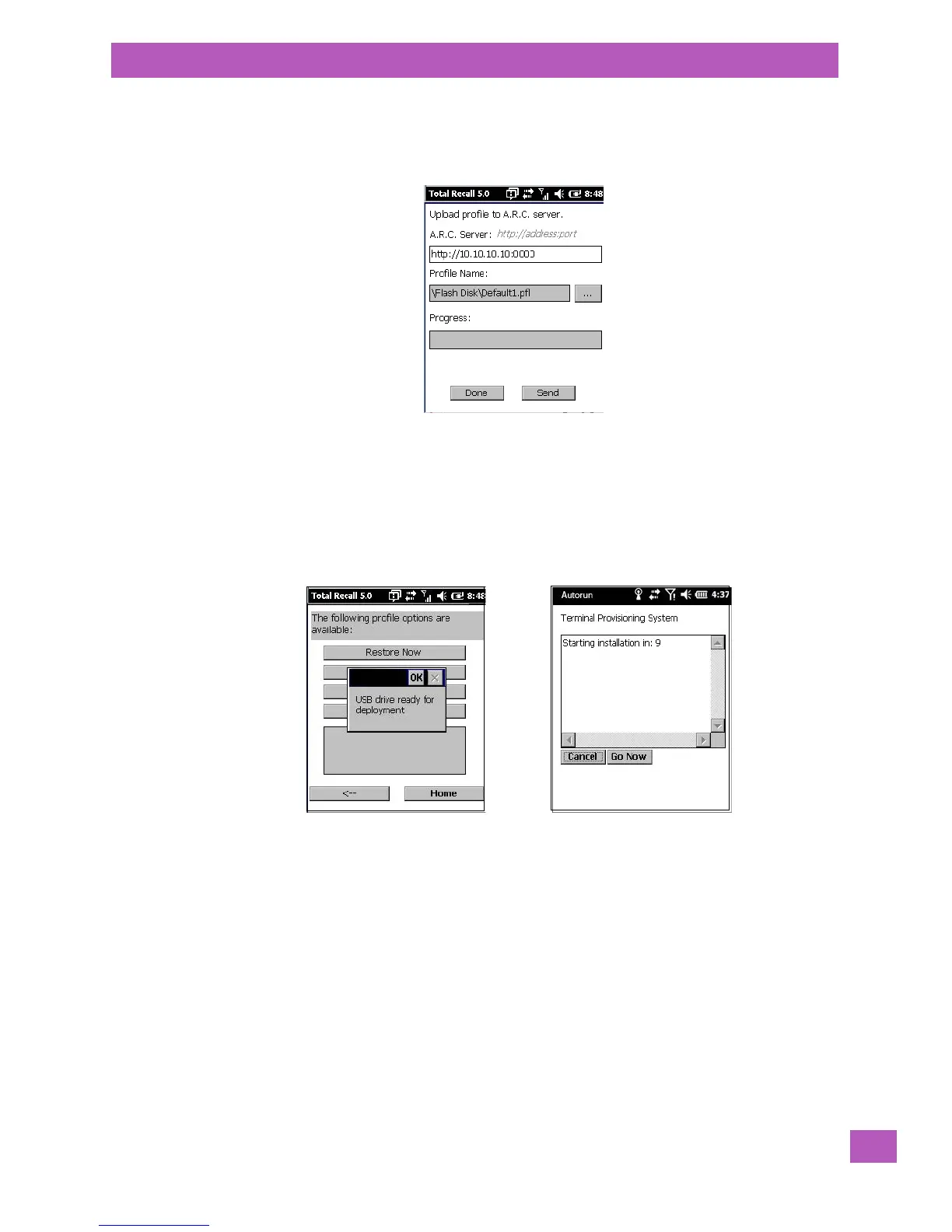
• Upload to A.R.C – uploads the profile to the Active Remote Configuration server. After you tap on
Send, a message will come up either confirming that the upload was complete or that the connection
to the server failed.
• Clone to USB – writes a clone of the profile to the USB drive. After you tap on the button, a message
will come up either confirming that the USB drive is ready for deployment, or that it is not available.
• When you are ready to install the profile on another unit, turn on the next computer to be cloned and
insert the USB key. The profile will be automatically installed to the computer’s \Flash Disk\TotalRecall
folder. There is a short delay in deployment so that you can cancel the process if needed.
USB drive prepared for cloning
Autorun installation on next EP10



 To Next Page