Chapter 5: Settings
Total Recall
Psion EP10 Hand-Held Computer User Manual
188
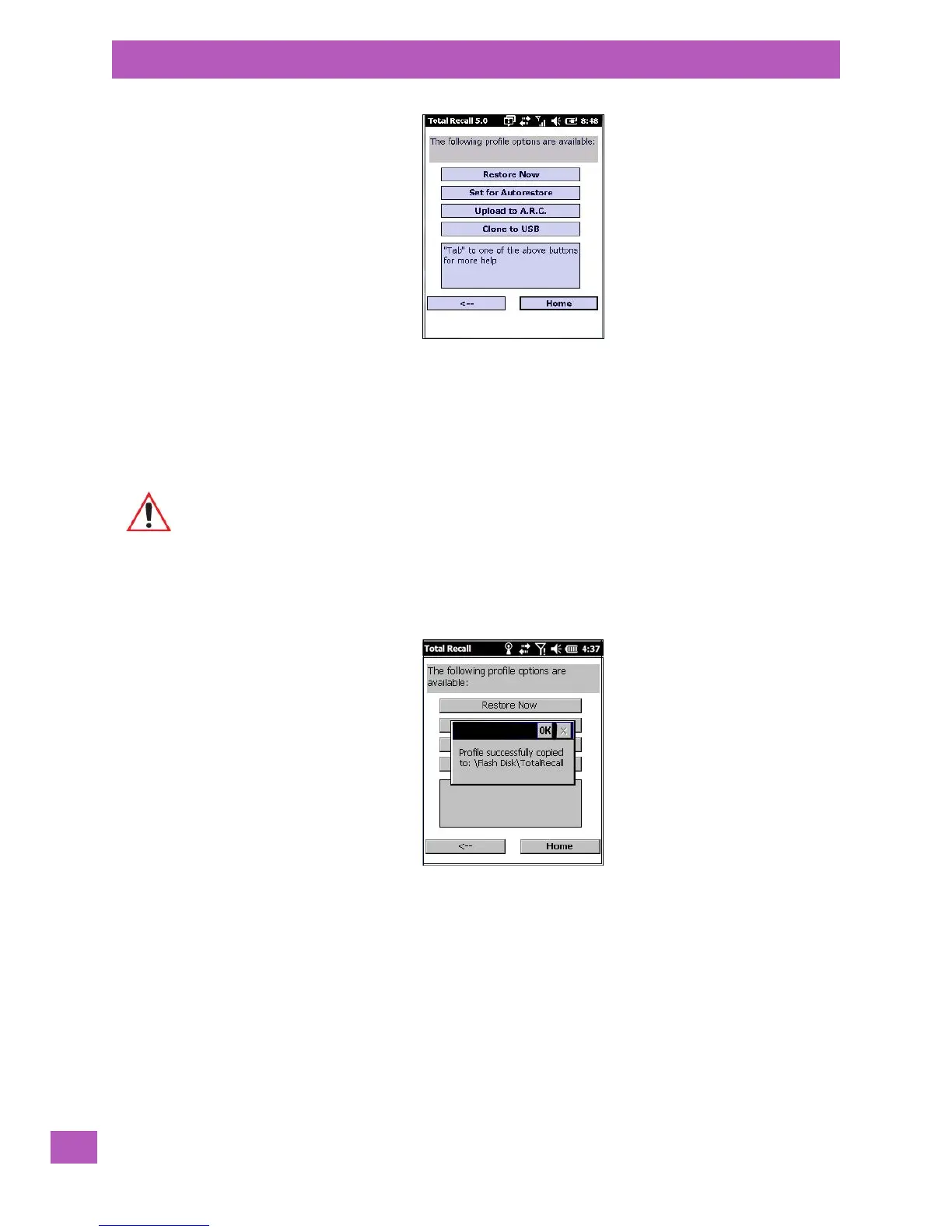
• Next, tap on the option button you want to use:
• Restore Now – restores the profile immediately. If you are restoring a profile that is a backup or Full
Clone, the computer will clean reset first; if the profile is a Settings Only Clone, it will not.
• Set for AutoRestore – creates a profile that is automatically restored following a cold reset or a clean
start. The profile is stored in the \Flash Disk\TotalRecall folder.
Important: After setting an autorestore profile, that profile will overwrite any other profile
already placed in the \Flash Disk\TotalRecall folder.
In an autorestore, Total Recall only restores the profile located in the \Flash
Disk\TotalRecall folder. If you store your profile anywhere else it will not
be restored.



 To Next Page