Chapter 5: Settings
Bluetooth Setup
107
Psion EP10 Hand-Held Computer User Manual
The Clear button removes all Bluetooth devices listed except those with currently paired and
connected services.
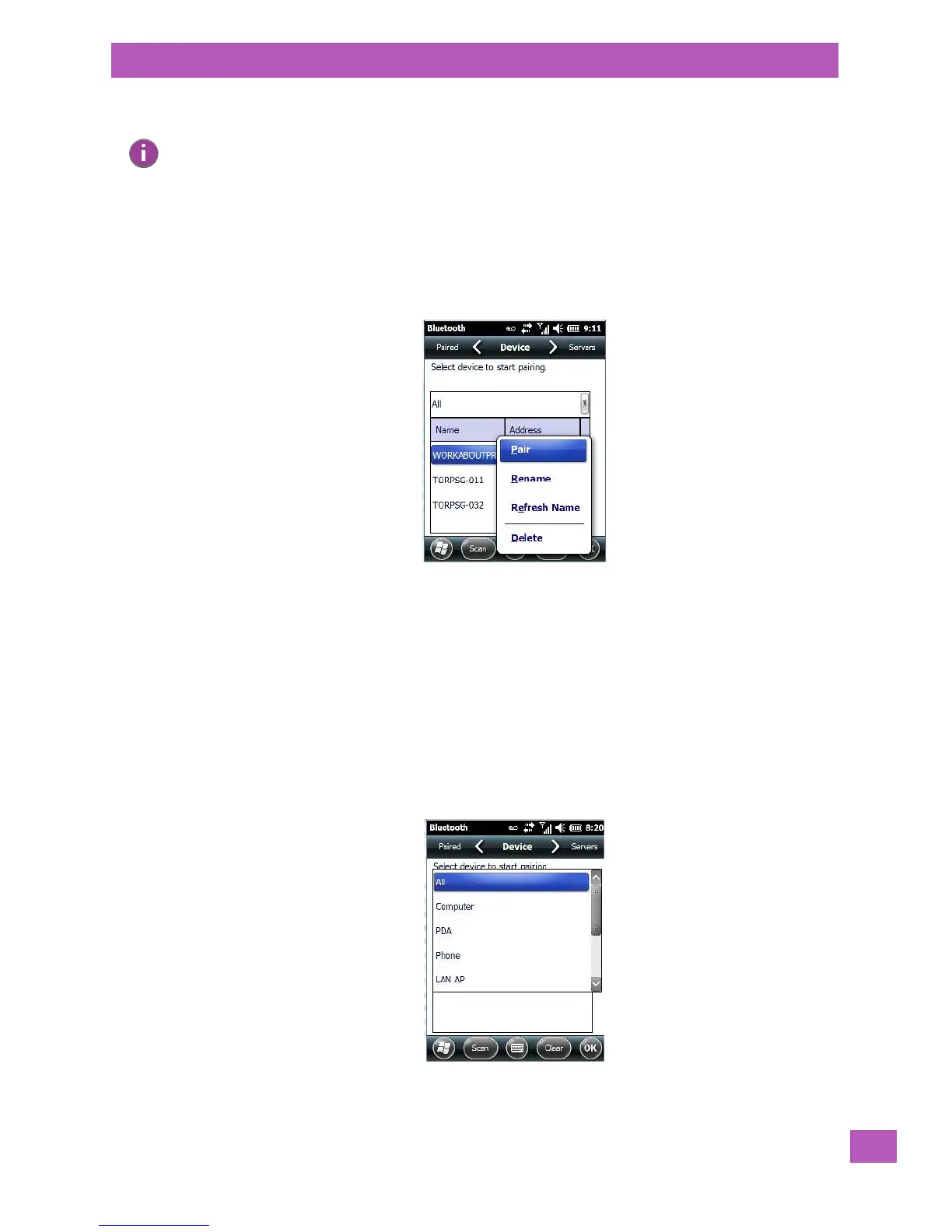
Device Pop-up Menu
Tapping on a device name displays a pop-up menu that allows you to pair a device, update a device name or
delete a device from the list.
Pair begins the pairing process by querying the services and profiles of the discovered device. An authenti-
cation dialog box is displayed the first time a Bluetooth device is paired.
Rename allows a new name to be assigned to a highlighted device.
Refresh Name repeats the device name query, updating the name. This command is useful if a device is
listed without a name (unknown), or if a device name has been changed remotely.
Delete removes this device from the list.
5.8.2.1.1 Filtering by Class of Device (COD)
The drop-down menu at the top of the top of the Device tab allows you to limit the scope of the scan to a
particular type of device. If, for example, you choose Computer from this menu, only computers within
range of the EP10 are listed in the Device tab. Choosing All lists all detected devices.
Note: To limit the scope of the scan to a particular type of device, refer to ‘Filtering by Class of Device
(COD)” in the next section.



 To Next Page