Common Measurement Settings
R&S
®
FSPN
102User Manual 1179.4363.02 ─ 01
Effects of the attenuator
Attenuation has a direct effect on the sensitivity of the analyzer - attenuation must be
compensated for by reamplifying the signal levels after the mixer. Thus, high attenua-
tion values cause the inherent noise (or noise floor) to rise, which in turn decreases the
sensitivity of the analyzer. The highest sensitivity is obtained at an RF attenuation of
0 dB. Each additional 10 dB of attenuation reduces the sensitivity by 10 dB, i.e. the dis-
played noise is increased by 10 dB. To measure a signal with an improved signal-to-
noise ratio, decrease the RF attenuation.
Another (positive) effect is that high attenuation also helps to avoid intermodulation.
For ideal sinusoidal signals, the displayed signal level is independent of the RF attenu-
ation.
In the default state, the R&S FSPN automatically determines the attenuation according
to the signal level that is currently applied. Automatic determination of the attenuation
is a good way to find a compromise between a low noise floor, high intermodulation
levels, and protecting the instrument from high input levels.
However, you can also define the attenuation manually, if necessary.
6.3.2 Amplitude Characteristics
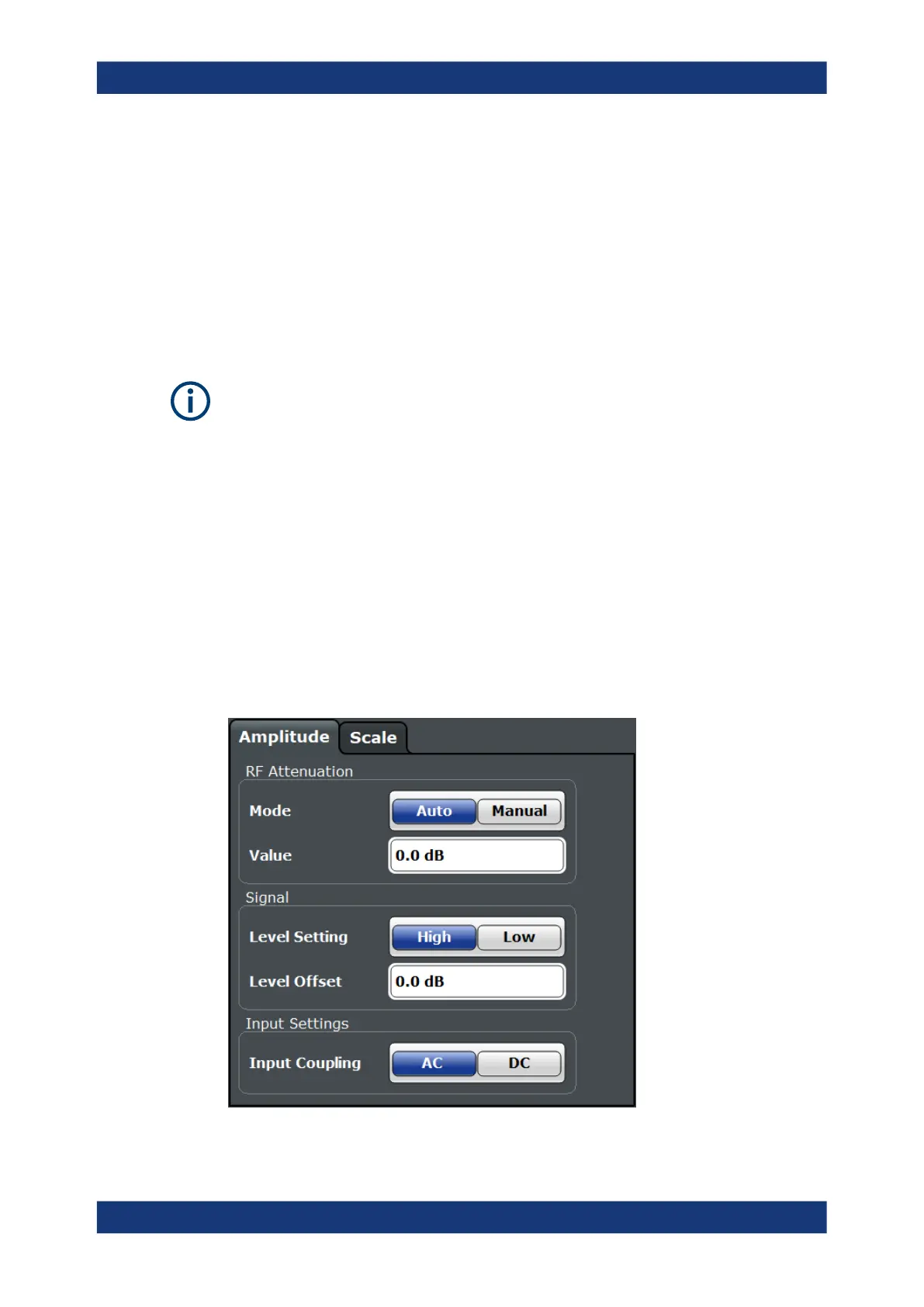
Access: "Overview" > "Amplitude / Scaling" > "Amplitude"
Amplitude settings allow you to adapt the R&S FSPN for the signal that is fed into its
input (for example the RF input).
Level Characteristics



 To Next Page