Getting Started
R&S
®
FSPN
66User Manual 1179.4363.02 ─ 01
Performing a preset
Before configuring and starting a new measurement, it is always recommended to per-
form a preset and restore the default configuration of the instrument or the measure-
ment application.
1. Select the [PRESET] key on the front panel to restore the default state of the
R&S FSPN.
2. Enter the "Overview" dialog box and select the "Preset Channel" item to restore the
default state of the selected measurement channel. All other measurement chan-
nels keep their custom configuration.
3.4.2 Measurements
Measuring the phase noise characteristics of a DUT requires a simple measurement
setup consisting of the R&S FSPN and a DUT.
● Measurement Selection.......................................................................................... 66
● Phase Noise Measurement.....................................................................................66
● Baseband Noise Measurement...............................................................................69
● Adding Another Measurement Channel..................................................................70
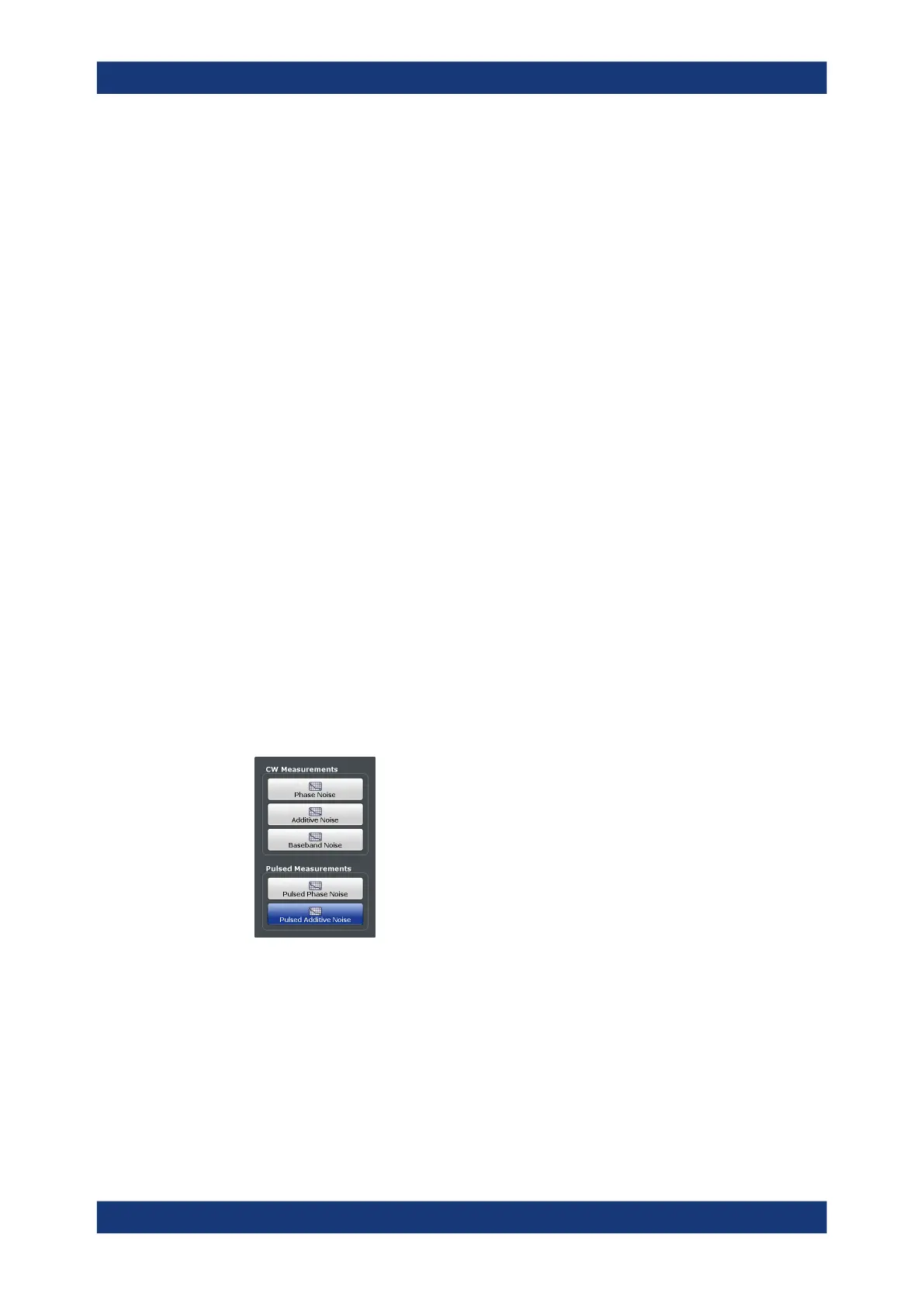
3.4.2.1 Measurement Selection
Selecting a measurement
► Select the [MEAS] key.
The R&S FSPN opens a dialog box to select the measurement.
3.4.2.2 Phase Noise Measurement
Test setup
Connect the DUT via cable to the RF input of the R&S FSPN as shown in the illustra-
tion.
Trying Out the Instrument



 To Next Page