General Instrument Setup
R&S
®
FSPN
212User Manual 1179.4363.02 ─ 01
●
If the position of the instrument has been changed and you cannot look straight on
the screen
●
If another person operates the instrument
9.1.2 Alignment Settings
Access: [Setup] > "Alignment"
Both the instrument and the touchscreen can be aligned when necessary (see Chap-
ter 9.1.1, "Basics on Alignment", on page 210).
Automatic self-alignment
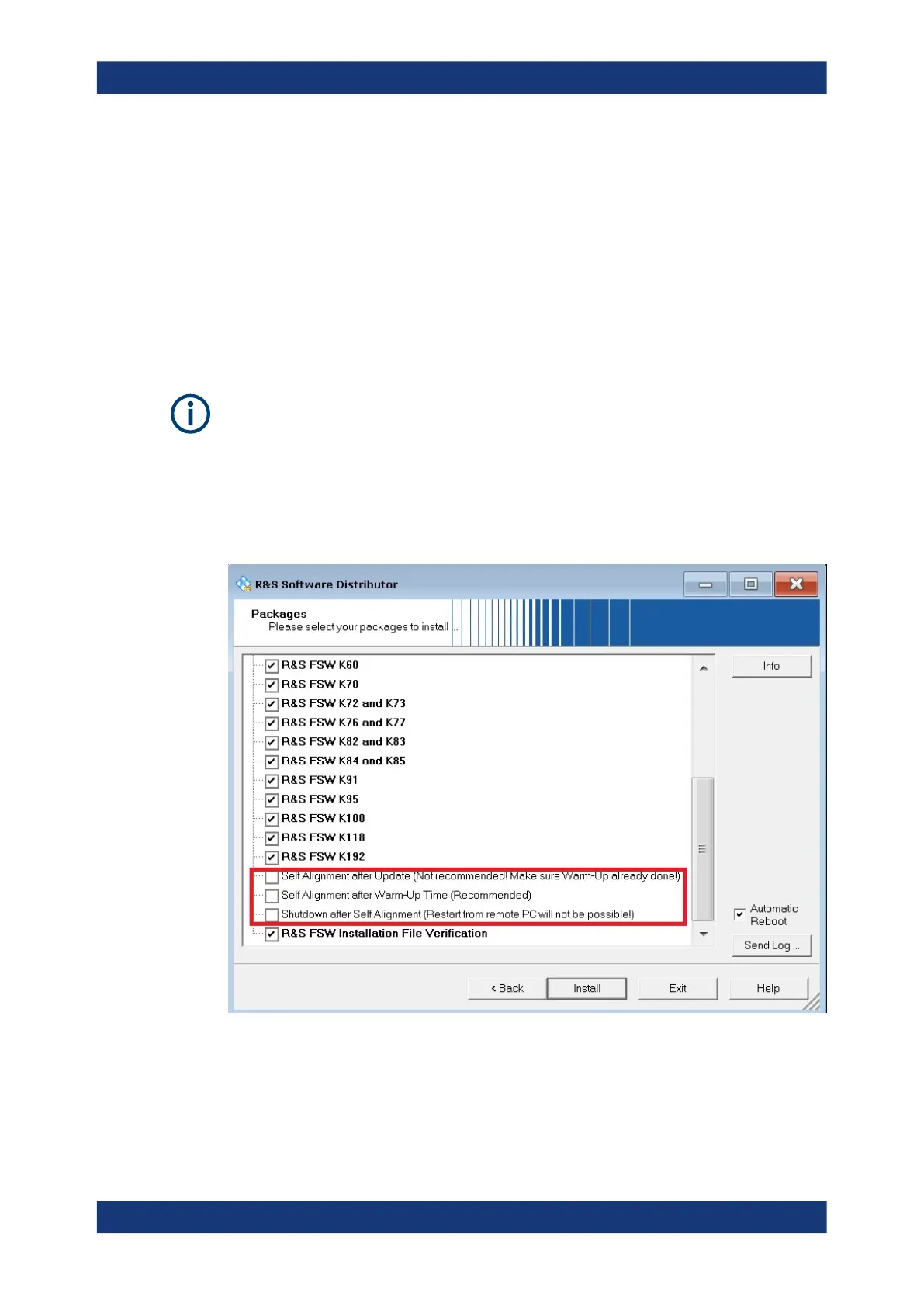
During installation of the R&S FSPN firmware, you can configure an automatic self-
alignment to be performed directly after installation. In addition, you can activate a pre-
ceding warmup time before self-alignment, which is strongly recommended. If you do
not activate this option, make sure the instrument has reached its operating tempera-
ture before installing the firmware. Furthermore, you can force the instrument to shut
down after self-alignment. Note, however, that you cannot switch the instrument back
on remotely afterwards.
The additional settings for self-alignment can also be activated or deactivated during
operation in the "Alignment" settings dialog (see Await Warm-Up Operation before Self
Alignment and Shut down Device after Self Alignment.)
Alignment



 To Next Page