General Instrument Setup
R&S
®
FSPN
214User Manual 1179.4363.02 ─ 01
Await Warm-Up Operation before Self Alignment
Displays a message indicating the remaining warmup time required before self-align-
ment is performed. After the warmup operation has completed, self-alignment is star-
ted automatically.
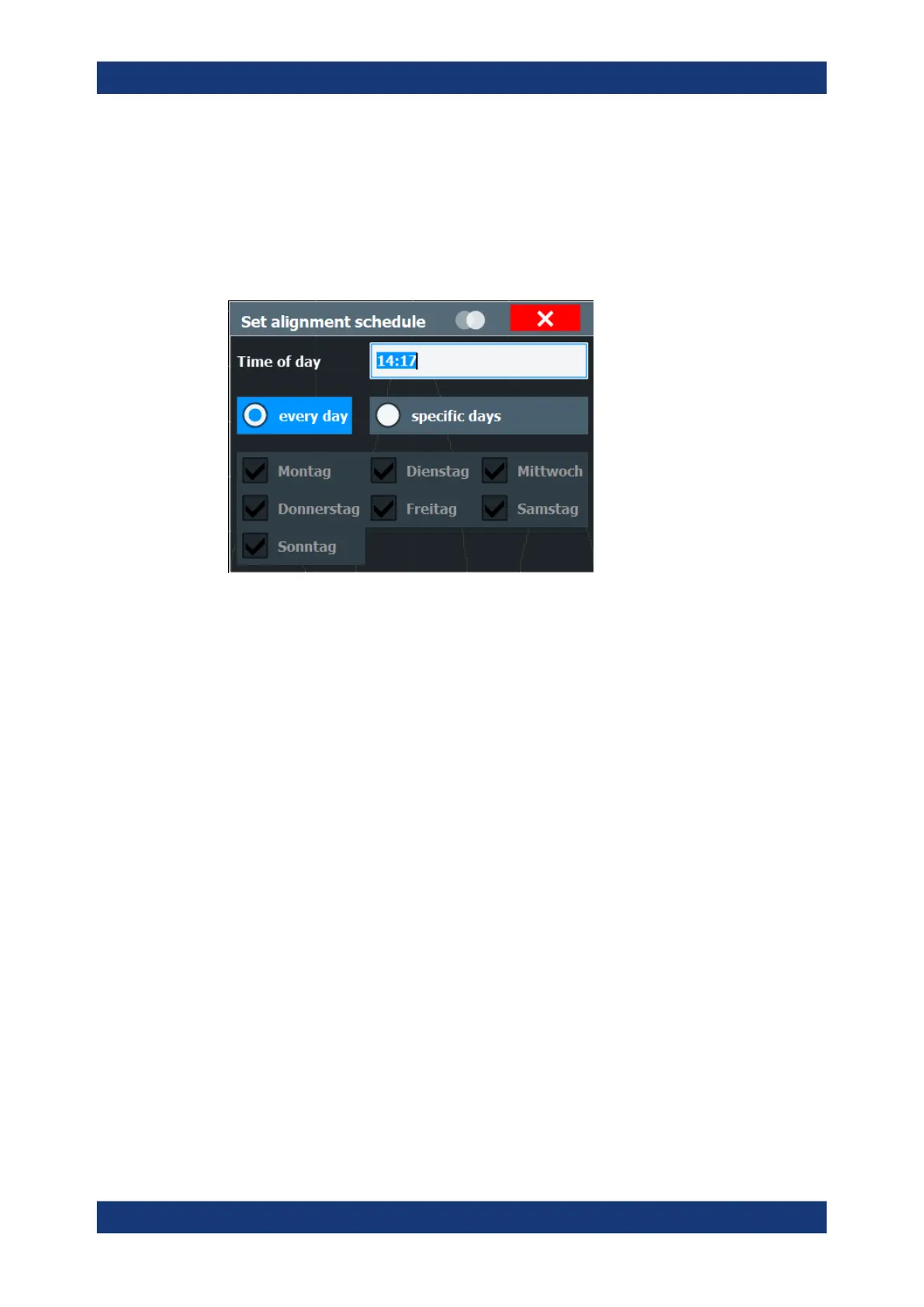
Schedule
If enabled, a self-alignment is performed regularly at specific days and time.
Shut down Device after Self Alignment
If activated, the R&S FSPN is automatically shut down after self-alignment is comple-
ted. Note that the instrument cannot be restarted via remote control.
Reuse Old Alignment Data
If data from a previous self-alignment is available on the instrument, it can be reused
even though the instrument claims the instrument is uncalibrated. This is useful, for
example, after activating a software option or updating the firmware to a beta version.
After rebooting the instrument, you must re-activate this function if you still want to
reuse the old alignment data.
Note, however, that re-using old alignment data can lead to inaccurate measure-
ment results, or even cause the R&S FSPN firmware to fail altogether. For mea-
surements using old alignment data, an [OLD CAL] message is indicated in the status
bar (instead of [UNCAL], which indicates that a new self-alignment is actually
required.)
To measure with the accuracy specified in the data sheet, always perform a self-
alignment when the instrument calls for it.
Starting Touch Screen Alignment
Starts the touchscreen alignment.
Tap the 4 markers on the screen as you are asked to do. The touchscreen is aligned
according to the executed pointing operations.
Alignment Results:
Information on whether the alignment was performed successfully and on the applied
correction data is displayed. The results are available until the next self-alignment
process is started or the instrument is switched off.
Alignment



 To Next Page