Common Analysis and Display Functions
R&S
®
FSPN
170User Manual 1179.4363.02 ─ 01
Remote command:
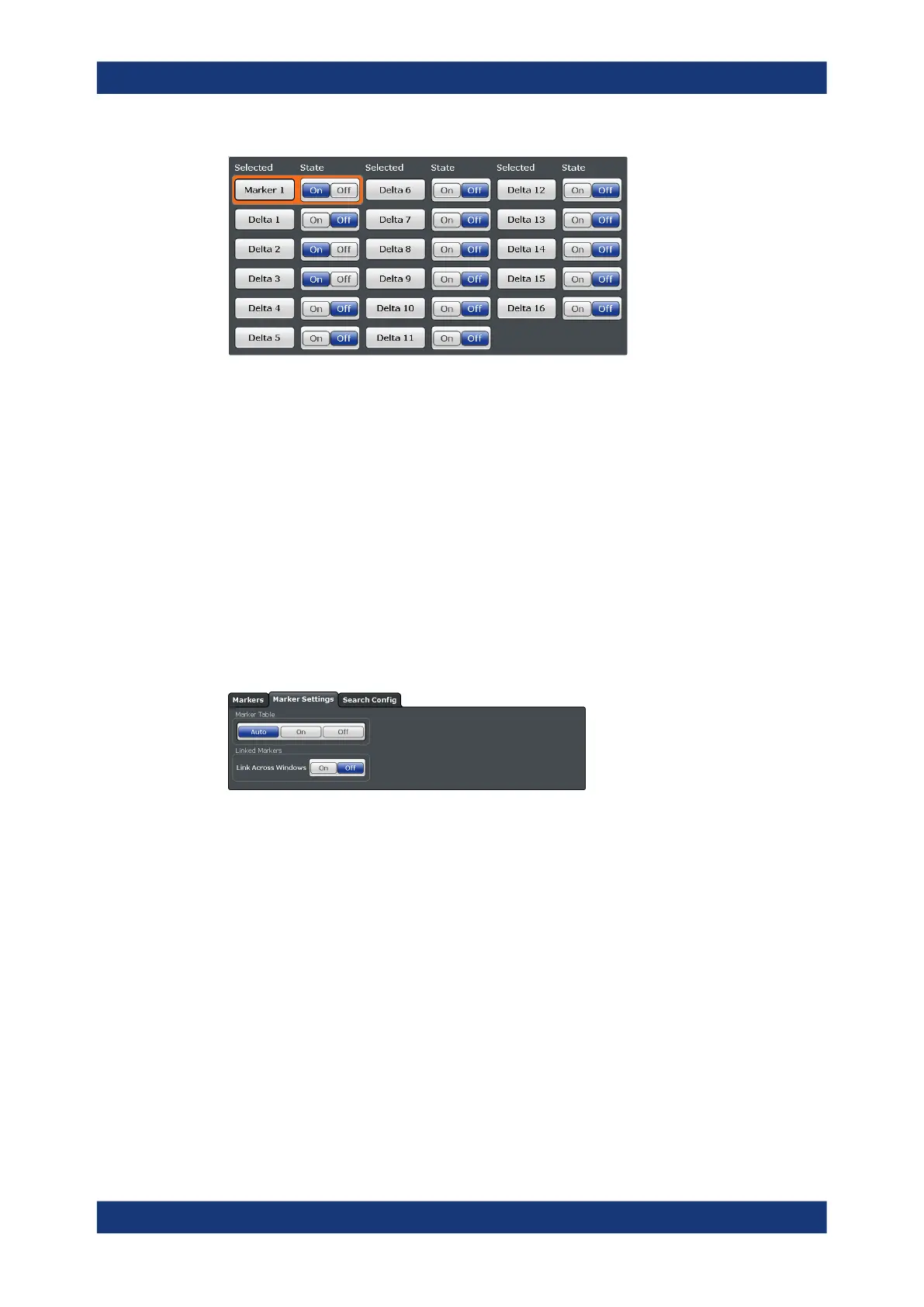
CALCulate<n>:MARKer<m>[:STATe] on page 429
CALCulate<n>:DELTamarker<m>[:STATe] on page 427
All Markers Off
Deactivates all markers in one step.
Remote command:
CALCulate<n>:MARKer<m>:AOFF on page 428
7.4.2.2 General Marker Settings
Access: "Overview" > "Analysis" > "Markers" > "Settings"
Some general marker settings allow you to influence the marker behavior for all mark-
ers.
The remote commands required to define these settings are described in Chap-
ter 11.7.4, "Marker", on page 425.
Marker Table Display ..................................................................................................170
Linked Markers............................................................................................................171
Marker Table Display
Defines how the marker information is displayed.
"On"
Displays the marker information in a table in a separate area beneath
the diagram.
"Off"
No separate marker table is displayed.
Remote command:
DISPlay[:WINDow<n>]:MTABle on page 430
Markers



 To Next Page