Getting Started
R&S
®
FSPN
65User Manual 1179.4363.02 ─ 01
Frequency configuration
●
"How to define the measurement range" on page 76
●
"How to search for signals" on page 76
●
"How to define the capture range for the signal search" on page 77
●
"How to define a carrier frequency manually" on page 77
The half decade configuration table
●
"How to work with the half decade configuration table" on page 77
DUT power supply
●
"How to supply DUTs with current or voltage" on page 78
● Initial Setup............................................................................................................. 65
● Measurements........................................................................................................ 66
● Result Evaluation.................................................................................................... 70
● Measurement Configuration....................................................................................76
3.4.1 Initial Setup
Preparing the R&S FSPN
1. Connect the R&S FSPN to an electrical outlet as described in Chapter 3.1.5, "Con-
necting the AC Power", on page 19.
2. Turn on the R&S FSPN as described in Chapter 3.1.6, "Switching the Instrument
On and Off", on page 20.
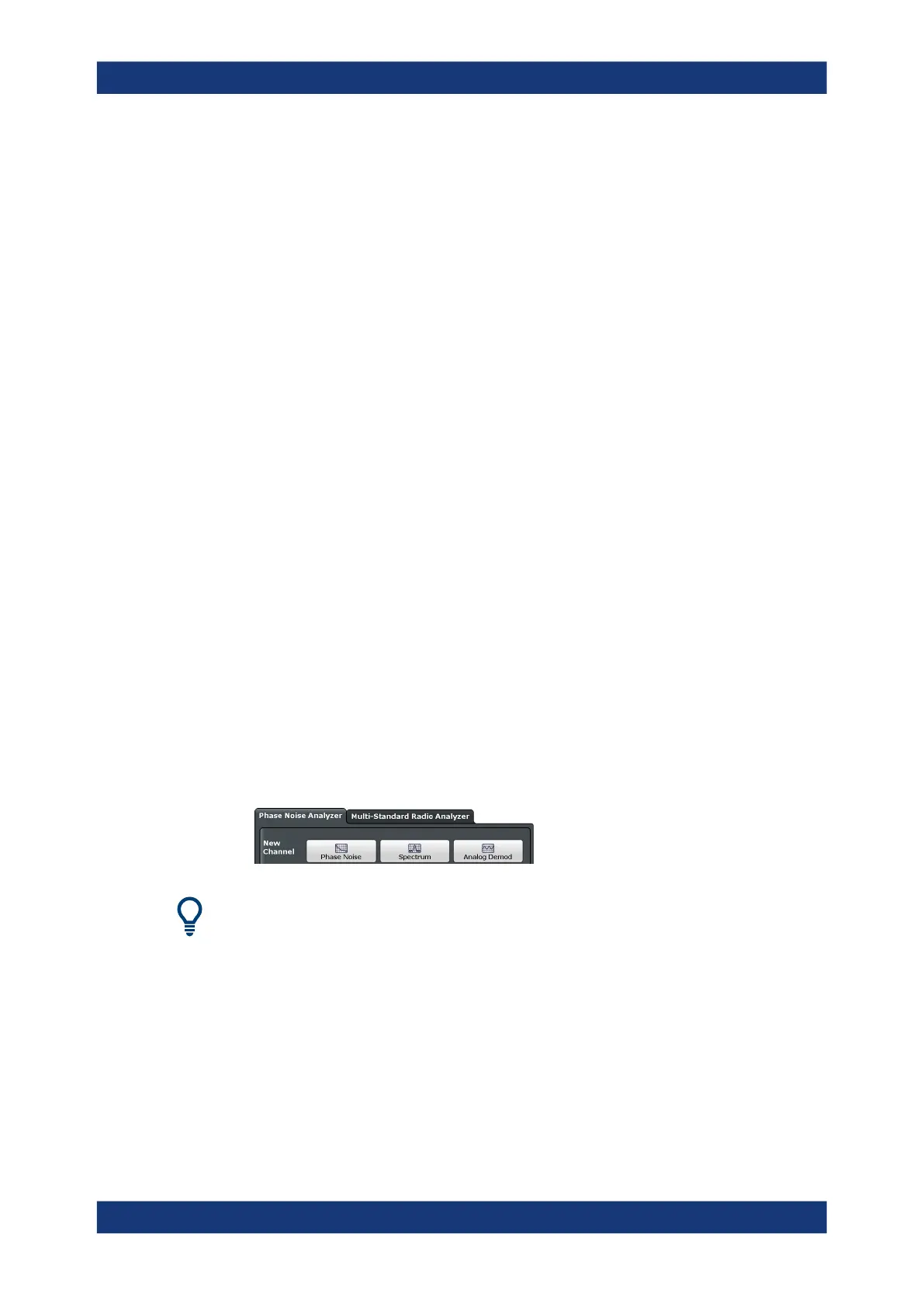
Selecting the phase noise application
1. Select the [MODE] key.
2. Select the "Phase Noise" item in the "Mode" dialog box.
There's more than one way to skin a cat
In most cases, the firmware of the R&S FSPN provides several ways to change mea-
surement parameters. For example, the measurement range can be defined via the
[FREQ] key, the "MEAS CONFIG" key or the "Overview" dialog box.
All procedures in this chapter use the "Overview" dialog box as a starting point (when
possible). You can reach this dialog via the "Overview" softkey displayed at the bottom
of the softkey bar on the right side of the diagram area.
Trying Out the Instrument



 To Next Page