Getting Started
R&S
®
FSPN
20User Manual 1179.4363.02 ─ 01
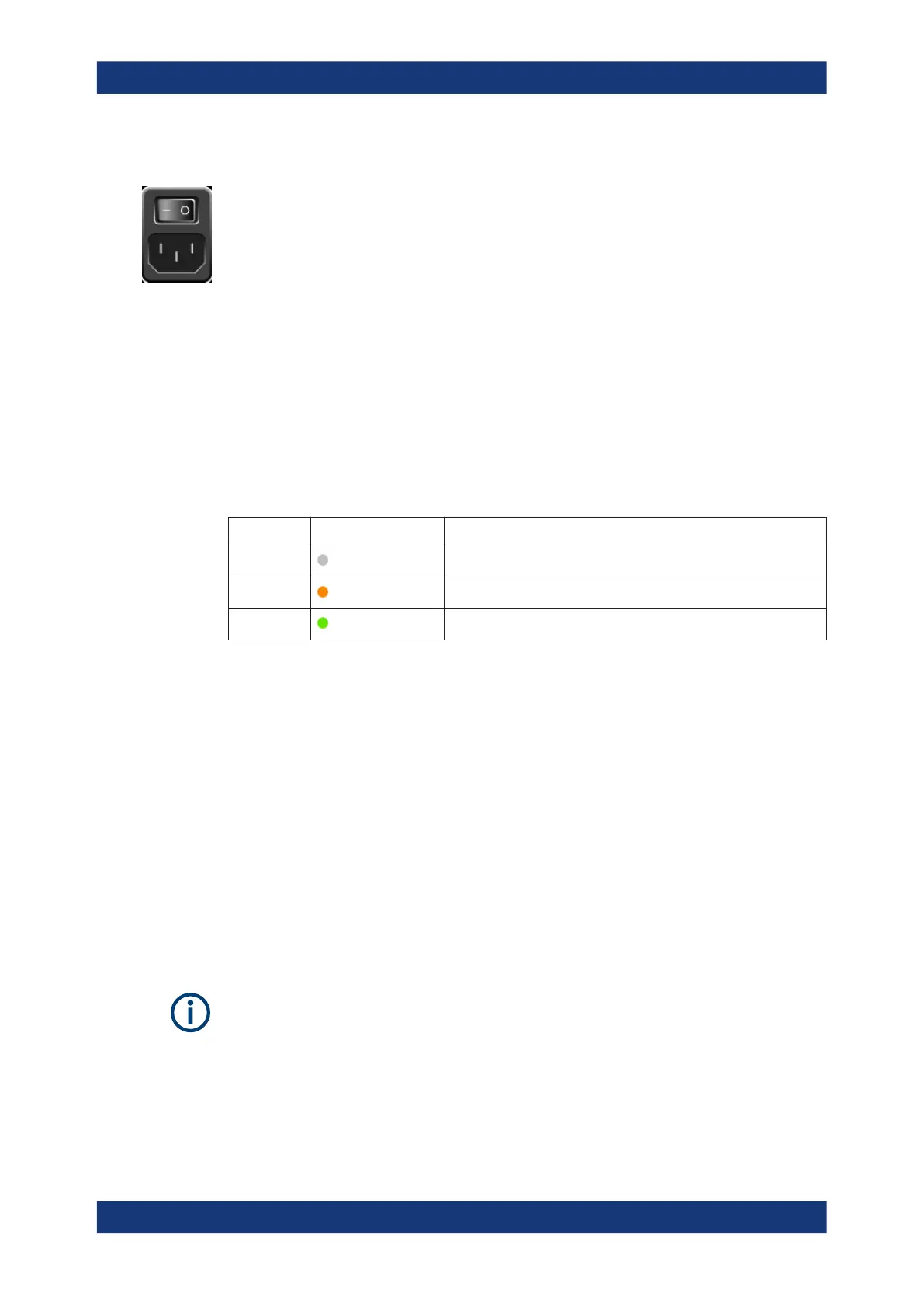
To connect the AC power
1. Plug the AC power cable into the AC power connector on the rear panel of the
instrument. Only use the AC power cable delivered with the R&S FSPN.
2. Plug the AC power cable into a power outlet with ground contact.
The required ratings are listed next to the AC power connector and in the data
sheet.
For details on the connector, refer to Chapter 3.2.2.2, "AC Power Supply Connection
and Main Power Switch", on page 38.
3.1.6 Switching the Instrument On and Off
Table 3-1: Overview of power states
Status LED on Power key Position of main power switch
Off
gray
[0]
Standby
orange
[I]
Ready
green
[I]
To switch on the R&S FSPN
The R&S FSPN is off but connected to power.
1. Set the switch on the power supply to position [I].
See Chapter 3.2.2.2, "AC Power Supply Connection and Main Power Switch",
on page 38.
The LED of the Power key is orange.
See Chapter 3.2.1.2, "Power Key", on page 31.
2. Press the Power key.
See Table 3-1.
The LED changes to green.
The R&S FSPN boots.
After booting, the instrument is ready for operation.
Warm-up time for OCXO
When the instrument is switched on, the OCXO requires an extended warm-up time
(see data sheet).
Preparing for Use



 To Next Page