Common Measurement Settings
R&S
®
FSPN
141User Manual 1179.4363.02 ─ 01
The remote commands required to configure the frequency deviation calculation are
described in Chapter 11.6.9.7, "Frequency Deviation", on page 399.
6.9.8 Trace Configuration
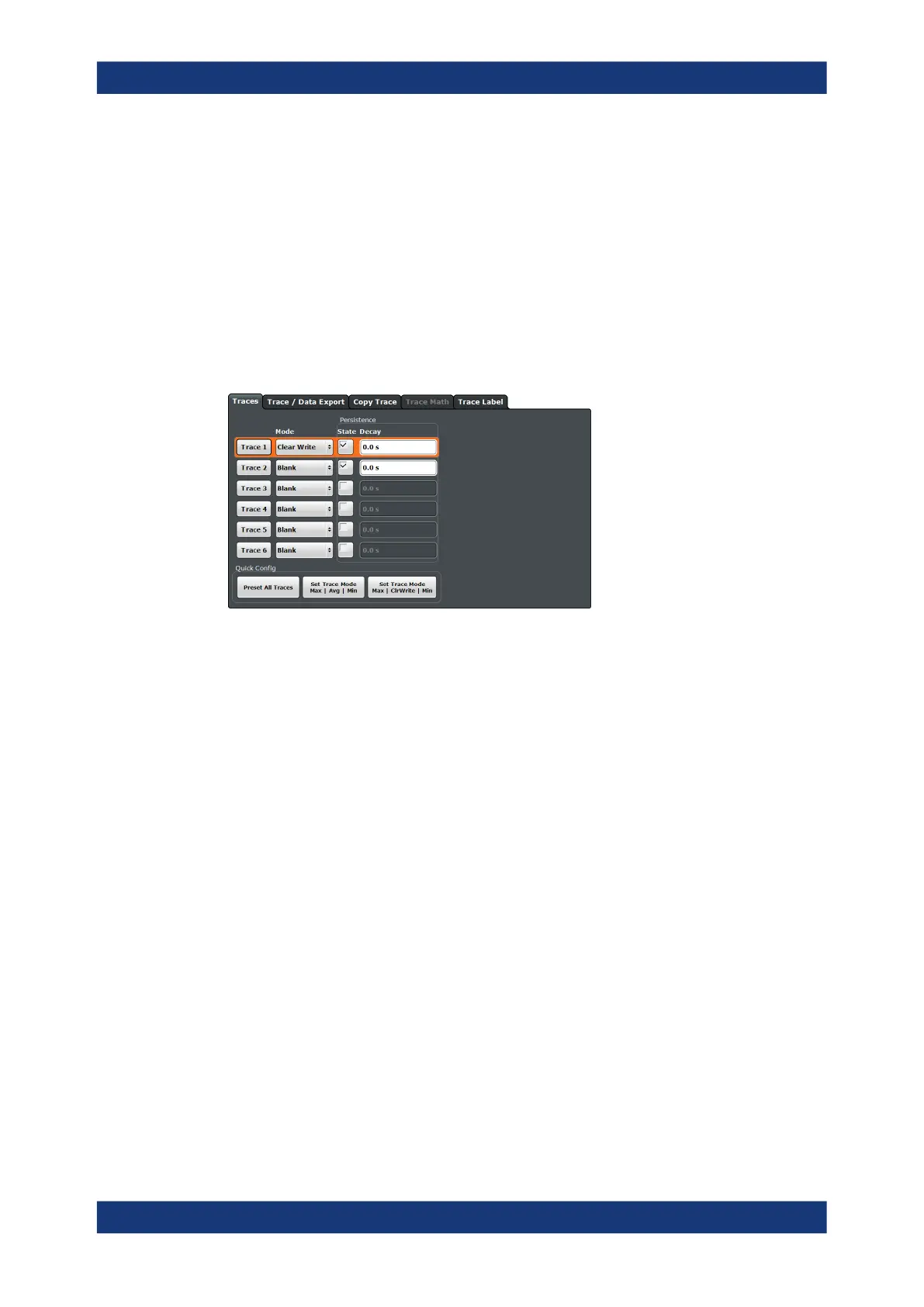
Access: "Overview" > "Analysis" > "Traces"
You can display several traces in the transient analysis. Most trace functionality is the
same as in the phase noise application. Trace settings specific to the transient analysis
are described below, for more information about trace settings also available in other
measurements, refer to the following topics.
The remote commands required to configure traces are described in Chapter 11.6.9.8,
"Trace Configuration", on page 401.
Settings in the "Traces" dialog box described elsewhere:
●
Select trace: " Trace 1 / Trace 2 / Trace 3 / Trace 4 / Trace 5 / Trace 6 "
on page 156
●
Trace mode: " Trace Mode " on page 156
●
Trace export: Chapter 7.3.3, "Trace Export and Import", on page 158
●
Trace copy: Chapter 7.3.4, "Copying Traces", on page 162
●
Trace mathematics: Chapter 7.3.5, "Trace Math", on page 163
Note that trace mathematics are only available in the frequency diagram.
●
Trace labels: Chapter 7.3.6, "Trace Labels", on page 163
●
Persistence: "Displaying persistence" on page 157
The remote commands required to configure traces are described in Chapter 11.6.9.8,
"Trace Configuration", on page 401.
6.9.9 Marker Configuration
Access: "Overview" > "Analysis" > "Markers"
Marker functionality is the same as in other phase noise measurements. For more
information, see Chapter 7.4, "Markers", on page 165.
PN Transient Analysis Configuration



 To Next Page