Data Management
R&S
®
FSPN
206User Manual 1179.4363.02 ─ 01
Remote command:
HCOPy:PAGE:MARGin<1|2>:BOTTom on page 468
HCOPy:PAGE:MARGin<1|2>:LEFT on page 469
HCOPy:PAGE:MARGin<1|2>:RIGHt on page 469
HCOPy:PAGE:MARGin<1|2>:TOP on page 469
HCOPy:PAGE:MARGin<1|2>:UNIT on page 470
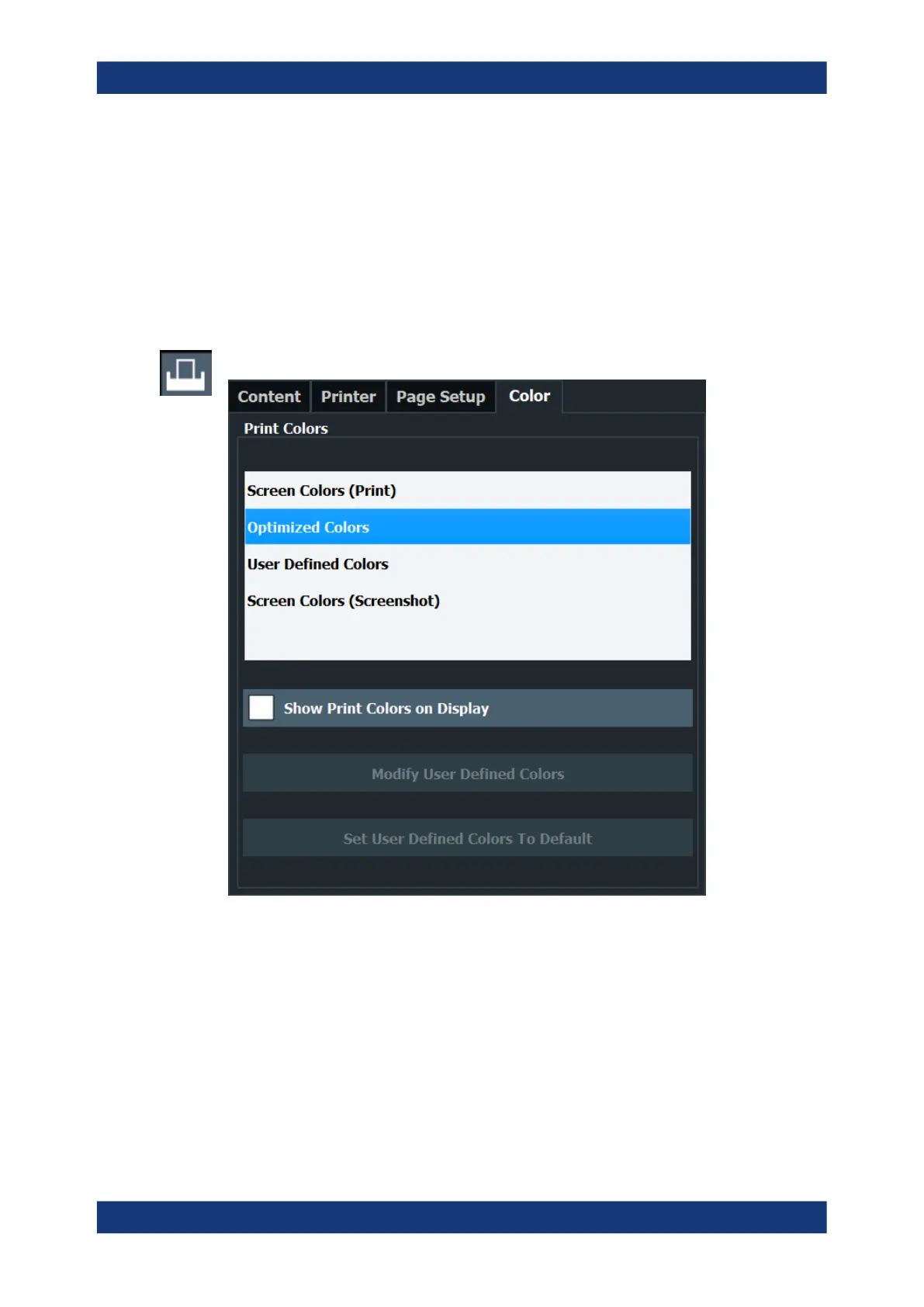
8.4.1.5 Print Color Settings
Access: "Print" > "Print Config" > "Color" tab
The settings provided here are identical to those in the "Print Colors" section of the
"Display" > "Theme + Color" dialog box.
See " Print Colors " on page 222.
8.4.2 How to Store or Print Screenshots of the Display
The measurement results displayed on the screen can be printed or stored to a file
very easily.
Creating Screenshots of Current Measurement Results and Settings



 To Next Page