Common Measurement Settings
R&S
®
FSPN
133User Manual 1179.4363.02 ─ 01
Remote command:
CONFigure:TRANsient:MODE on page 387
Defining the frequency range of the measurement
The frequency parameters define the scale of the y-axis of the frequency result display.
●
The bottom of the diagram corresponds to the "Start Frequency".
●
The top of the diagram corresponds to the "Stop Frequency".
●
The middle of the diagram corresponds to the "Center Frequency".
The center frequency is the frequency of the signal you are measuring.
●
The complete range of the y-axis corresponds to the selected span.
Note that changing any one of the frequency parameters can change the measurement
mode you have selected.
Remote command:
Center frequency: [SENSe:]FREQuency:CENTer on page 358
Start frequency: [SENSe:]FREQuency:STARt on page 359
Stop frequency: [SENSe:]FREQuency:STOP on page 359
Span: [SENSe:]FREQuency:SPAN on page 389
Defining a frequency step size
Defines the step size by which the center frequency is increased or decreased when
you press the arrow keys.
The "Stepsize" is a function of the span.
●
"0.1 * Span": Changes the center frequency by 10 % of the current span.
●
"X * Span": Changes the center frequency by custom percentage of the current
span. If you select this, you can define the percentage in the "X-Factor" input field.
●
"Manual": Changes the center frequency by a custom value. If you select this, you
can define the step size in Hz in the "Value" field.
Remote command:
Stepsize: [SENSe:]FREQuency:CENTer:STEP:LINK on page 388
Factor: [SENSe:]FREQuency:CENTer:STEP:LINK:FACTor on page 388
Manual: [SENSe:]FREQuency:CENTer:STEP on page 387
6.9.2 Trigger Configuration
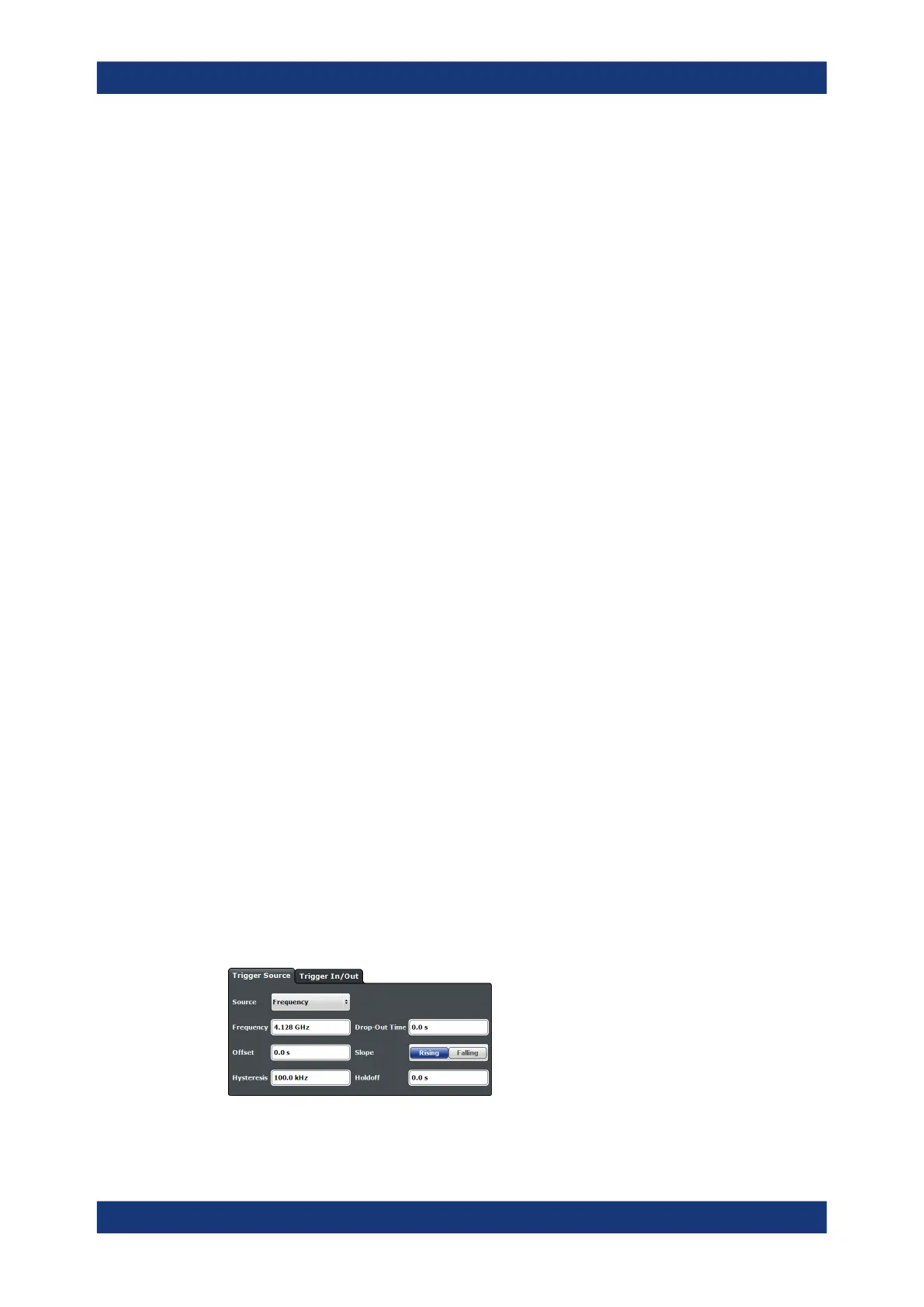
Access: "Overview" > "Trigger"
Transient measurement support trigger functionality that allows you to control when a
measurement begins.
PN Transient Analysis Configuration



 To Next Page