General Instrument Setup
R&S
®
FSPN
233User Manual 1179.4363.02 ─ 01
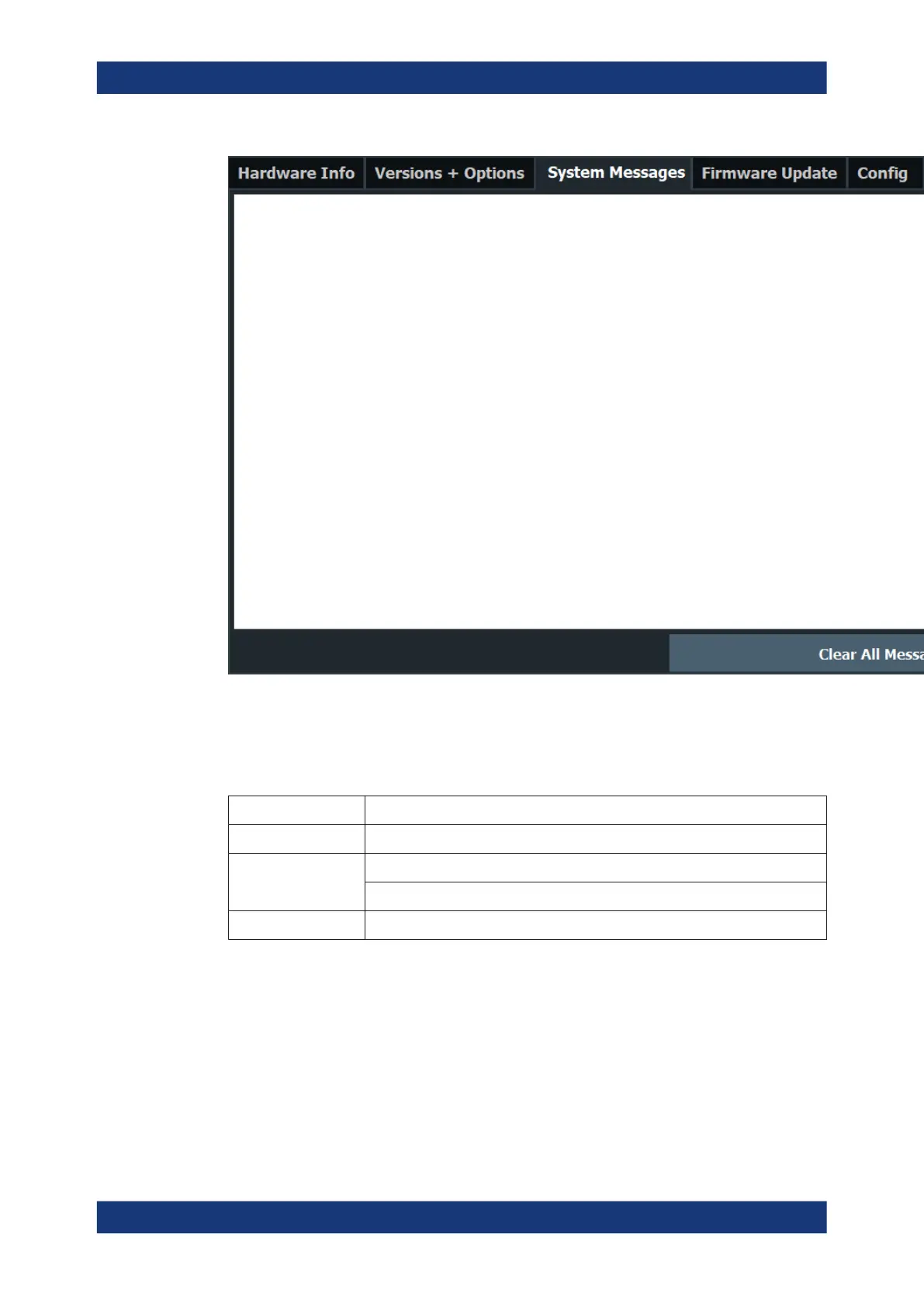
If the number of error messages exceeds the capacity of the error buffer, "Message
Buffer Overflow" is displayed. To clear the message buffer use the "Clear All Mes-
sages" button.
The following information is available:
No device-specific error code
Message brief description of the message
Component hardware messages: name of the affected module
software messages: name of the affected software
Date/Time date and time of the occurrence of the message
Remote command:
SYSTem:ERRor:LIST? on page 505
9.4.4 Firmware Updates
Access: [Setup] > "System Configuration" > "Firmware Update"
System Configuration Settings



 To Next Page