Getting Started
R&S
®
FSPN
41User Manual 1179.4363.02 ─ 01
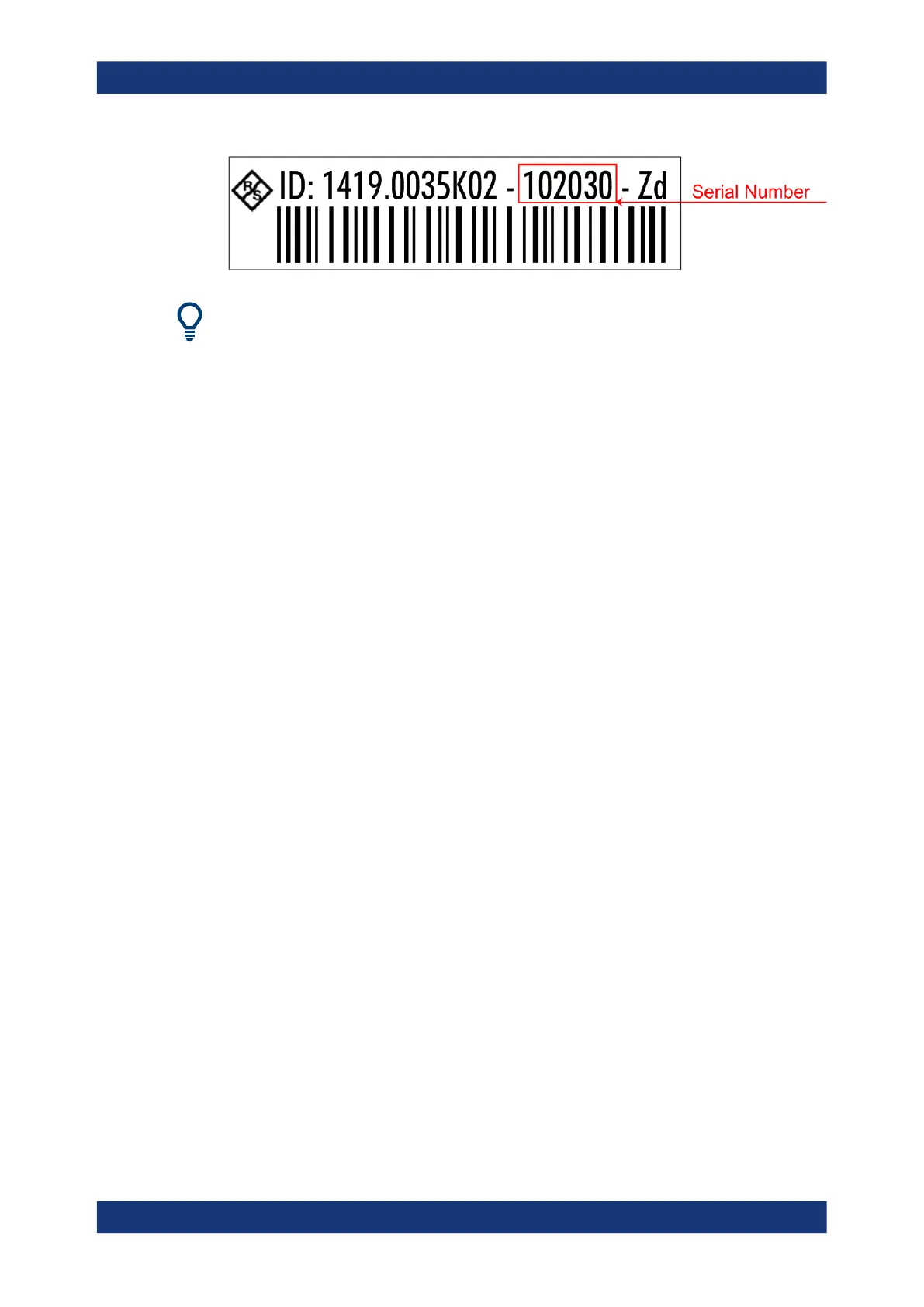
The serial number is used to define the default instrument name, which is:
<Type><variant>-<serial_number>
For example, FSPN6-123456.
The instrument name is required to establish a connection to the instrument in a LAN.
3.3 Operating the Instrument
The following topics provide an overview on how to work with the R&S FSPN. They
describe what kind of information is displayed in the diagram area, how to operate the
R&S FSPN via the front panel keys and other interaction methods, and how to use the
Online Help.
● Understanding the Display Information...................................................................41
● Accessing Functions............................................................................................... 50
● Changing the Focus................................................................................................53
● Entering Data.......................................................................................................... 53
● Displaying Results...................................................................................................56
● Remote Control.......................................................................................................63
3.3.1 Understanding the Display Information
The following figure shows a measurement diagram in the Phase Noise application. All
different information areas are labeled. They are explained in more detail in the follow-
ing sections.
Operating the Instrument



 To Next Page