Common Measurement Settings
R&S
®
FSPN
116User Manual 1179.4363.02 ─ 01
The table contains the following values.
●
Start Offset
Start frequency offset of the half decade.
Depends on the frequency offsets you have defined.
●
Stop Offset
Stop frequency offset of the half decade.
Depends on the frequency offsets you have defined.
●
RBW
Resolution bandwidth applied to the corresponding half decade during the mea-
surement.
Depends on the resolution bandwidth factor you have defined.
Custom RBWs become available when you are using manual configuration mode.
●
XCORR
Shows the number of cross-correlation operations applied in the corresponding half
decade.
Depends on the XCORR factor you have defined.
Custom cross-correlation operations become available when you are using manual
configuration mode.
Remote command:
Configuration mode: [SENSe:]SWEep:MODE on page 365
Start offset: [SENSe:]LIST:RANGe<r>:FREQuency:STARt? on page 362
Stop offset: [SENSe:]LIST:RANGe<r>:FREQuency:STOP? on page 363
RBW: [SENSe:]LIST:RANGe<r>:BWIDth[:RESolution] on page 362
XCORR: [SENSe:]LIST:RANGe<r>:XCOunt on page 363
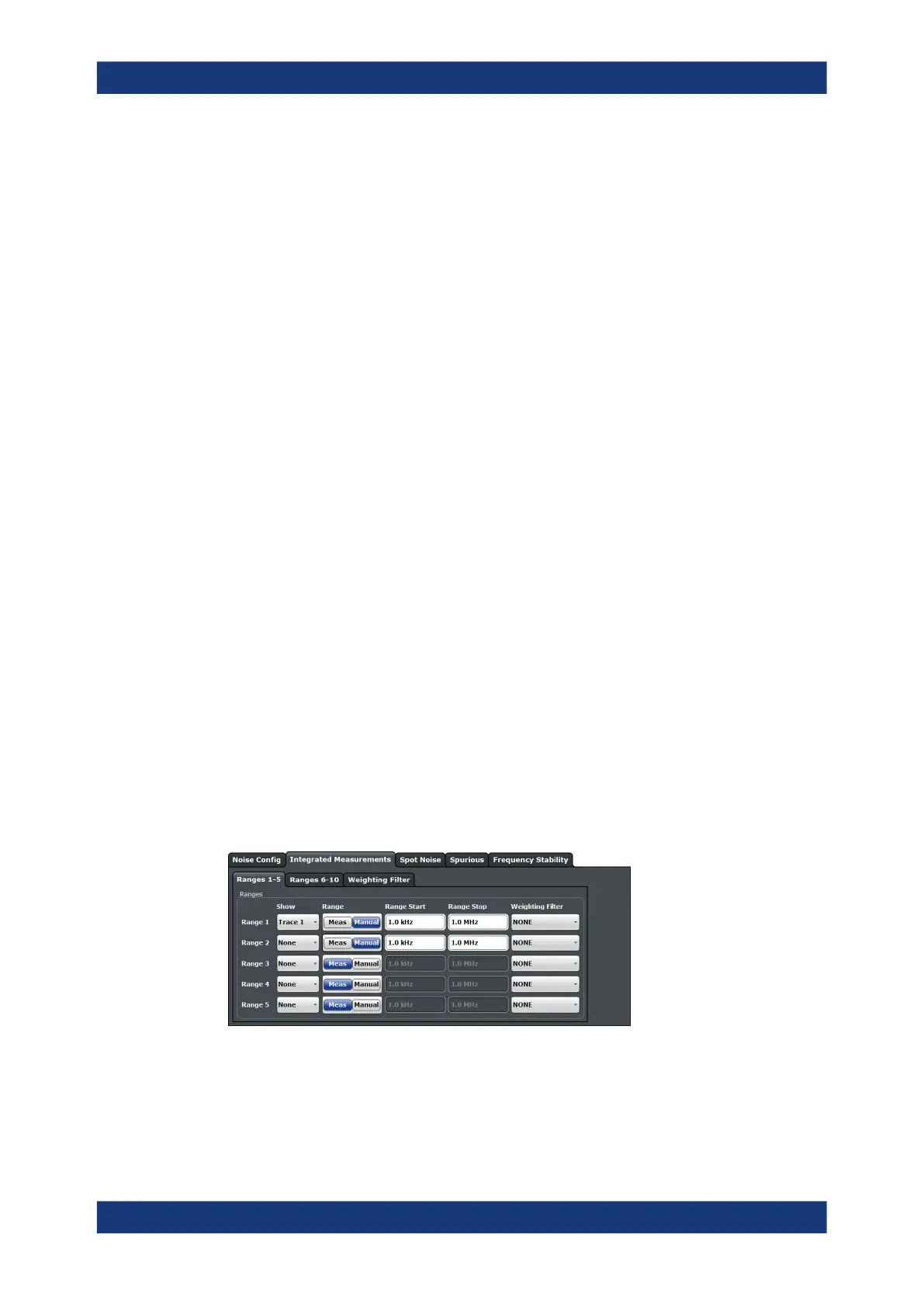
6.5.4 Integrated Measurement Configuration
Access: "Overview" > "Noise Config" > "Integrated Measurements"
You can control the integration ranges and data source (traces) that the calculations for
integrated measurement results are based on.
For integrated measurements, the raw measurement data are used instead of the data
smoothed by the trace smoothing functionality.
The remote commands required to configure residual calculations are described in
Chapter 11.6.6.2, "Residual Calculation Configuration", on page 368.
Selecting the trace for residual calculations................................................................ 117
Defining the integration range..................................................................................... 117
Working with weighting filters...................................................................................... 117
Noise Measurement Configuration



 To Next Page