General Instrument Setup
R&S
®
FSPN
232User Manual 1179.4363.02 ─ 01
Remote commands:
SYSTem:FORMat:IDENt on page 506
DIAGnostic:SERVice:BIOSinfo? on page 504
DIAGnostic:SERVice:VERSinfo? on page 504
Open Source Acknowledgment: Open
Displays a PDF file containing information on open source code used by the
R&S FSPN firmware.
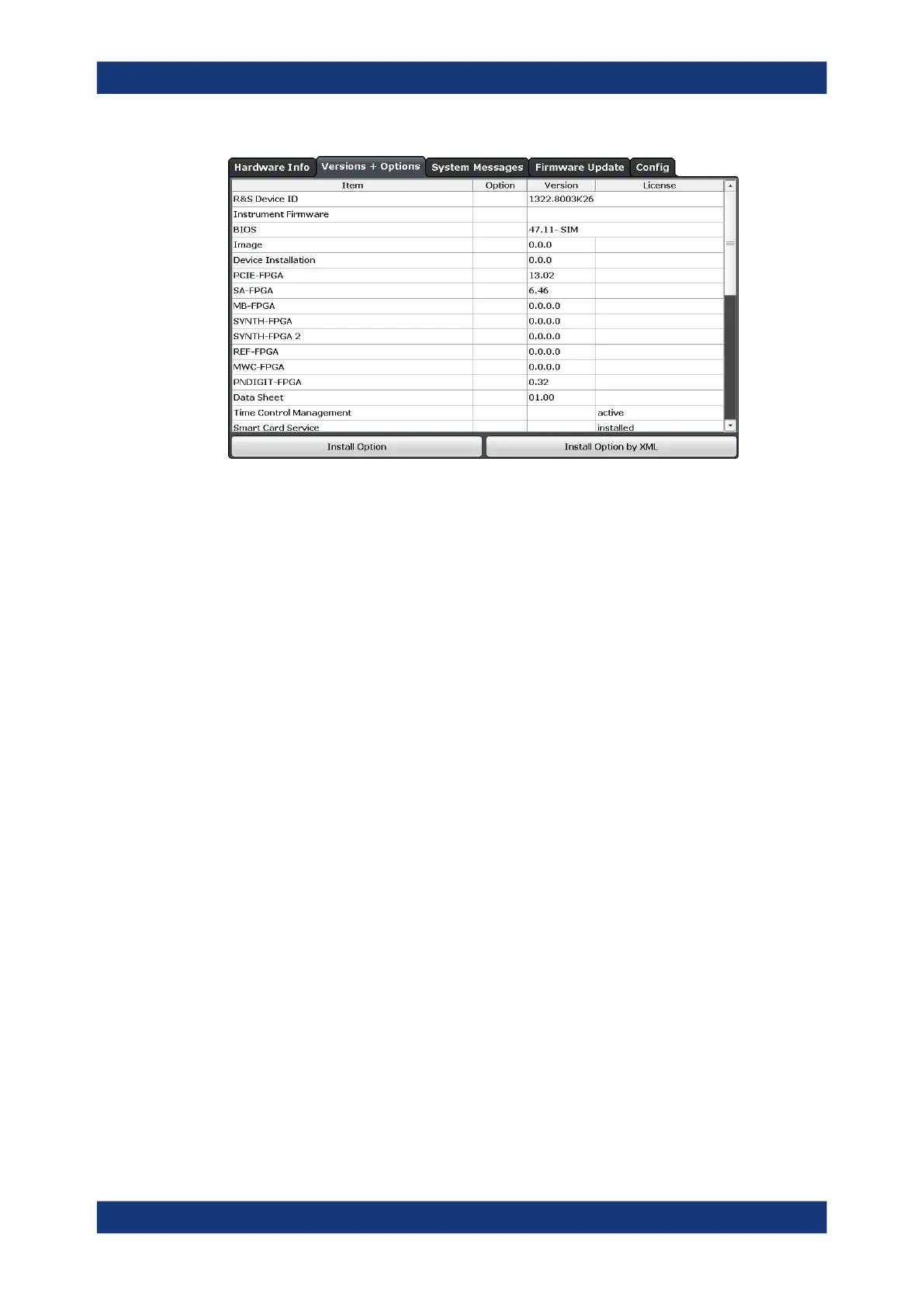
Install Option
Opens an edit dialog box to enter the license key for the option that you want to install.
Only user accounts with administrator rights are able to install options.
Install Option by XML
Opens a file selection dialog box to install an additional option to the R&S FSPN using
an XML file. Enter or browse for the name of an XML file that contains the option key
and select "Select" .
Only user accounts with administrator rights are able to install options.
9.4.3 System Messages
Access: [Setup] > "System Configuration" > "System Messages"
The system messages generated by the R&S FSPN are displayed.
The messages are displayed in the order of their occurrence; the most recent mes-
sages are placed at the top of the list. Messages that have occurred since you last vis-
ited the system messages tab are marked with an asterisk '*'.
System Configuration Settings



 To Next Page