General Instrument Setup
R&S
®
FSPN
213User Manual 1179.4363.02 ─ 01
Start Self Alignment ................................................................................................... 213
Abort Self Alignment .................................................................................................. 213
Await Warm-Up Operation before Self Alignment....................................................... 214
Schedule..................................................................................................................... 214
Shut down Device after Self Alignment.......................................................................214
Reuse Old Alignment Data..........................................................................................214
Starting Touch Screen Alignment ...............................................................................214
Alignment Results: ..................................................................................................... 214
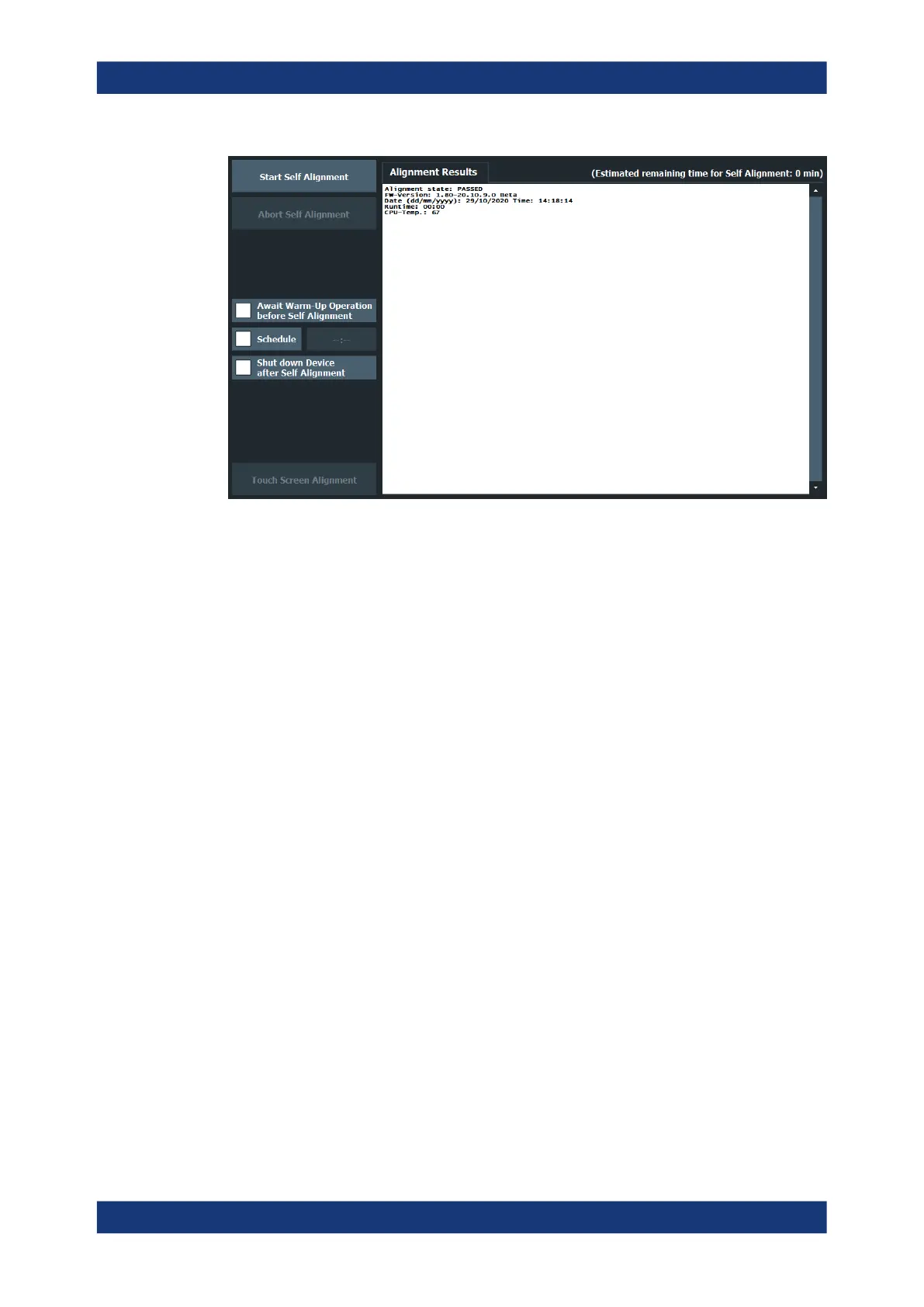
Start Self Alignment
Starts recording correction data for the instrument. If the correction data acquisition
fails or if the correction values are deactivated, a corresponding message is displayed
in the status field.
For details, see Chapter 9.1.1, "Basics on Alignment", on page 210.
Note:
A running Sequencer operation is aborted when you start a self-alignment.
During self-alignment, do not connect a signal to the RF input connector. Running a
self-alignment with a signal connected to the RF input can lead to false measurement
results.
Remote command:
*CAL? on page 312, see also CALibration[:ALL]? on page 483
Abort Self Alignment
As long as the self-alignment data is being collected, the procedure can be canceled
using the "Abort Self Alignment" button.
Note: If you start a self-alignment remotely, then select the "Local" softkey while the
alignment is still running, the instrument only returns to the manual operation state
after the alignment is completed. In this case, you cannot abort a self-alignment man-
ually.
Alignment



 To Next Page