Getting Started
R&S
®
FSPN
32User Manual 1179.4363.02 ─ 01
Turns full screen mode on and off.
Selects a window in split screen mode or browses through active windows in full
screen mode.
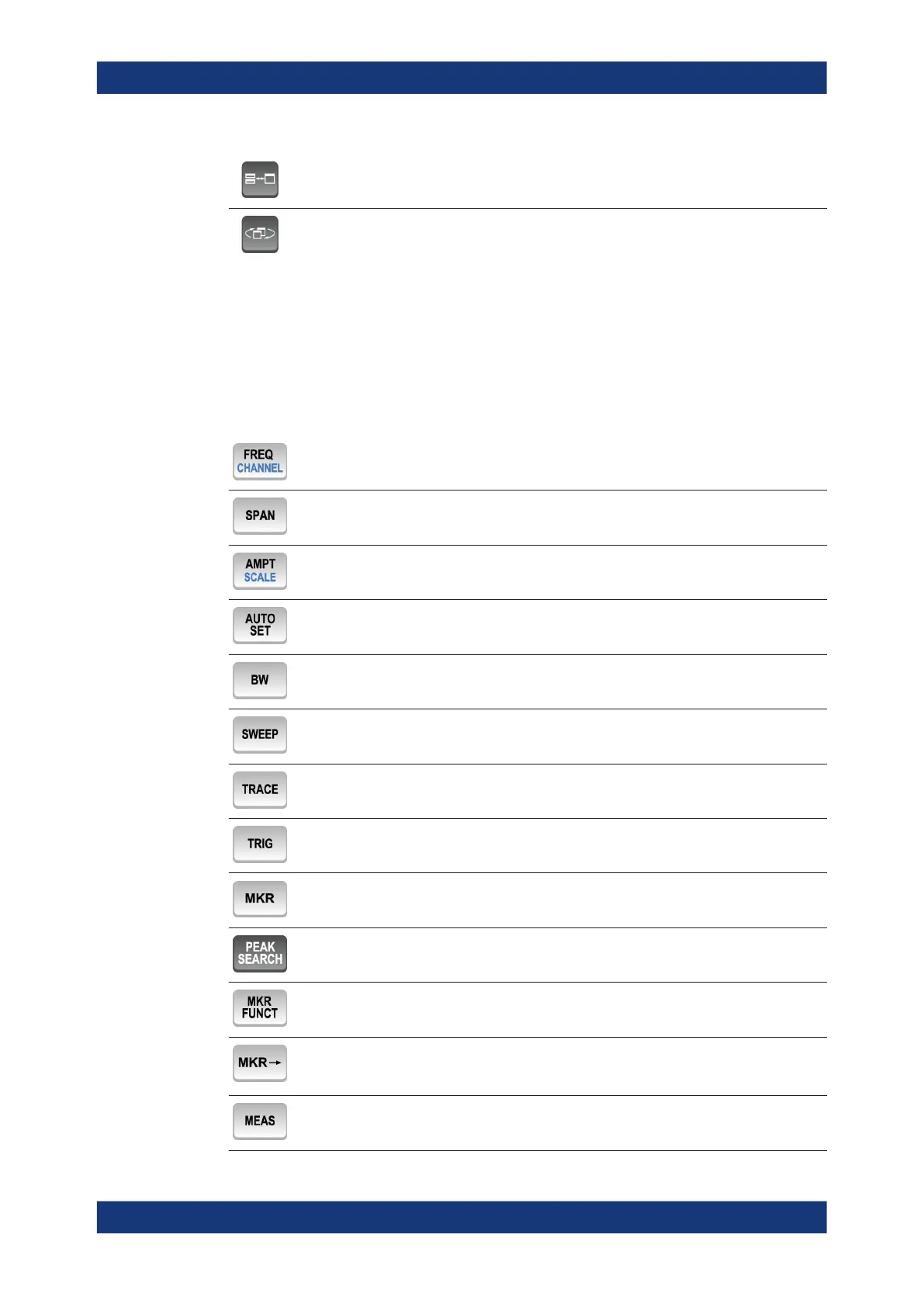
3.2.1.4 The Function Keys
Function keys provide access to the most common measurement settings and func-
tions.
Refer to the user manual for an extensive description of the measurement settings and
functions.
Provides functionality to define frequency parameters, for example:
Provides functionality to configure amplitude or level characteristics, for example:
Provides functionality to automatically define various parameters like the level or fre-
quency.
Provides functionality to define various filter bandwidths.
Provides functionality to configure the measurement, for example:
Provides functionality to configure data acquisition and analyze measured data, for
example:
Provides functionality to activate and position absolute and relative markers (markers
and delta markers).
Performs a peak search for active markers.
If no marker is active, marker 1 is activated and the peak search is performed for it.
Provides functionality to position and control markers, for example:
●
to configure the marker search
●
to configure the peak excursion
Provides the measurement functions, for example:
Instrument Tour



 To Next Page