Getting Started
R&S
®
FSPN
57User Manual 1179.4363.02 ─ 01
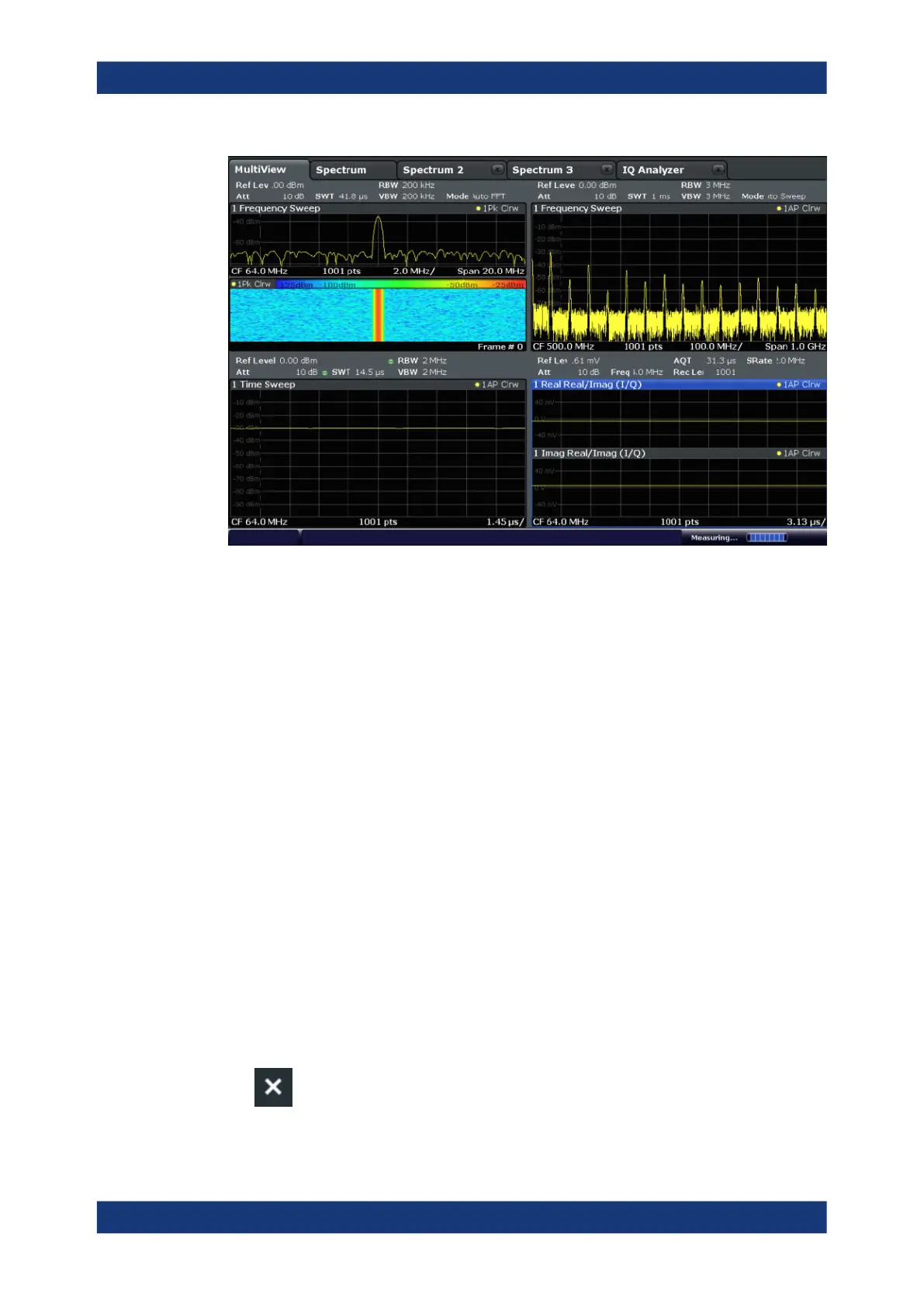
To start a new channel
1. Select the [Mode] key.
2. In the "Mode" dialog box, select the required application on the "New Channel" tab.
A new tab is displayed for the new channel.
Remote command:
INSTrument:CREate[:NEW] on page 317/ INSTrument:CREate:DUPLicate
on page 317
To change the application in an active channel
1. Select the tab of the channel you want to change.
2. Select the [Mode] key.
3. In the "Mode" dialog box, select the new application to be displayed on the
"Replace Current Channel" tab.
The selected application is displayed in the current channel.
Remote command:
INSTrument:CREate:REPLace on page 317
To close a measurement channel
►
Operating the Instrument



 To Next Page