96 Menu System Description ODIN Intercom Matrix
Connected Field
The Connected field displays the status information of the connection.
Available statuses are
:
KP Type Field
The KP Type field displays the type of keypanel connected to the intercom.
Version Field
The Version field displays the firmware version currently loaded on the keypanel.
Power Ups Field
The Power Ups field displays the number of times the keypanel has connected to the intercom.
Requests Field
The Requests field displays the number of keypanel requests received by the intercom.
TIF
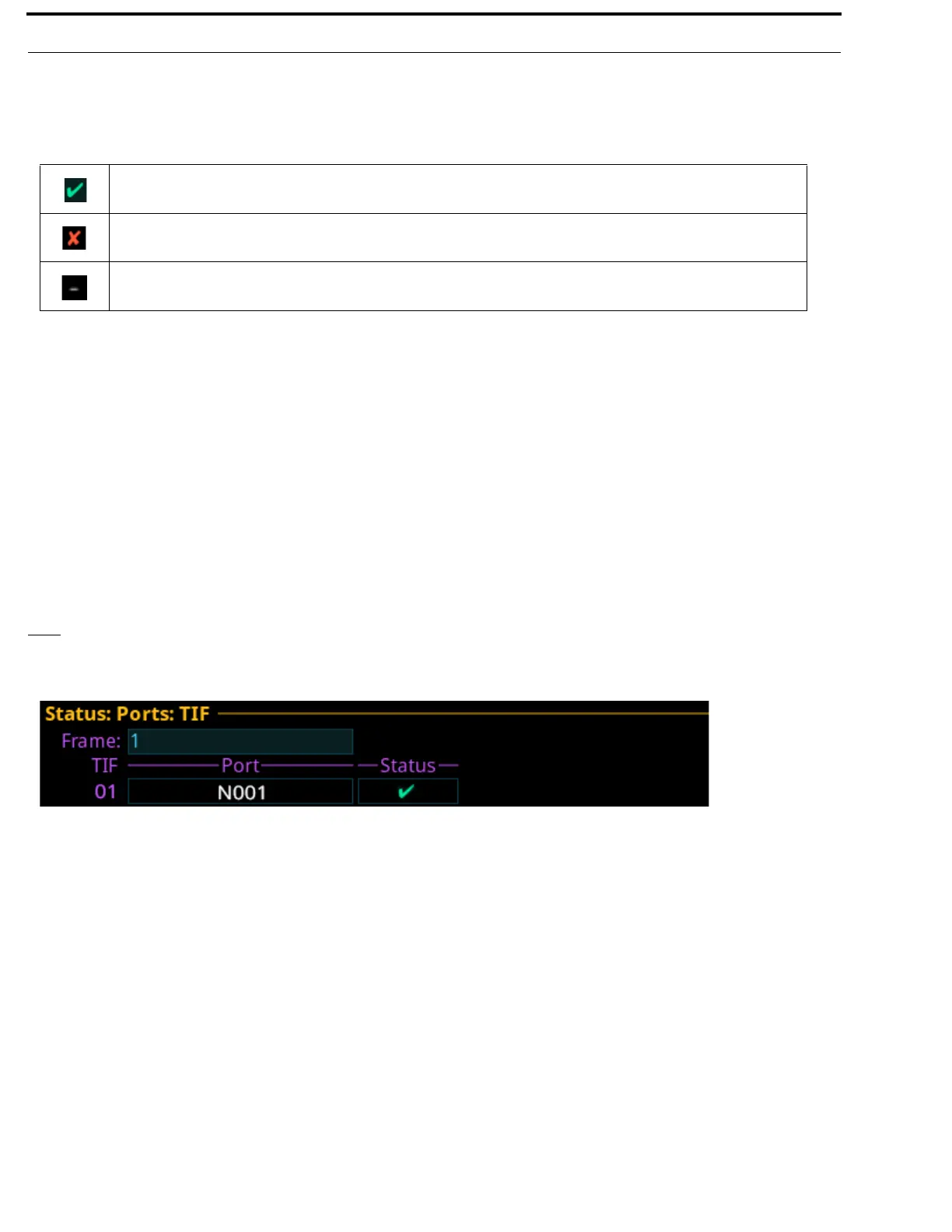
The TIF screen is used to view the status information of any TIFs connected to the selected frame.
Frame Field
The Frame field is used to select the frame to be viewed.
TIF Field
The TIF field displays the ports with TIFs connected.
Port Field
The Port field displays the port to which the TIF is connected.
The panel is connected.
The panel was connected, but is no longer connected.
There is no connection.
FIGURE 28. Status | Ports | TIF



 To Next Page