ODIN Intercom Matrix Menu System Description 129
Use RSTP Check Box
The Use RSTP check box is used to determine whether RSTP should be used on the port. For more information, see “RSTP” on
page 50.
RVON
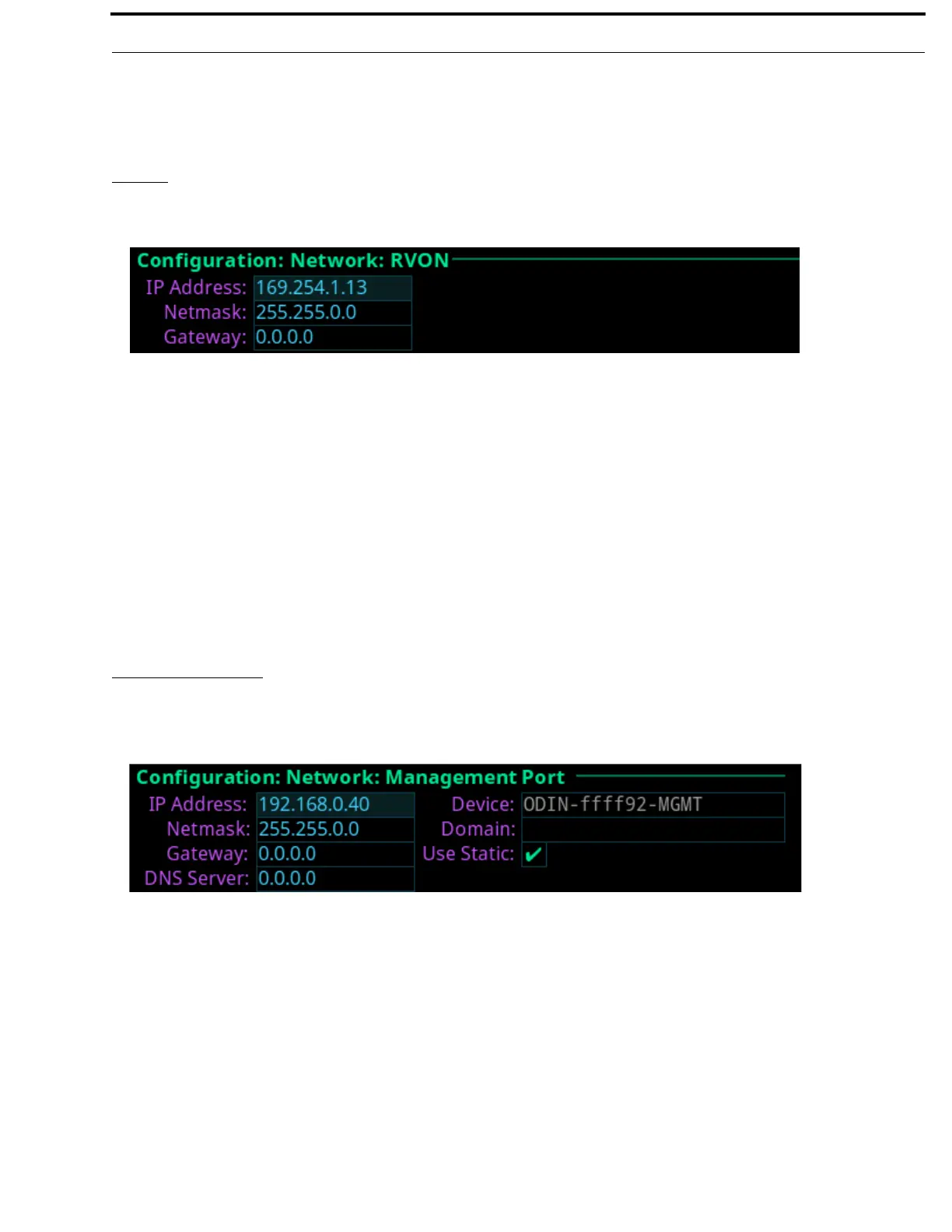
The RVON screen is used to configure the RVON network interface.
IP Address Field
The IP Address field is used to enter the IP address of the RVON Port interface.
NOTE: The RVON Port can be on a different network from the OMNEO and Control Port interfaces.
Netmask Field
The Netmask field is used to enter the netmask address.
Gateway Field
The Gateway field is used to enter a gateway address, if applicable.
Management Port
The Management Port is used to configure the Management Port interface located on the front of frame. The Management Port is
used by a laptop running AZedit to access ODIN from the front panel connector.
IP Address Field
The IP Address field is used to enter the IP address of the Management Port interface.
NOTE: The Management Port can be on a different network from the OMNEO, RVON, and Control Port interfaces.
Netmask Field
The Netmask field is used to enter the netmask address.
Gateway Field
The Gateway field is used to enter a gateway address, if applicable.
FIGURE 59. Configuration | Network | RVON
FIGURE 60. Configuration | Network | Management Port



 To Next Page