84 Menu System Description ODIN Intercom Matrix
Network Menu
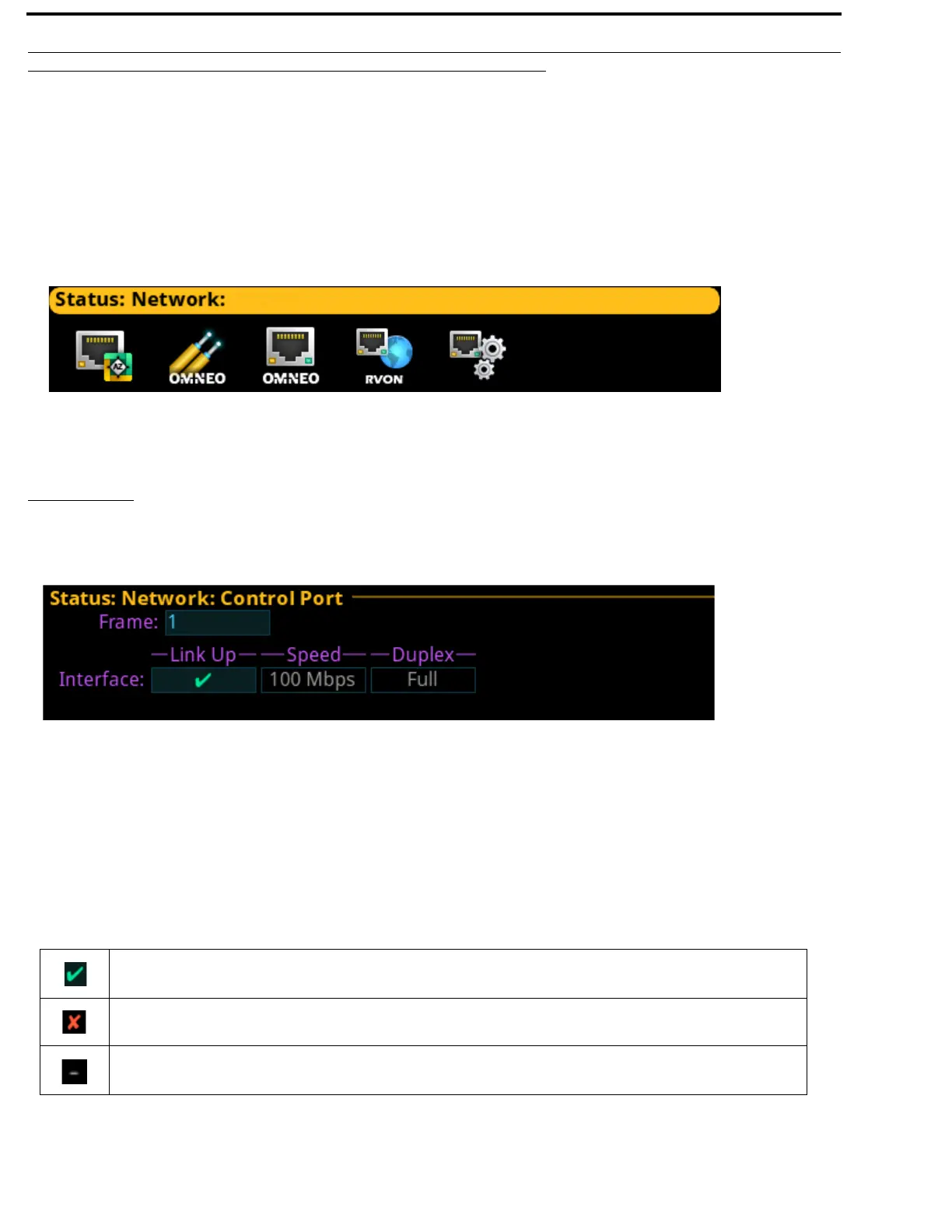
The Network menu item is used to view information about the following network connections:
Control Port
OMNEO (SFP)
OMNEO (RJ-45)
RVON
Management Port
Control Port
The Control Port screen is used to view the control port network status information. The Control Port is the physical interface for
the computer running AZedit. The control port is also the physical interface for communications to a Trunk Master.
Frame Field
The Frame field, if visible, displays the frame currently being viewed.
Link Up Field
The Link Up field displays the status of data communication on the port.
Available statuses are:
FIGURE 16. Status | Network Menu Icons
FIGURE 17. Status | Network | Control Port
The Ethernet link is up
The port is configured (has an IP address) but the link is not up
The control port is not configured (has no IP address)



 To Next Page