108 Menu System Description ODIN Intercom Matrix
Frame Field
The Frame field is used to select the frame to be viewed.
IMPORTANT: Since the Primary and Secondary Uplinks and Downlinks fields are exactly the same, the following field
descriptions apply to all four sections.
Primary/Secondary Uplink/Downlink
The Primary/Secondary Uplink/Downlink sections display the communication status of the connectors located on the back panel
of the ODIN frame.
Connected Field
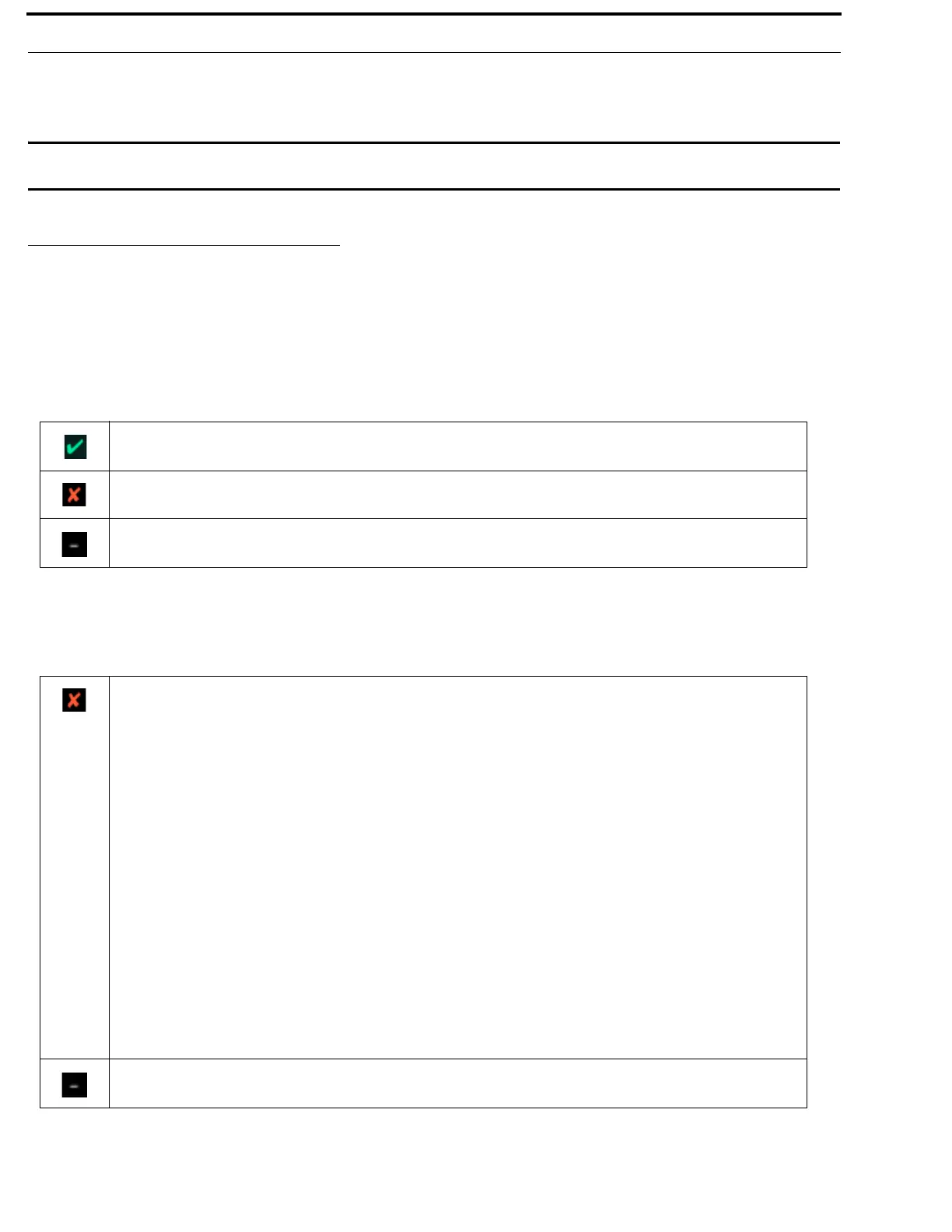
The Connected field displays the status of the IFL communication link between frames.
Available statuses are:
Fault Field
The Fault field displays physical wiring faults detected in the IFL configuration, if any. Faults seen can be uplink to uplink or
downlink to downlink wiring.
IFL is connected.
IFL is installed but not connected.
No IFL is installed.
There are faults.
To display the type of fault, do the following:
1. Rotating the right encoder knob, navigate to the Fault field.
2. Click the right encoder knob.
OR
Press the SEL key.
The types of faults that can be see are:
• Unknown Fault
• Uplink port connected to uplink port
• Downlink port connected to downlink port
• Frame linked to itself
• Unrecognizable frame
• Frames wired out of order
• Frame mapping tables disagree on frame identity
• Number of frames in system size differs
There are no faults.



 To Next Page