ODIN Intercom Matrix Menu System Description 91
Connected Field
The Connected field is used to view the state of the connection. Typical states are Idle and Connected, however there can be
transitional states during connection setup and tear down.
The connection states available are Connected and Idle.
Duration Field
The Duration field is used to view the duration of the connection.
This field is shown in days and hh:mm:ss (for example, 3 days 02:32:23).
IP Address Field
The IP Address field displays the IP address of the OMNEO device to which this port is connected.
Rx Latency Field
The Rx Latency field displays the latency of receive audio for this connection.
Device Type Field
The Device Type field displays the type of OMNEO device connected to the port.
Channel Field
The Channel field displays the channel number on the device to which this port is connected.
Description Field
The Description field displays the description of the channel.
Drops Field
The Drops Field displays the number of times a connection has been disconnected.
RVON
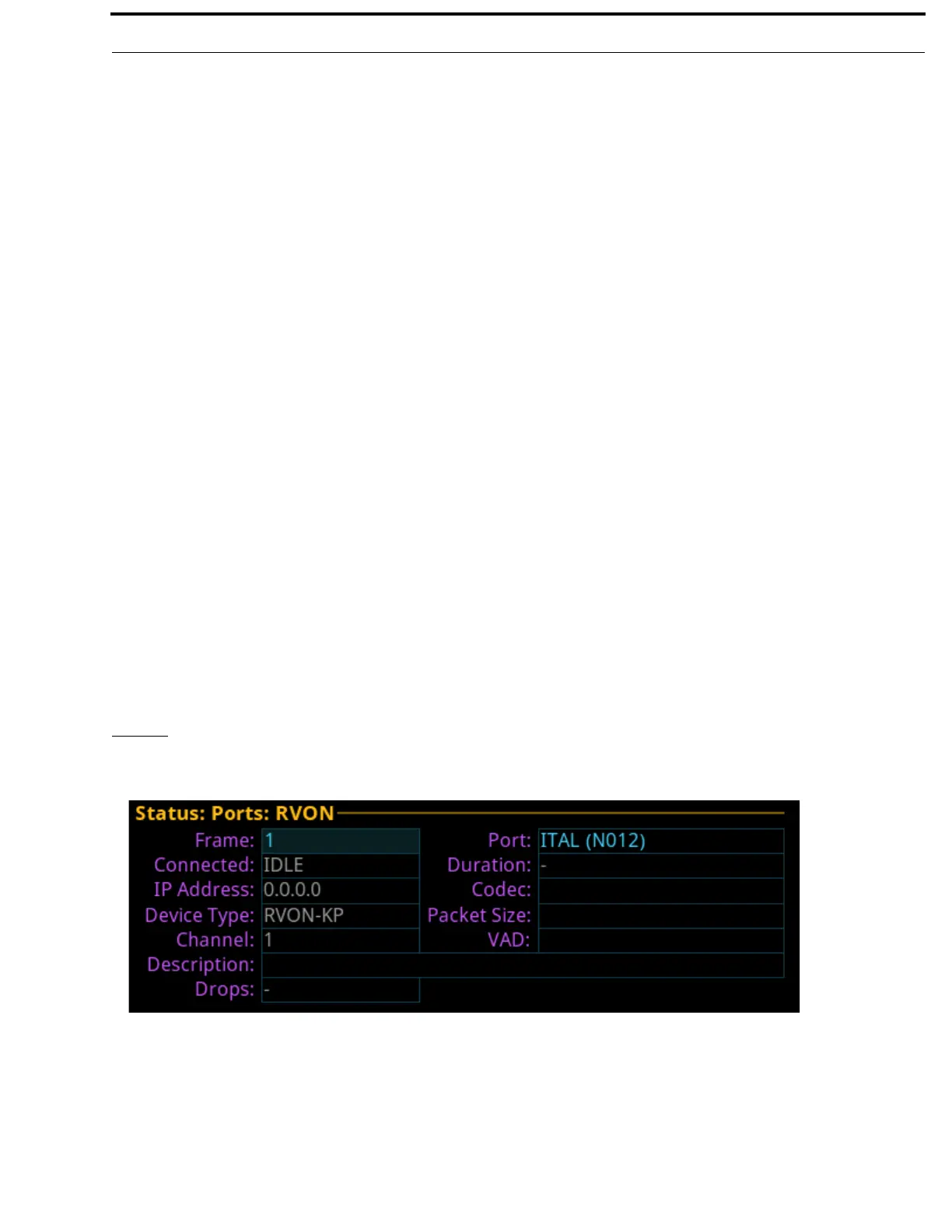
The RVON screen displays the status for RVON ports.
Frame Field
The Frame field is used to select the frame to be viewed.
Port Field
The Port field displays the port alpha for the RVON port.
FIGURE 24. Status | Ports | RVON



 To Next Page